Page 87 of 254
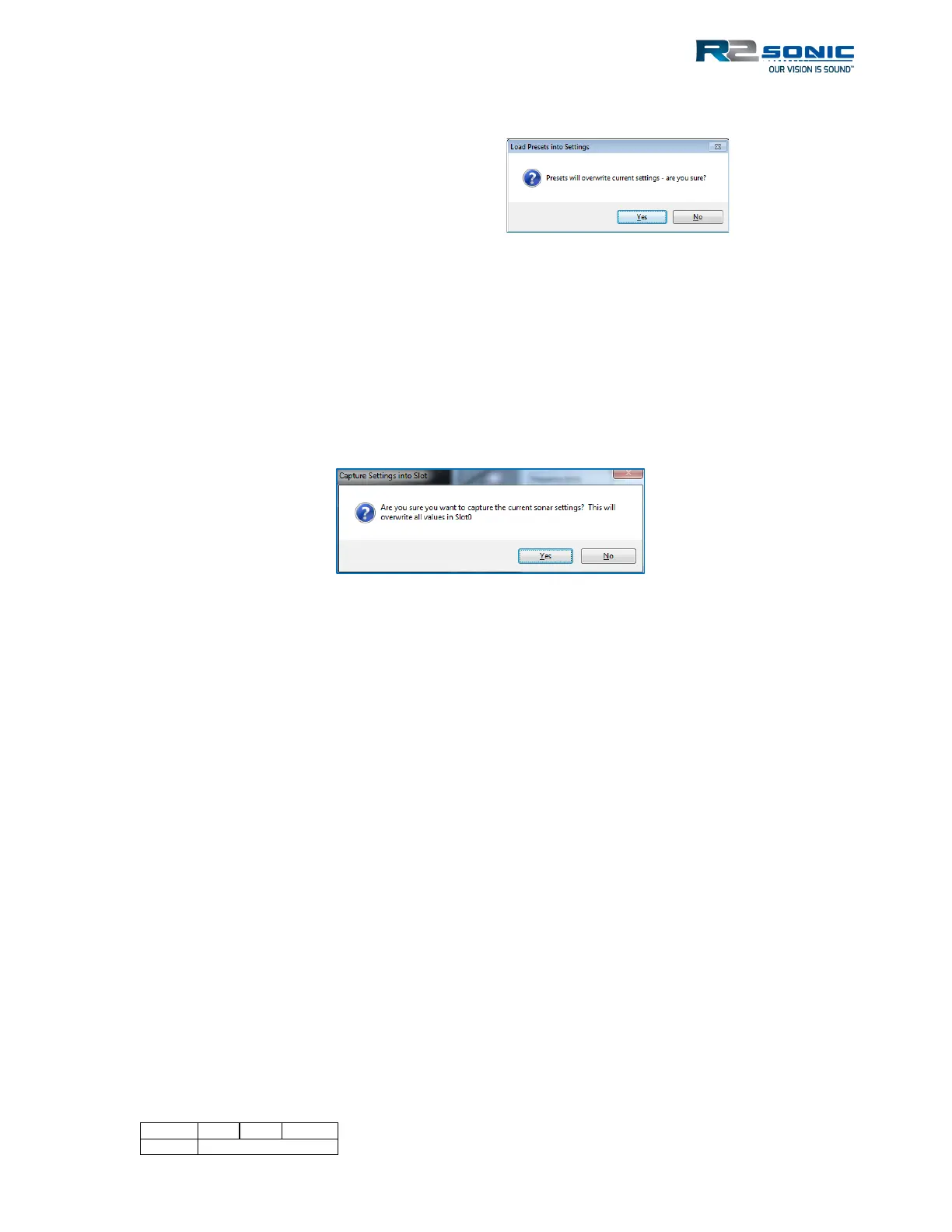
When loading a configuration, from the Presets, the user will be notified that the current settings
are about to overwritten.
Under ‘Mission Mode’ there are preset options that can be used as a starting point or two Custom
settings, which can be renamed by selecting the ‘Rename Mode’ option.
The number of frequencies, which are required, can be manually set by the ‘# (number) of Slots’
drop-down menu. Each Slot can be set up manually by either entering the desired parameters or
using the drop-down menu. An alternative is that if Sonic Control is currently using the desired
configuration, the user merely clicks on the associated Slot column heading and those settings will
be automatically transferred.
Figure 90: Capture settings prompt
When ‘Enable MultiMode’ is selected, by clicking on the associated box, the sonar will ping with Slot
0’s configuration and, on the next ping, use Slot 1’s configuration, then Slot 2’s configuration and
etc. When the last Slot is used, the sonar starts over at Slot 0’s configuration.
When MultiMode is enabled, the sector coverage and sector rotate will no longer be able to be
adjusted via the computer mouse; the only way to change the sector coverage and the sector
rotate is through the MultiMode settings.
5.7.2 Pipeline Mode
Pipeline mode is designed for UHR capable systems. When enabled, the sonar will switch, ping by
ping, between UHR mode and standard mode. This capability means that the pipeline or other
linear feature is mapped with UHR, and the full resolution of the surrounding natural bottom is
mapped at the same time. This is opposed to systems that sacrifice beams to concentrate on a
linear feature and sacrifice beams for the surrounding seafloor; pipeline mode provides full
resolution of the feature as well as the seafloor on either side. Both the pipeline and the corridor
receive full resolution coverage.
When enabled, the sonar will ping at 700kHz and then 400kHz (or other selectable frequency). The
default sector size for UHR is 70°; the default for 400kHz is 125°. Pipeline mode can also benefit
from using UHD bottom sampling. It is recommended that prior to entering the pipeline mode, the
Figure 89: Preset warning



 To Next Page