19
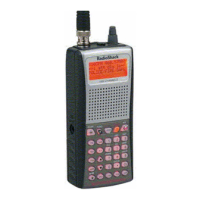
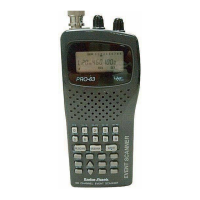
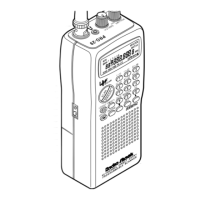
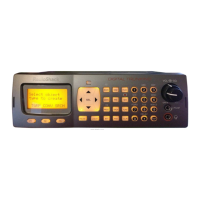
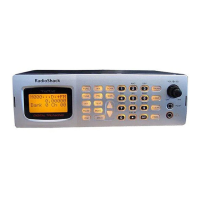
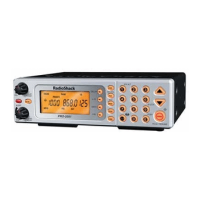
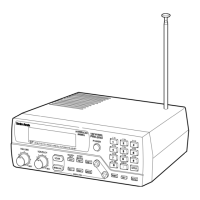
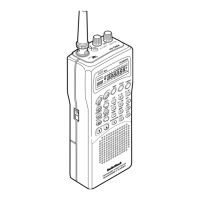
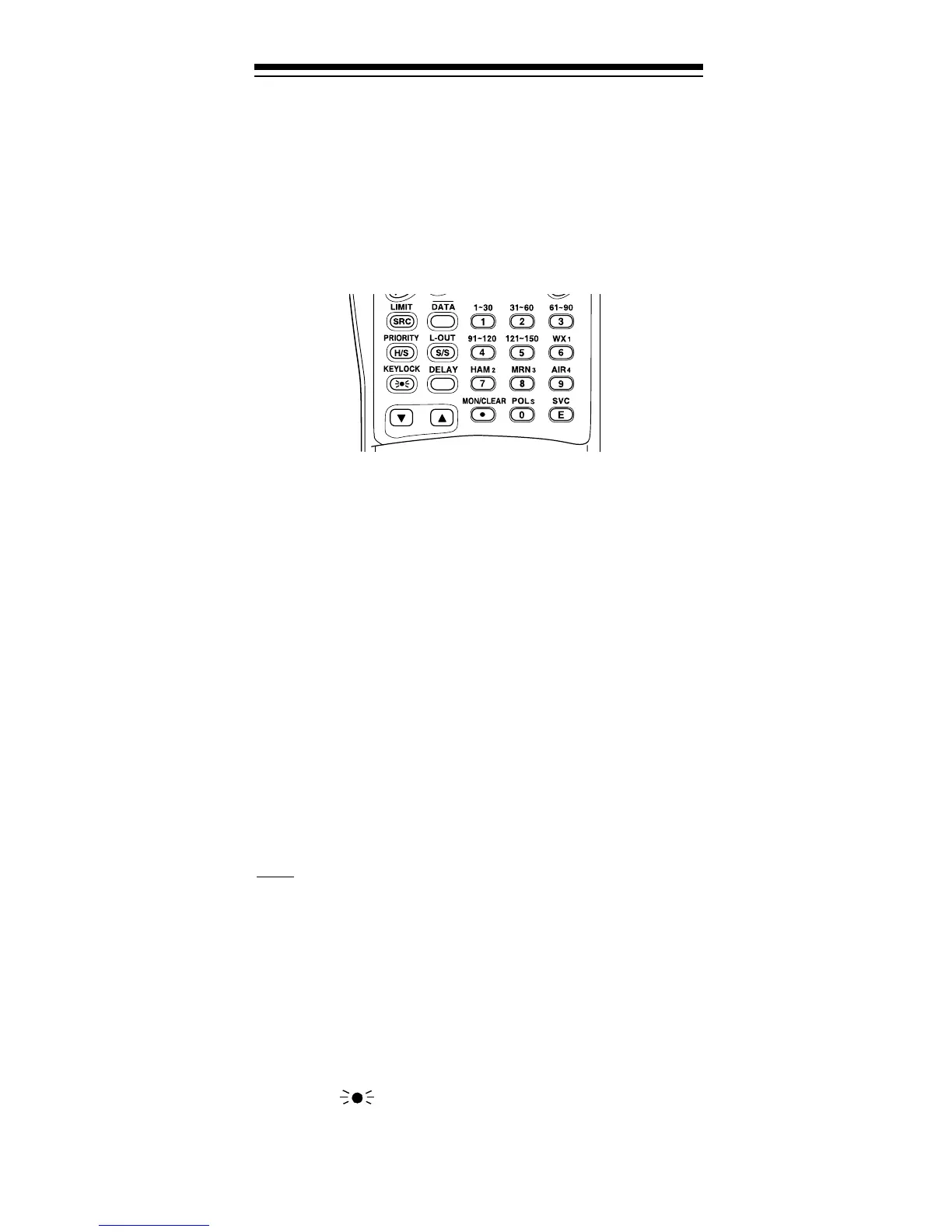
A LOOK AT THE KEYPAD
Your scanner’s keys might seem confusing at first, but
this information should help you understand each key’s
function.
HOLD
— holds the frequency search; holds on the cur-
rent ID in the trunk tracking mode.
SCAN
— scans through the stored channels.
MAN (manual)
— stops scanning and lets you directly
enter a channel number or frequency.
PROG (program)
— stores frequencies into channels;
programs the trunking frequency, fleet map, and ID
memories.
TRUNK
— switches between conventional and trunk
tracking.
LIMIT/SRC (search)
— starts a limit search; searches a
specified frequency range to find frequencies; searches
for another active ID while trunk tracking.
— turns on or off the data signal skip feature;
moves through menu settings while trunk tracking.
PRIORITY/H/S (Hypersearch)
— sets and turns on and off
the priority feature
;
turns on and off Hypersearch.
L-OUT/S/S (search skip)
— lets you lock out selected
channels or skip specified frequencies during a search;
lets you lock out a selected ID while trunk tracking.
KEYLOCK/
— locks the keypad to prevent acciden-
tal program changes; turns on the display light for 15
seconds.
DATA


 To Next Page
 Loading...