20
DELAY
— programs a 2-second delay for the selected
channel, a limit search, or each service scan; programs
a 5-second delay while trunk tracking.
t — searches down through a selected frequency
range during a frequency search; selects options dur-
ing program operation; changes the ID location number
while trunk tracking.
s — searches up through a selected frequency range
during a frequency search; selects options during pro-
gram operation; changes the ID location number while
trunk tracking.
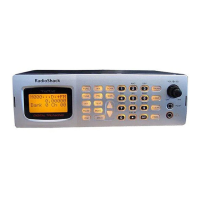
Number Keys — each key has a single-digit label and a
range of numbers. The single digits are used to enter a
channel, frequency, service bank, or ID number. The
range of numbers (31–60, for example) are used to en-
ter the channels that make up a memory bank.
MON/CLEAR/
•
— stores frequencies into monitor mem-
ories during a search; recalls frequencies from monitor
memories when programming a channel; stores
searched IDs into monitor memories or selects options
while trunk tracking; enters a decimal point or clears an
incorrect entry.
SVC (service)/E (enter)
— starts a service bank search;
enters frequencies into channels.
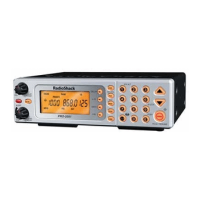
A LOOK AT THE DISPLAY
The display has indicators that show the scanner’s cur-
rent operating status. A good look at the display will
help you understand how your scanner operates.
BANK
— appears with numbers (1–5). The numbers
show which channel-storage banks are turned on for
scanning.
TRUNK
— appears when the scanner is set for trunk
tracking.


 To Next Page
 Loading...