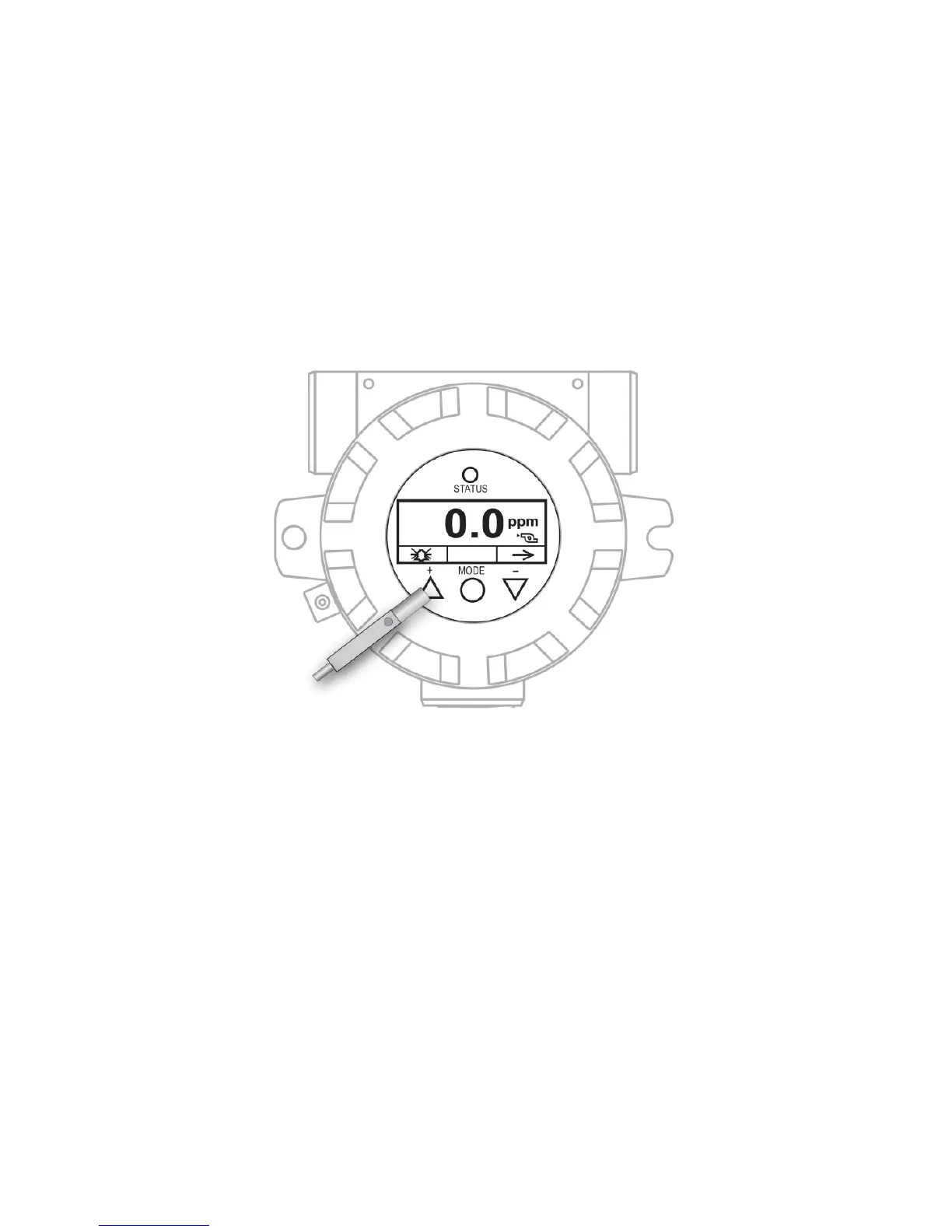
7.3 Using The Magnet Key
Using the magnet end of the Magnet Key, briefly touch the glass
above the MODE circle or the triangles labeled [+] and [-]. Then
remove the key straight out and away from the RAEGuard 2 PID.
RAEGuard Magnet Key touching glass above the [+] triangle.
Important! Never drag the key sideways, or two functions may be
activated.
7.4 System Initialization
When the RAEGuard 2 PID’s system power is turned on, it initializes
and a RAE Systems logo appears on the display. As the transmitter is
warming up, each component is checked. The countdown timer
appears on the screen for the warm-up.
7.5 Reading Display
As the transmitter enters the Reading Display, it automatically starts
testing for errors and goes through a cycle of checking each alarm



 To Next Page