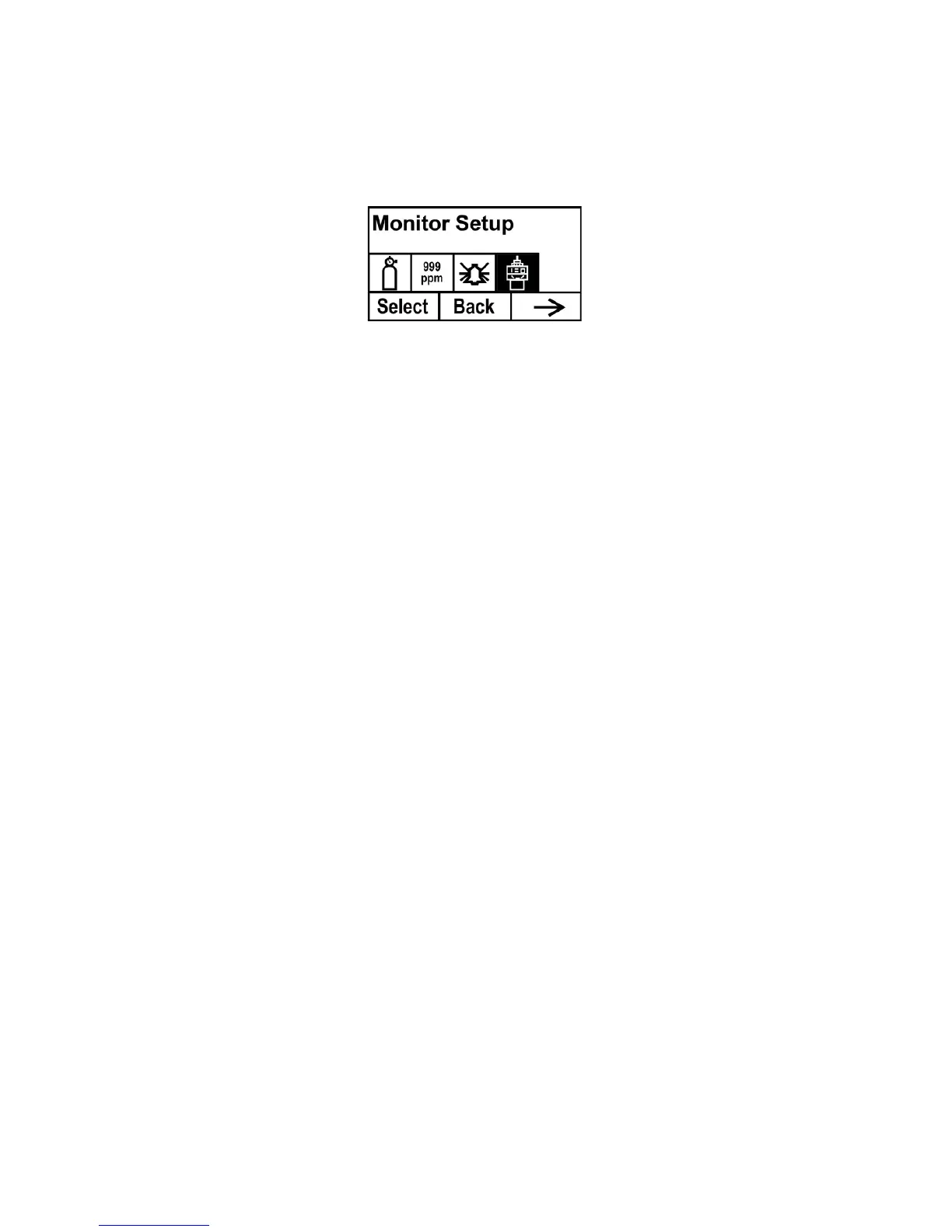
9.5 Monitor Setup
This menu has sub-menus for setting the date, time, and other
parameters.
Temp. unit
Set the temperature units to either Fahrenheit or Celsius.
1. Press [-] to place the cursor on the temperature unit you want.
2. Press [+] to make the selection.
3. Press [+] to save your selection, exit the Temp. unit submenu
and return to the Monitor Setup menu.
Note: If you do not want to save the change and want to
make further changes, press [MODE]. Press [-] to exit
without saving the changes.
Language
Choose from English or Chinese.
1. Press [-] to place the cursor on the language you want.
2. Press [+] to make the selection.
3. Press [MODE] to save your selection, exit the Language
submenu and return to the Monitor Setup menu.
Pump Duty (%) (Advanced Mode)
The pump’s duty cycle is the ratio of its on time to off time. The duty
cycle ranges from 50% to 100% (always on), and the period is 10
seconds. Therefore, a duty cycle of 60% means that the pump is on
for 6 seconds and off for four seconds. RAE Systems’ patented duty
cycling is employed by the instrument to clean the PID. A lower duty
cycle has a greater effect on keeping the PID clean than a higher duty
cycle.
Important! Pump duty cycling is interrupted when the instrument
senses a gas. The pump’s duty cycle is disabled when the



 To Next Page