condition. If there are no errors or alarm conditions, the green “OK”
LED is lit and the gas concentration is displayed.
If there is an error, the “Fault” LED blinks and an error message
blinks. Each alarm condition has a corresponding LED that blinks an
amber color when the readings are outside a specified range or limit.
7.6 Instrument Status Display
After warm-up, the detector enters the Status Display. It automatically
starts testing for errors and goes through a cycle of checking each
alarm condition. If there is no error message or alarm condition, gas
concentration is displayed and LED flashes green.
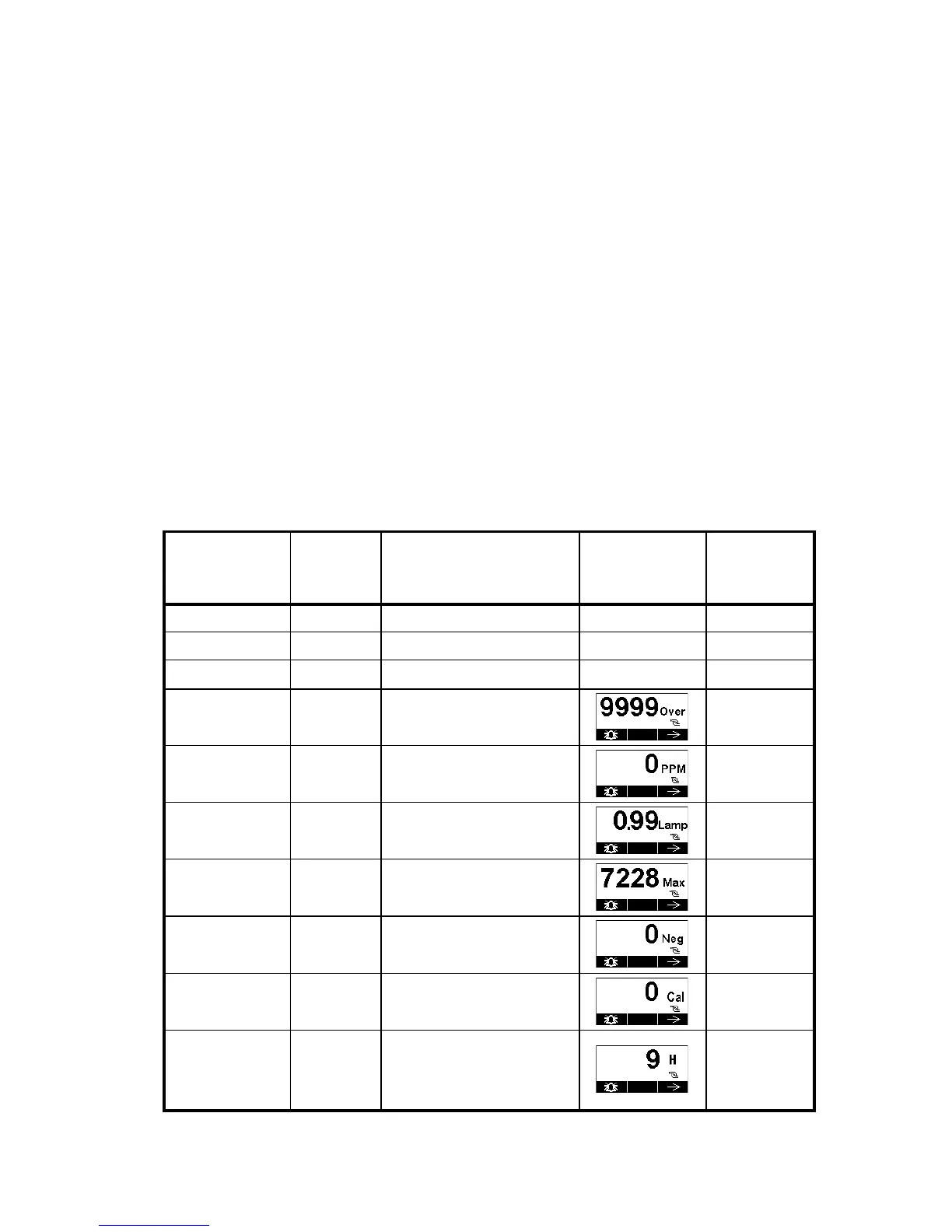
If there is an error or alarm, a corresponding message shows on the
screen, and the LED indicates different statuses:
Status
External
Alarm
LED
LCD
Output
Current



 To Next Page