8 Navigating Settings
You can view the basic settings, clear the Peak and Minimum readings,
and perform a test of the Analog system without entering Programming
Mode.
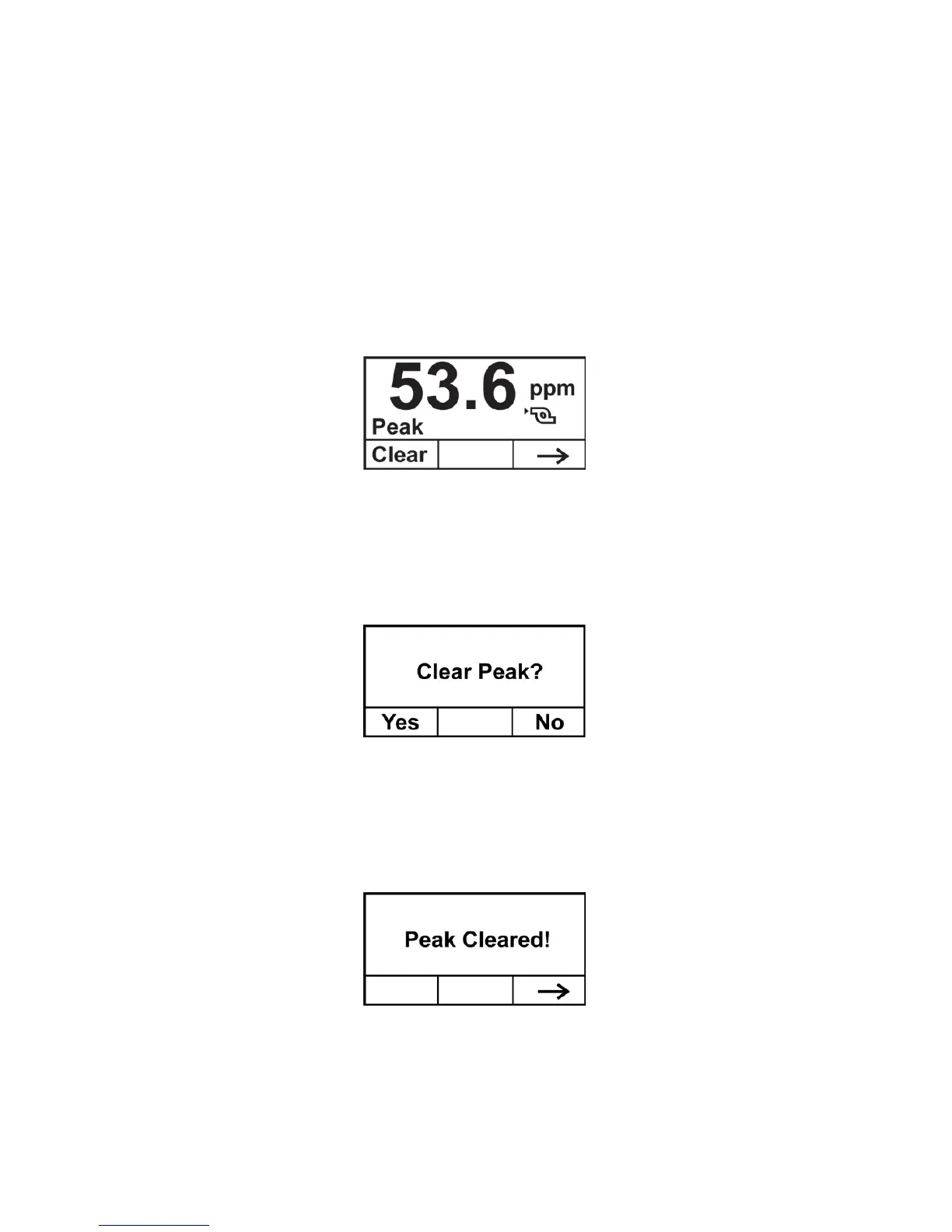
At the main reading screen, hold the magnetic key over [-] for two
seconds. The RAEGuard 2 screen changes to show the current peak
value in memory:
• If you do not want to clear the peak value, press [-].
• To clear the peak value (reset it), press [+].
This screen appears:
• If you do not want to clear the peak value, press [-]. The screen
advances to Min. Clear.
• To confirm that you want to clear the peak value (reset it), press
[+]. The value is cleared, and this screen is shown:
Advance to the next screen, Min value, by pressing [-].



 To Next Page