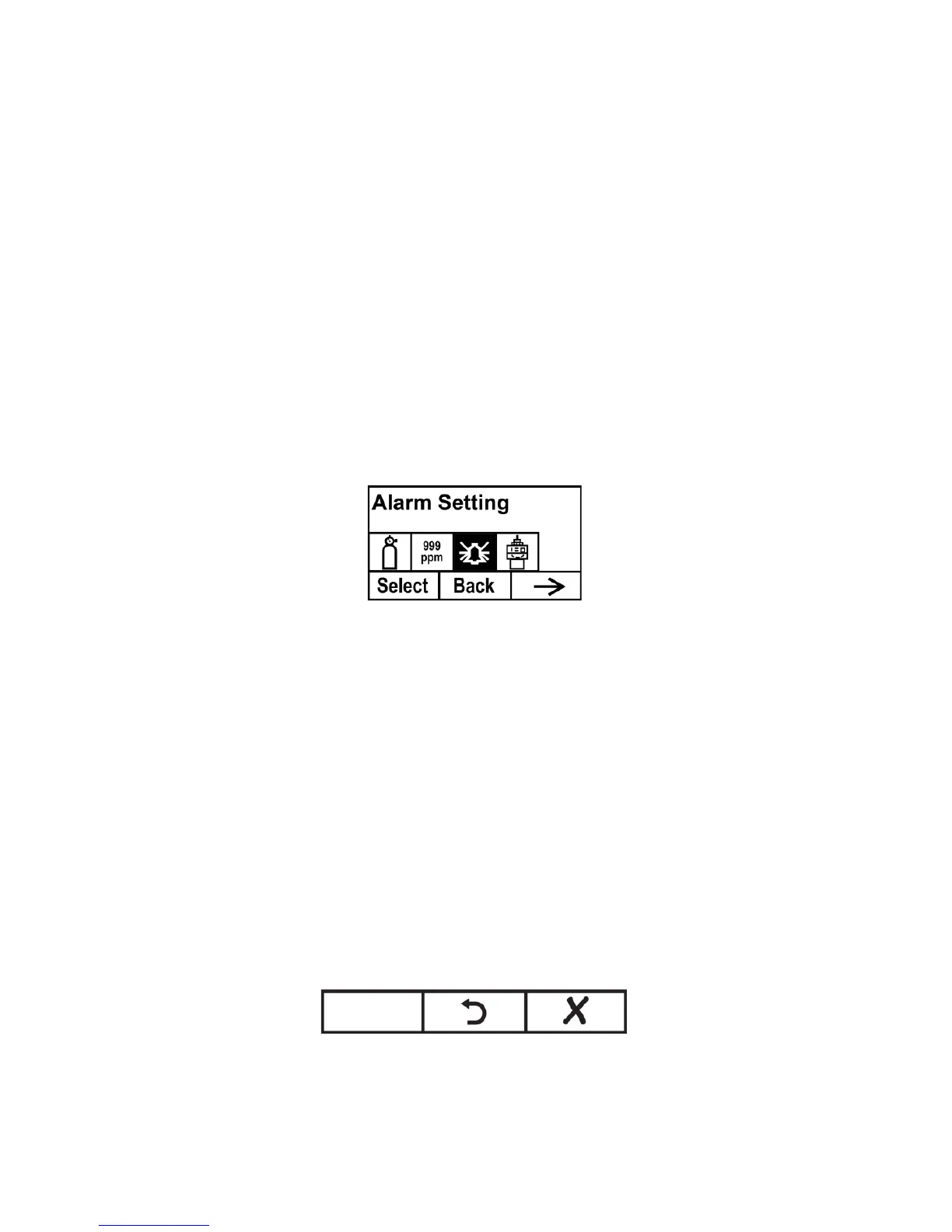
9.4 Alarm Setting
During each measurement period, the gas concentration is compared
with the programmed high and low gas concentration alarm limits. If
the concentration exceeds any of the preset limits, the alarms (and
relays) are activated immediately to warn of the alarm condition.
An alarm signal summary is shown in the Instrument Status Display
table on page 44.
In this menu, you can change the High and Low alarm limits. Press
[Y/+] to enter the Alarm Setting menu.
Note: All settings are shown in ppm (parts per million).
1. Select High or Low Alarm by pressing [-].
2. Press [+] to select edit that alarm’s setting. The display shows
a flashing cursor on the left-most digit of the previously
stored alarm setting.
3. Press [+] to increase each digit’s value.
4. Press [-] to advance to the next digit.
5. Again, use [+] to increase the number.
Repeat this process until all numbers are entered.
Press [MODE] when you are done.
Note: If you set an invalid input value, then it says “Invalid input!”
and this set of buttons is shown along the bottom of the display:
•
Press [MODE] to go back and input a valid value.
•
Press [-] to exit back to the main menu without making a
change.



 To Next Page