• Gas Library is a library that consists of all the gases found in
RAE Systems’ Technical Note TN-106 (available online at
www.raesystems.com).
•
Press [-] to step between the two options.
•
Press [MODE] to go back to the menu level above it.
•
Press [+] to select your choice and advance to its submenu.
Then follow the steps for the type of selection group you have
chosen:
Last Ten
1.
Step through the list’s gases by pressing [-].
2.
Register your selection by pressing [+].
3.
Save your choice by pressing [MODE].
Gas Library
1.
Step through the list’s gases by pressing [-].
2.
Register your selection by pressing [+].
3.
Save your choice by pressing [MODE].
Note:
Whenever you change the calibration gas type, you must set the
span value.
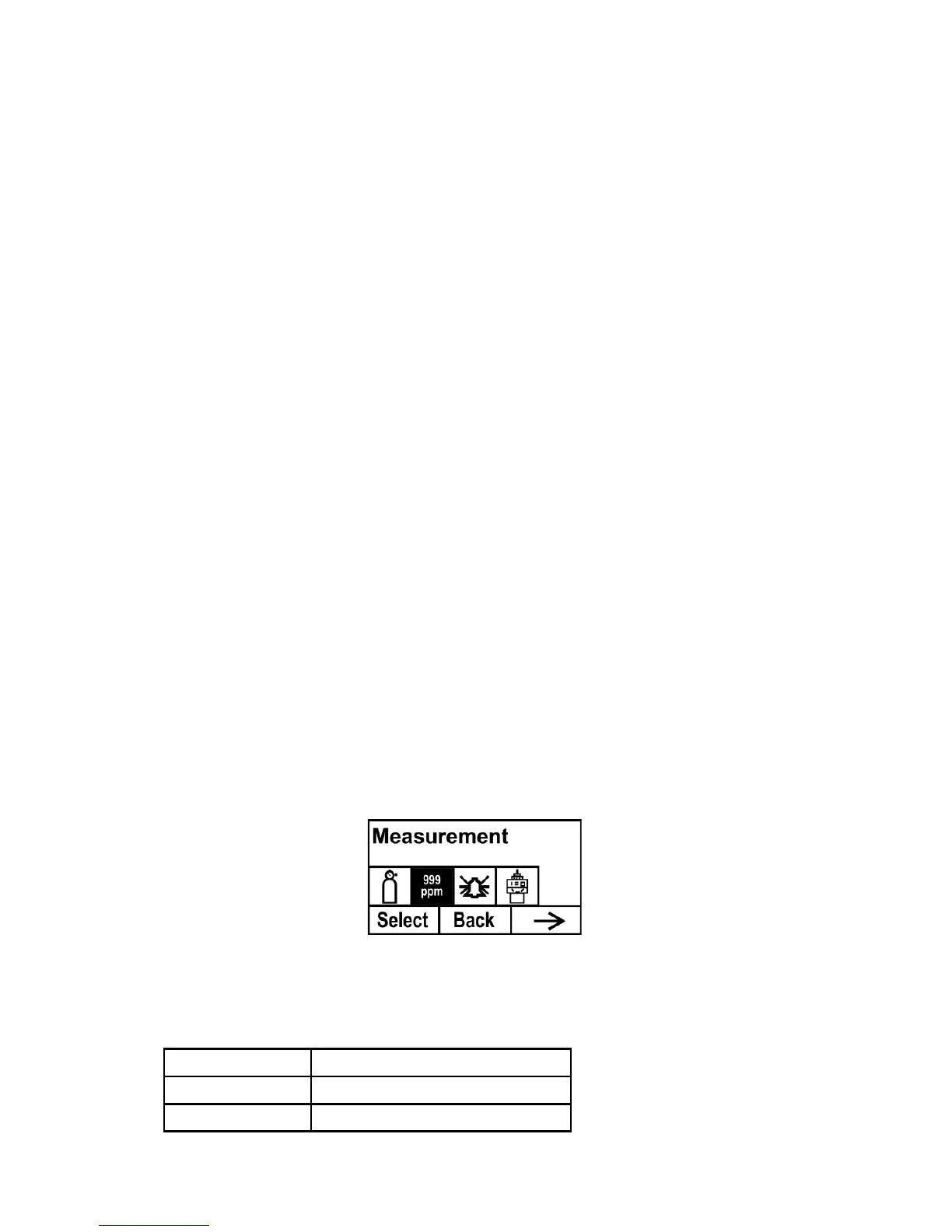
9.3 Measurement (Advanced Mode)
Measurement settings allow you to set measurement units, range, gas,
and other parameters.
Meas. Unit (Advanced Mode)
Standard available measurement units include:



 To Next Page