1. Press [-] to move the cursor from “ppm” to “mg/m3” or cycle
through them.
2. Press [+] to register your choice.
3. Press [MODE] to save the selection.
4. Press [+] to save the Measurement Unit, [MODE] to return to
editing it, and [-] to cancel the change.
The new Measurement Unit is saved, and the RAEGuard 2 PID
exits back to the “Monitor Setup” menu.
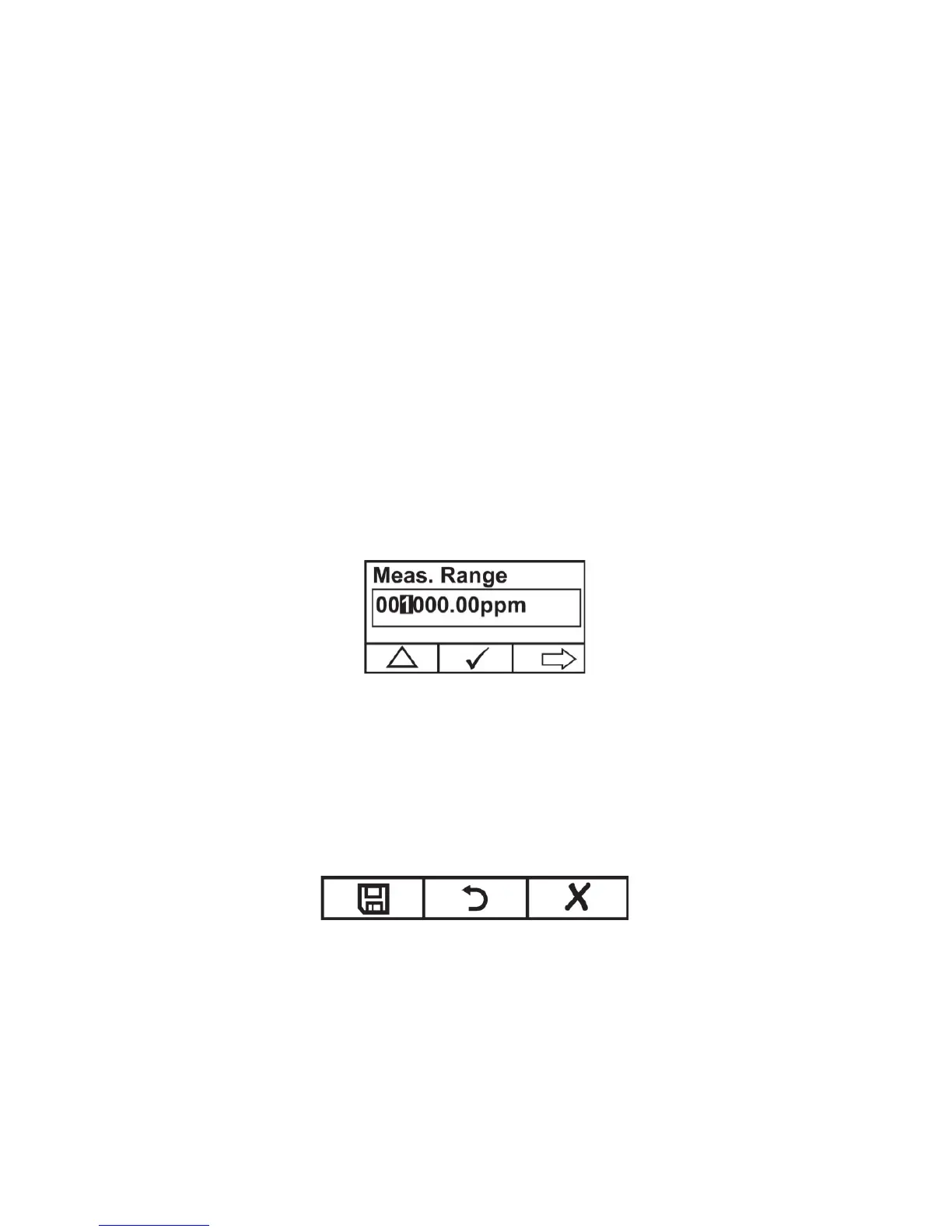
Meas. Range (Advanced Mode)
Each sensor head has a maximum range for its sensor (for instance,
100 ppm). However, if you want to increase sensitivity in a lower
range, it is possible to change the measurement range (from the preset
100 ppm to 60 ppm, for example).
1. Press [+] to increase the number from 0 to 9 (it wraps around
to 0 again after 9).
2. Press [-] to step through digits.
3. Press [MODE] to save the new value.
If you have set a value that is within range, then you see this screen:
• Press [+] to save the new value.
• Press [MODE] to go back and edit it again.
• Press [-] to exit without making a change.
If the value is within the sensor’s range when you press [+], the value
is saved and “Saved!” is displayed.



 To Next Page