measurement is greater than the 2ppm threshold and is re-enabled
when the reading falls below 90% of the threshold (1.8 ppm).
1. Press [+] repeatedly to select a desired number. Numbers
increase from 0 to 9. Once 9 is reached, pressing [+] again
“wraps” around back to 0.
2. Press [-] to advance to the next digit.
Repeat this process until all digits of the new value are
entered.
3. Press [MODE] to register the Pump Duty value.
4. Press [+] to save the value, [MODE] to go back and edit the
value, or [-] to cancel and return to the menu.
Note: If you set an invalid input value, then it says “Invalid input!”
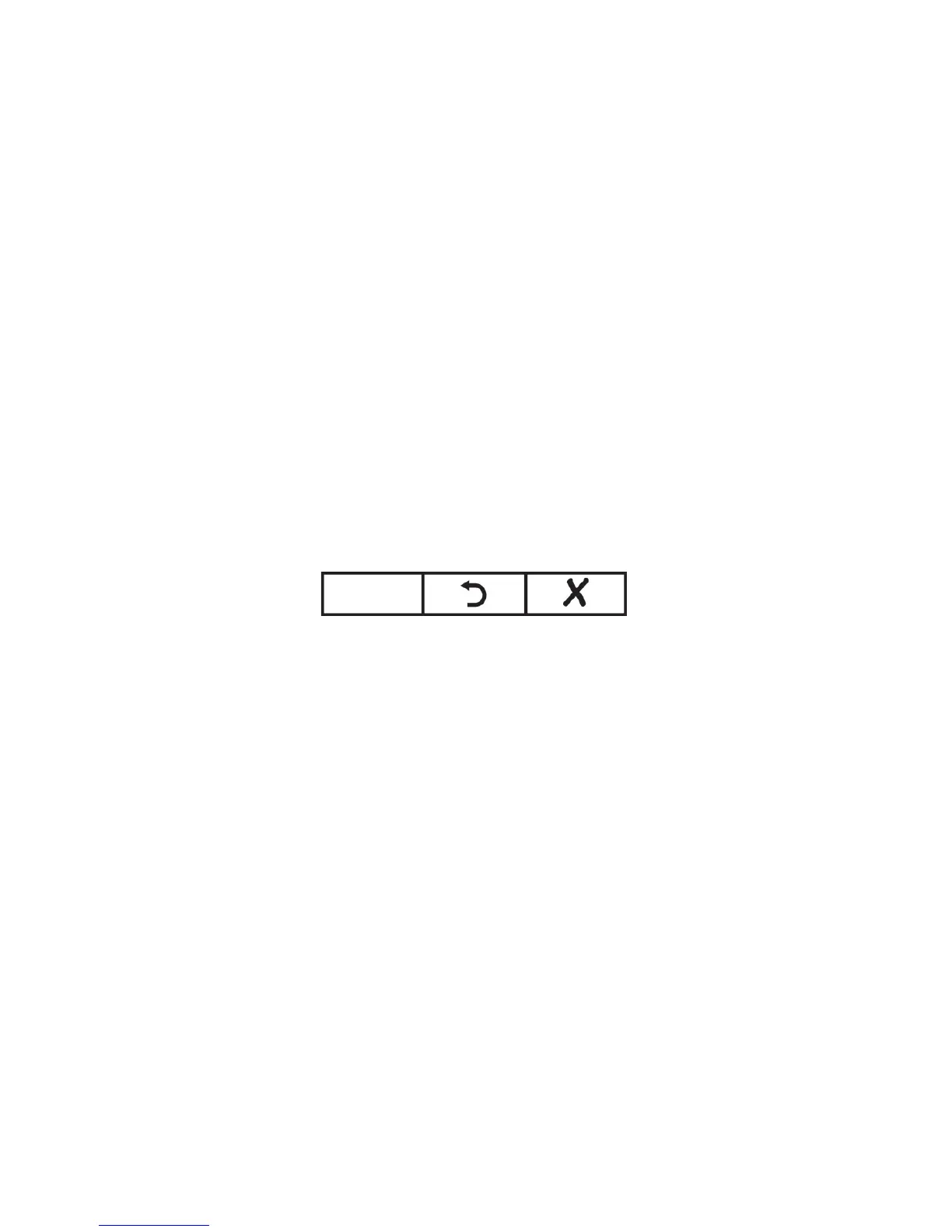
and this set of buttons is shown along the bottom of the display:
•
Press [MODE] to go back and input a valid value.
•
Press [-] to exit back to the main menu without making a
change.



 To Next Page