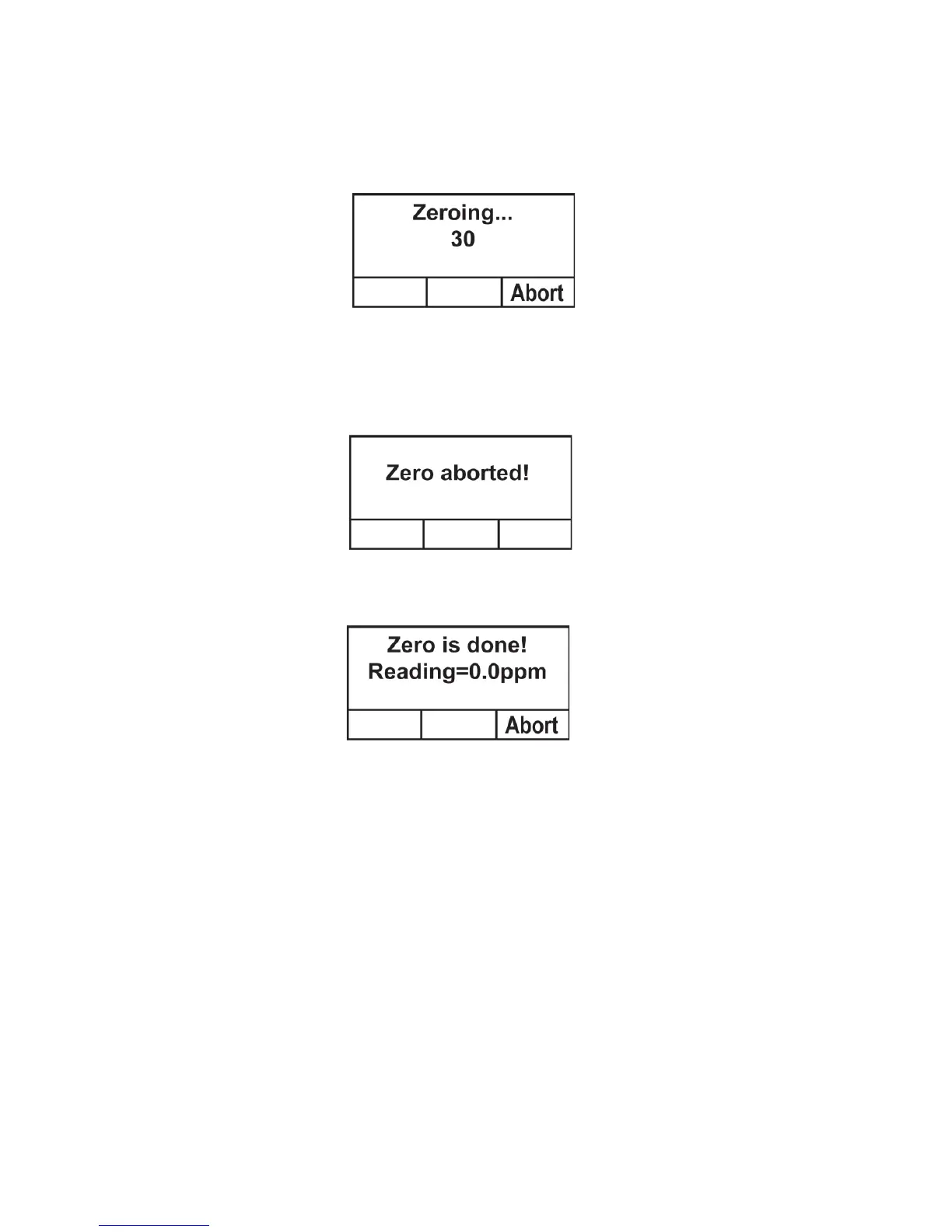
7. Press [+]. A countdown screen is shown as the calibration is
performed:
Note: You may abort the calibration during the countdown by
pressing [-]. If you stop the calibration, the process stops and
this screen is displayed before the menu screen is shown:
8. Once the calibration is complete, this screen is shown:
9. If the calibration is not successful, and you see the “Zero
Calibration Failed” message, check that the inlet is not
blocked and that there are no other problems before retrying.



 To Next Page