ESP-ME3 Controller
11
EN
Program-Based Scheduling
The ESP-ME3 uses a programmed-based scheduling
method to create irrigation schedules. This means all
stations with a run time on the program will run in
numerical order.
Common Programming Error
The most common programming error for any pro-
gram-based controller is to set multiple Program Start
Times that cause watering cycles to repeat.
As an example: Program A has a 1st Start Time set to
run at 8:00 AM. But then a 2nd Start Time has mistak-
enly been set for 8:15 AM, which means that all sta-
tions would water a 2nd time.
In this example, a 3rd Start Time has mistakenly been
set for 8:30 AM. Which means all stations would water
a 3rd time. The desired watering time was 45 minutes,
or 15 minutes per station. The actual is 2 hours and 15
minutes, which is excessive watering!
Incorrect: Multiple Start Times set by mistake
Program
Letter
Program
Watering
Time
Program
Start Time
Station
Number
Station
Watering
Duration
A 1st 8:00 AM
1 15 MIN
2 15 MIN
3 15 MIN
A 2nd 8:15 AM
1 15 MIN
2 15 MIN
3 15 MIN
A 3rd 8:30 AM
1 15 MIN
2 15 MIN
3 15 MIN
Correct: Only one Start Time
Program
Letter
Program
Watering
Time
Program
Start Time
Station
Number
Station
Watering
Duration
A 1st 8:00 AM
1 30 MIN
2 30 MIN
3 30 MIN
4 30 MIN
Manual Watering Options
Test All Stations
Start watering immediately for all programmed
stations.
Turn the dial to Manual Watering
A
Press or to set a Run Time.
B
Press the Hold to Start button.
C
Turn the dial to AUTO after display shows
STARTED.
During Testing:
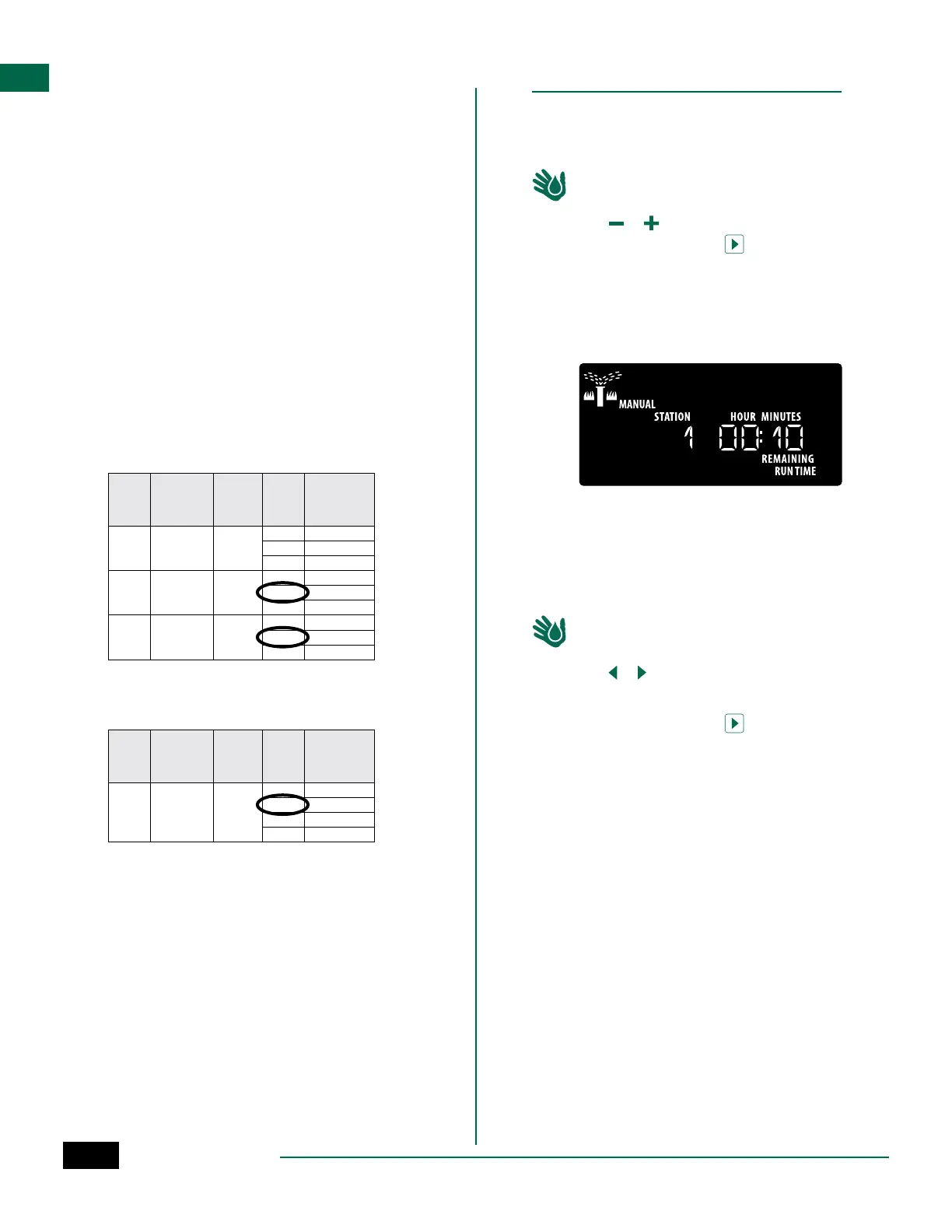
The display shows a blinking sprinkler symbol, the
active Station Number and the remaining Run Time.
D
To cancel the test, turn the dial to OFF for three
seconds until the screen shows OFF.
Run a Single Station
Start watering a single station, or set multiple stations
to water in order.
Turn the dial to Manual Watering
A
Press or to select the desired station.
B
Press – or + to set a Run Time.
C
Press the Hold to Start button.
D
Irrigation will begin and STARTED will appear on
the display.
E
Turn the dial back to AUTO
REPEAT process as desired to add more stations
to the queue. When one station finishes watering
then the next station will start.
NOTE: Manual Watering (Test All, Run Single Sta-
tion and Manual Program) will start even when a
weather sensor is set to SENS ON (sensor on).



 To Next Page
 Loading...











