ESP-ME3 Controller
15
EN
Detached Programming
Program the front panel remotely on battery power.
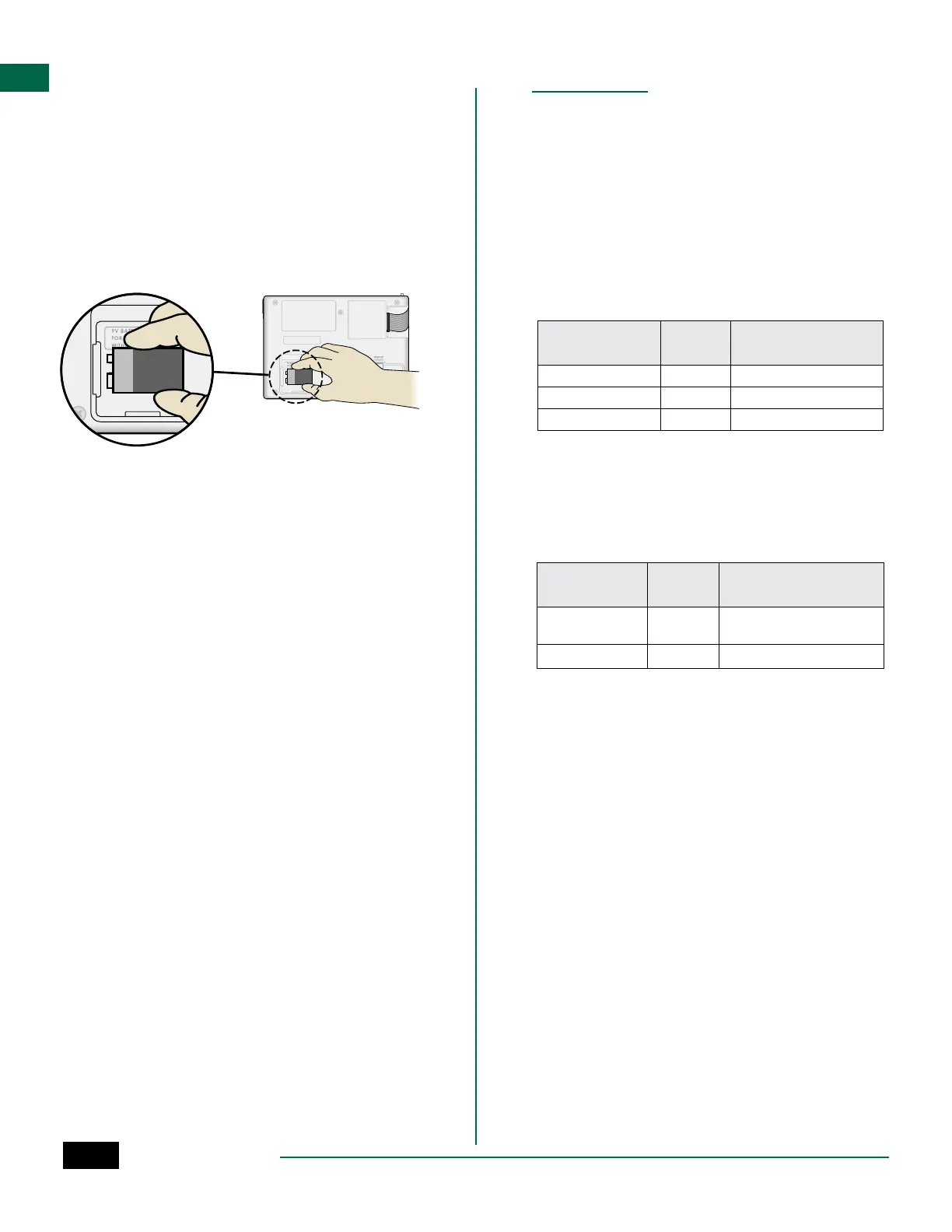
The front panel can be removed from the controller
and programmed remotely using a 9 volt battery for
power. Settings can be programmed for all 22 stations
regardless of which Station Modules are installed in
the controller.
A
Remove the front panel.
B
Install a 9V battery in the battery compartment.
C
Program the controller.
NOTE: Program information is stored in nonvol-
atile memory so it is never lost if the front panel
loses power.
D
Replace the front panel (refer to Complete
Installation in the Installation section).
NOTE: After the front panel is re-installed, any
station that does not have a corresponding Sta-
tion Module installed will function as though the
run time is zero.
Battery Life
If the display repeatedly shows “-- -- -- -- --”, or there
is no display when using a 9V battery for remote pro-
gramming, replace the battery.
Appendix
Troubleshooting
Error Detection
The ESP-ME3 controller has built-in error detection
that can automatically generate an ALARM caused by
an essential programming error or if an electrical short
condition is detected.
The ALARM LED light on the ESP-ME3 controller front
panel will light up to indicate an alarm condition:
Programming Errors (blinking LED)
Error
ALARM
LED
Error Message On
Display
No Start Times are set BLINK NO START TIMES
No Run Times are set BLINK NO RUN TIMES
No Water Days are set BLINK NO WATER DAYS
The error will go away when the station is successfully
run after condition is corrected.
NOTE: The dial must be in the AUTO position for
an ALARM message to appear on the display.
Electrical Errors (non-blinking LED)
Error
ALARM
LED
Error Message On
Display
Master Valve short SOLID MASTER VALVE SHORTED OR
HIGH CURRENT
Station short SOLID STATION “X” WIRE SHORTED
When an electrical error is detected, irrigation for the
affected station is cancelled and watering advances to
the next operable station in the program.
The controller will attempt to water the affected sta-
tion again at the next scheduled watering. Completion
of a successful watering will clear the error condition
associated with that station.



 To Next Page