ESP-ME3 Controller
12
EN
Run a Single Program
Start watering immediately for one program.
Turn the dial to AUTO.
A
Press Program Select to choose the desired
Program (if necessary).
B
Press the Hold to Start button to begin
watering the selected Program.
C
Irrigation will begin and STARTED will appear on
the display.
D
Press the Advance Station button to advance
to the next station if desired.
NOTE: A maximum of 88 stations can be queued
across all four programs.
During Manual Watering (Single-station or Single-program):
The display shows a blinking sprinkler symbol, the
active Station Number, and the remaining Run Time.
• To cancel manual watering, turn the dial to OFF for
three seconds until the screen shows OFF.
To add additional programs to the manual watering queue:
Turn the dial to Manual Watering
A
Press and hold Program Select to show program
letter on the display.
B
Press Program Select to choose the desired
program (if necessary).
C
Press the Hold to Start button to begin watering
the selected program.
D
Turn the dial to AUTO
Advanced Programming
Odd or Even Calendar Days
Set watering to occur on all ODD or EVEN calendar days.
Turn the dial to Water Days
A
Press Program Select to choose the desired
Program (if necessary).
B
Press and hold and until ODD or EVEN is
displayed.
Cyclic Days
Set watering to occur at specific intervals, such as
every 2 days, or every 3 days, etc.
Turn the dial to Water Days
A
Press Program Select to choose the desired
Program (if necessary).
B
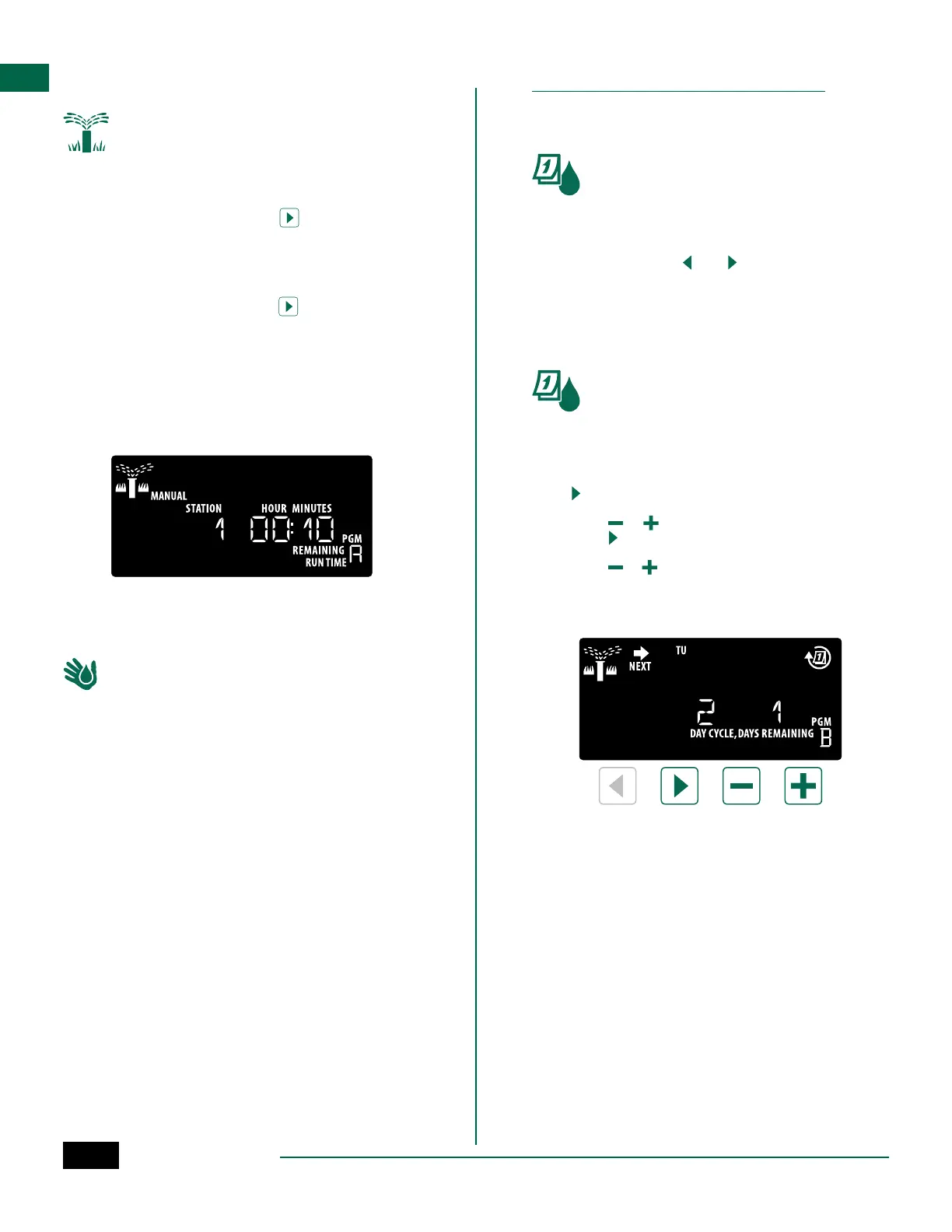
On the Custom Days of the Week screen, press
until the Cyclic screen is displayed (after SUN).
C
Press or to set the desired DAY CYCLE, then
press .
D
Press or to set the DAYS REMAINING before
the cycle begins. The NEXT watering day updates
on the display to indicate the day that watering
will start as shown.
NOTE: See Special Features to set Rain Sensor
ON by Station.



 To Next Page