ESP-ME3 Controller
13
EN
Seasonal Adjust
Increase or decrease program run times by a selected
percentage (5% to 200%).
As an example: If the Seasonal Adjust is set to 100%
and the station Run Time is programmed for 10 min-
utes, the station will run for 10 minutes. If the Seasonal
Adjust is set to 50%, the station will run for 5 minutes.
Turn the dial to Seasonal Adjust.
A
Press or to increase or decrease Seasonal
Adjust for all Programs.
B
To adjust an individual Program, press Program
Select to choose the desired Program (if
necessary). Press or to increase or decrease
Seasonal Adjust for all Programs.
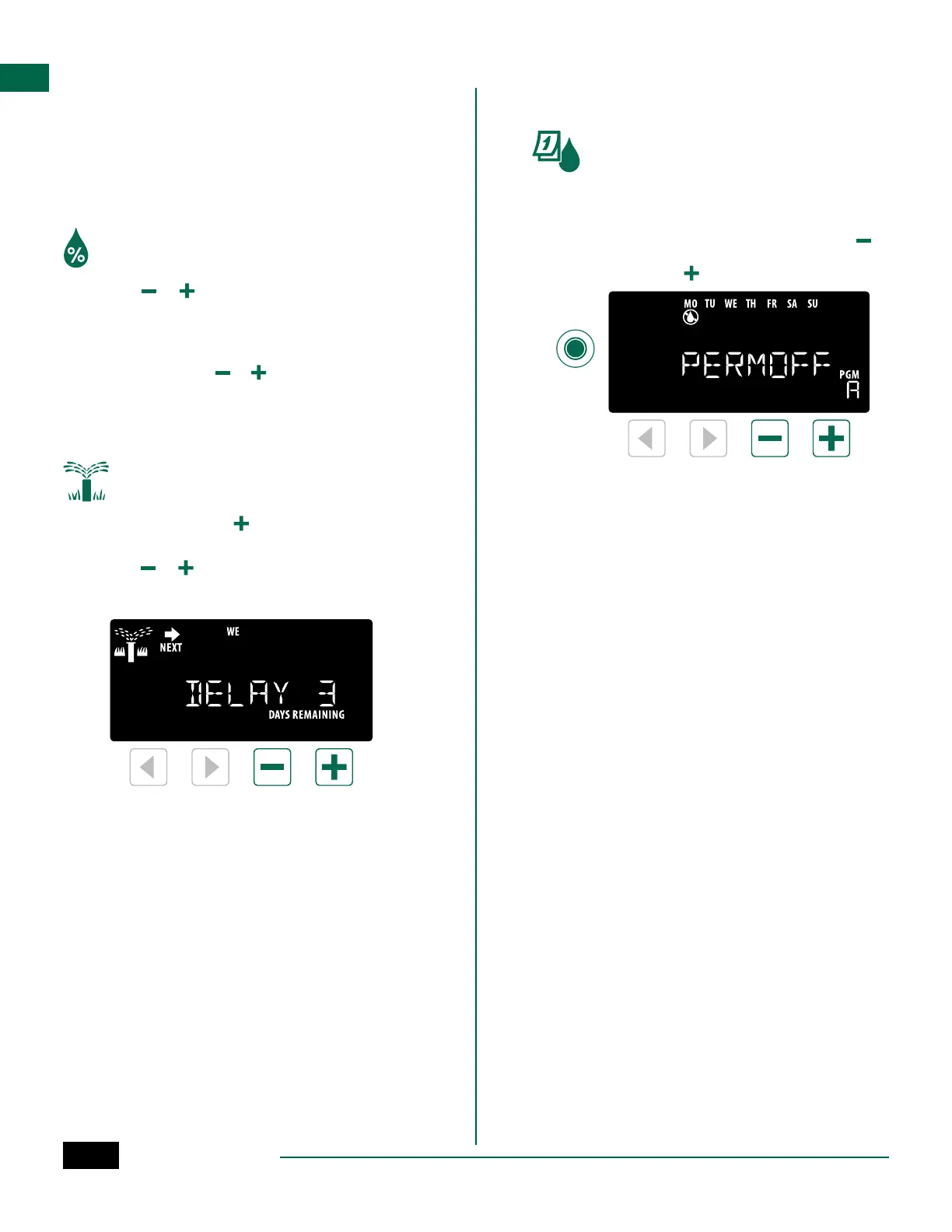
Delay Watering
Suspend watering for up to 14 days.
Turn the dial to AUTO.
A
Press and Hold the button to enter the Rain
Delay screen.
B
Press or to set the DAYS REMAINING. The
NEXT watering day will update on the display to
indicate when watering will resume.
C
To cancel a Rain Delay, set the DAYS REMAINING
back to 0.
NOTE: When the delay expires, automatic irriga-
tion resumes as scheduled.
Permanent Days Off
Prevent watering on selected days of the week (for
Odd, Even or Cyclic programming only).
Turn the dial to Water Days
A
Press Program Select to choose the desired
Program (if necessary).
B
Press and hold Program Select, then press to
set the selected (blinking) day as a Permanent
Day Off or press to leave the day ON.
Program
Select
A·B·C·D



 To Next Page