EAGLE™
User Manual
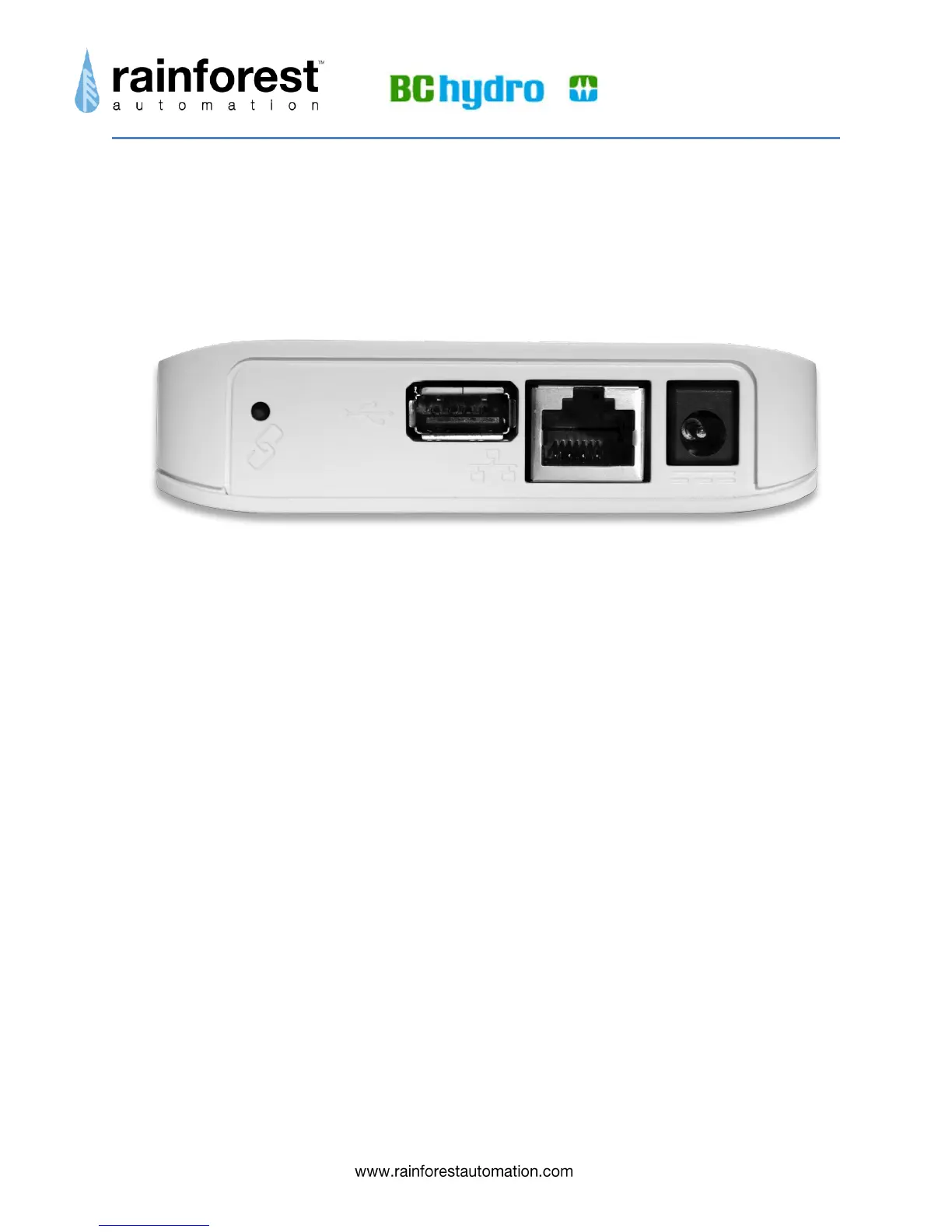
EAGLE™ Hardware Ports
Your EAGLE™ has three interface ports on the back.
From left to right, these ports are:
Power – the included AC adapter plugs into this socket. The other end of the
adapter plugs into a nearby power outlet.
Ethernet – the included Ethernet cable plugs into this socket. The other end of
the cable plugs into your local network router. This should be plugged in first
before plugging the power in.
USB – this socket can be used to expand the functions of the EAGLE™.
Nothing should be plugged into this socket.


 To Next Page