EAGLE™
User Manual
Internet Sub-Page
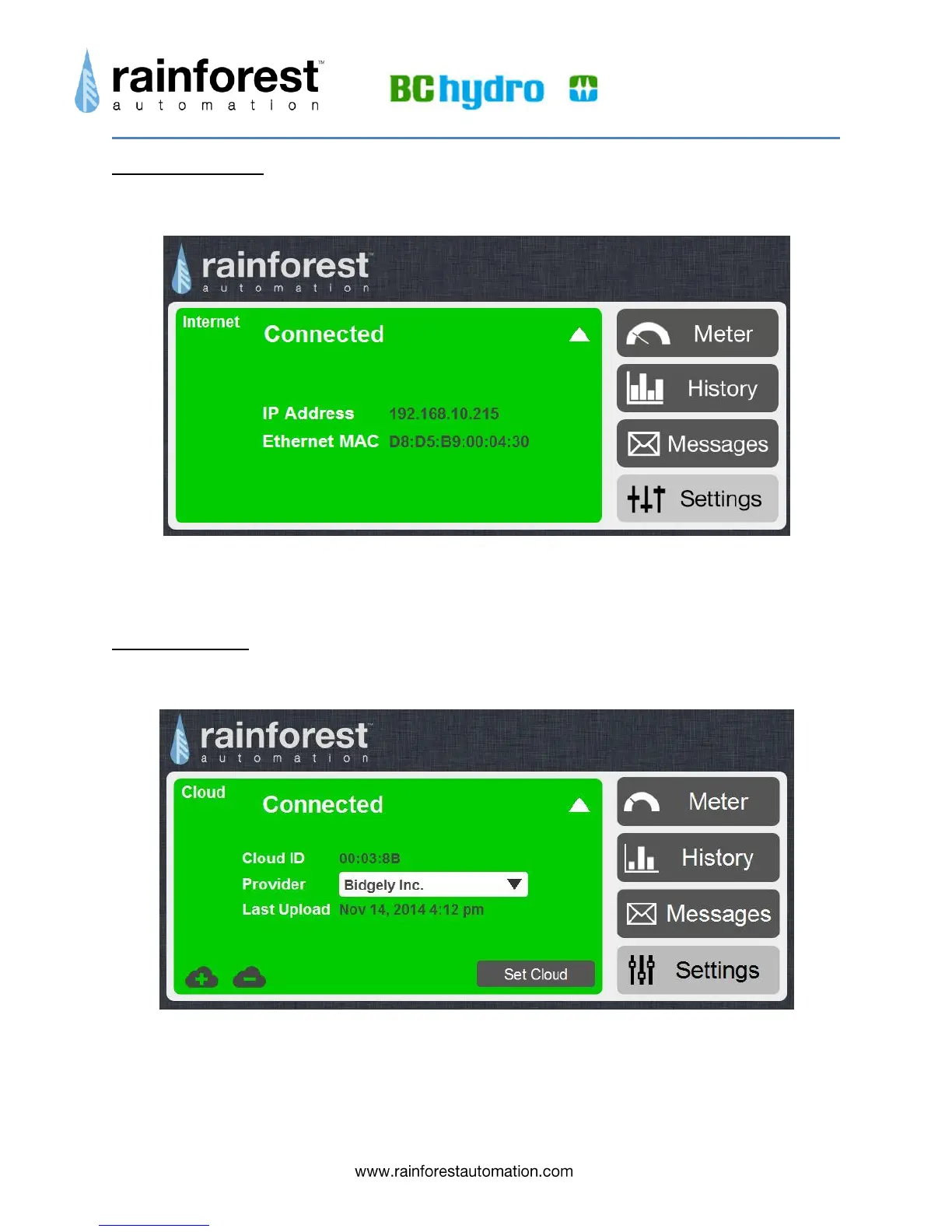
Expanding the Internet status bar on the Settings page brings up the Internet sub-page.
This sub-page provides information about the connection between your EAGLE™ and
the internet.
Cloud Sub-Page
Expanding the Cloud status bar on the Settings page brings up the Cloud sub-page.
This sub-page is used to configure your EAGLE™ to stream your real time smart meter
data to an internet cloud service. Select the cloud service you want from the drop-down
menu for “Provider”, and click the “Set Cloud” button at the bottom right. To complete


 To Next Page