EAGLE™
User Manual
your connection to the Cloud Service, you will also have set up an account with them.
See the “Connecting to a Cloud Service” section for details
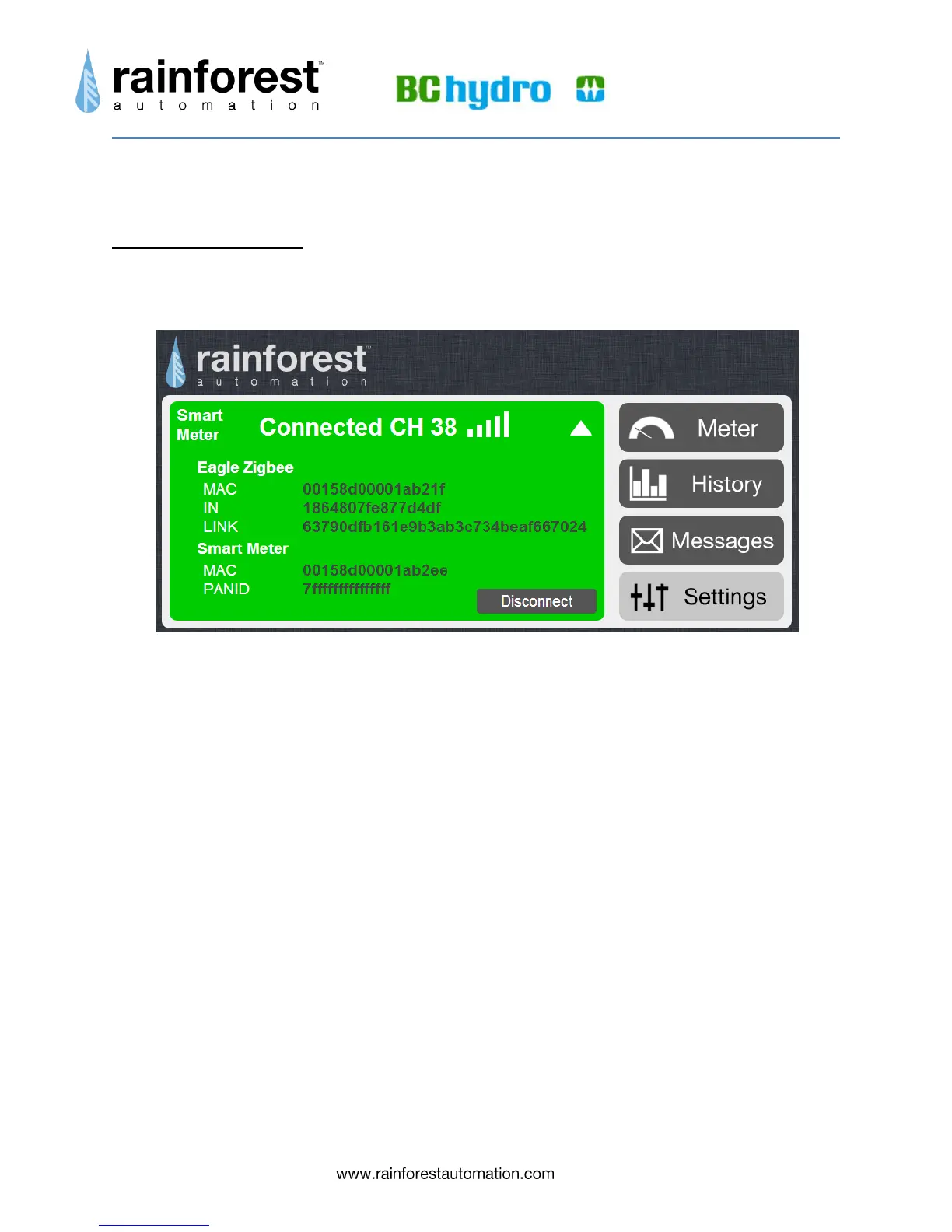
Smart Meter Sub-Page
Expanding the Smart Meter status bar on the Settings page brings up the Smart Meter
sub-page.
This sub-page provides information about the ZigBee wireless link between your
EAGLE™ and the smart meter. Clicking the “Disconnect” button in the lower right
corner terminates the connection to the smart meter. The meter will not talk to the
EAGLE™ again until it is re-provisioned by the utility. This function can be used to
move the EAGLE™ to a different meter.


 To Next Page