EAGLE™
User Manual
Web Viewer Functions
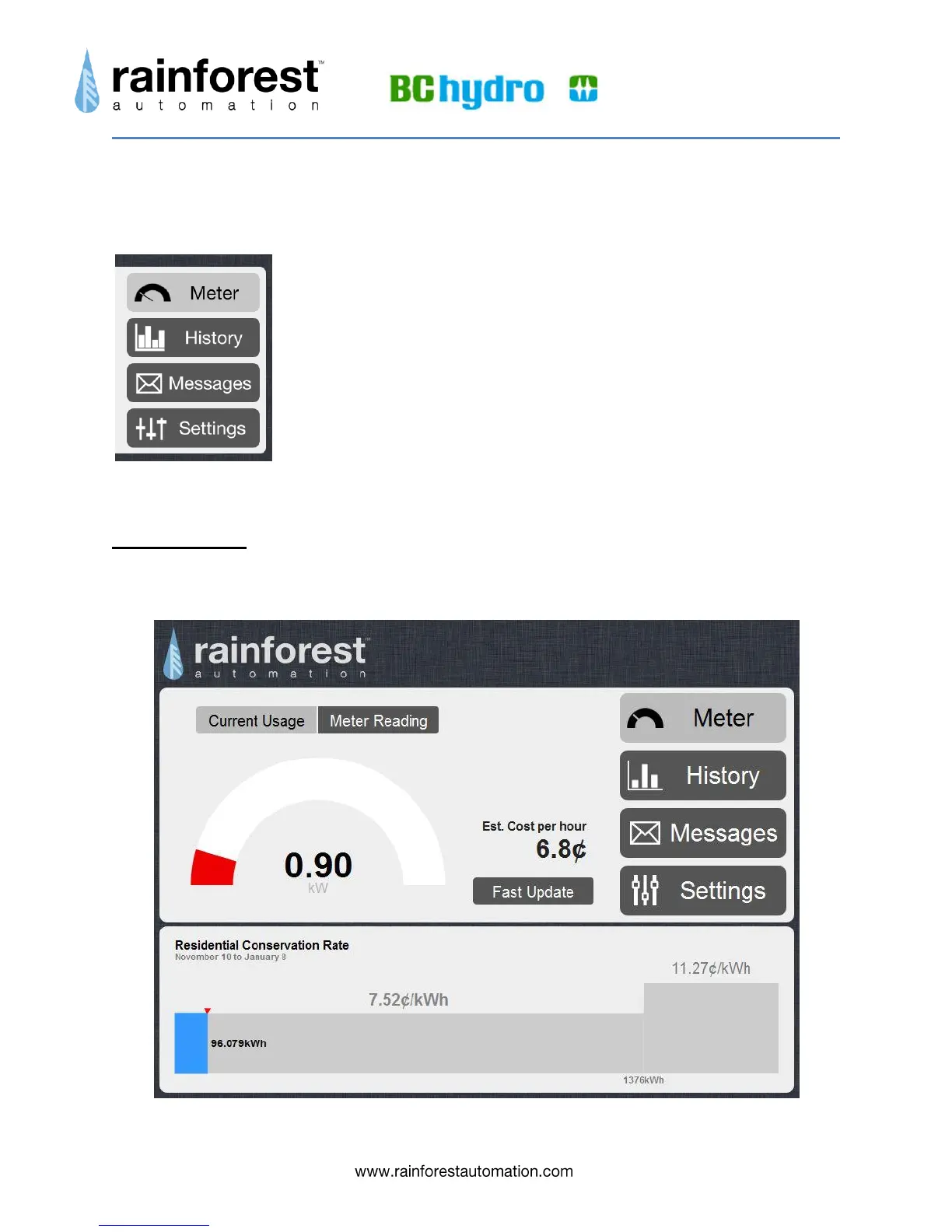
The EAGLE™ Web Viewer has four Function Buttons down the
right side. These buttons can be used to see more detailed
information, such as historical data and status details, as well as
allowing you to control configuration settings.
The button corresponding to the active function is shown in light
gray with black letters. The inactive functions are shown as
darker buttons with white lettering. Buttons will turn lighter as the
cursor passes over them, but they do not become active until the
button is clicked.
Meter Button
Clicking the Meter button takes you to the “Usage” page. This page shows your usage
data from the meter.



 To Next Page