EAGLE™
User Manual
Messages Button
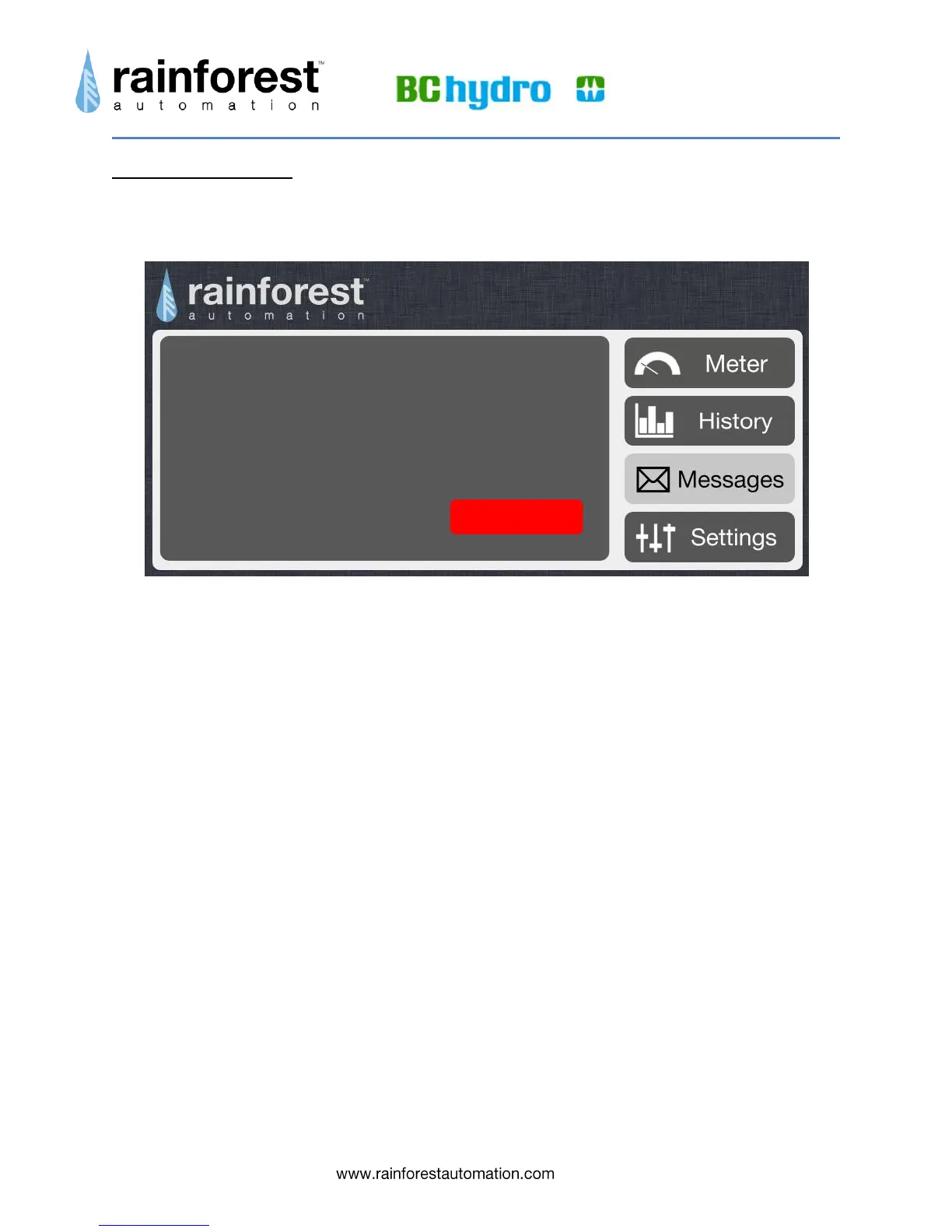
Clicking the Messages button takes you to a page that can display text messages sent
to you by your utility.
When a new text message is received from the meter, you will see the Messages
button pulse red to indicate that there is an active message. When you click on the
button the message will be displayed.
A message can be up to 128 characters long. If the message requires an
acknowledgment, you will see the red “Confirm” button in the lower right corner of the
message.
08/17/2012 8:00 pm
Very hot weekend predicted. Demand will
be high. Please try to moderate usage.
Confirm


 To Next Page