EAGLE™
User Manual
Settings Button
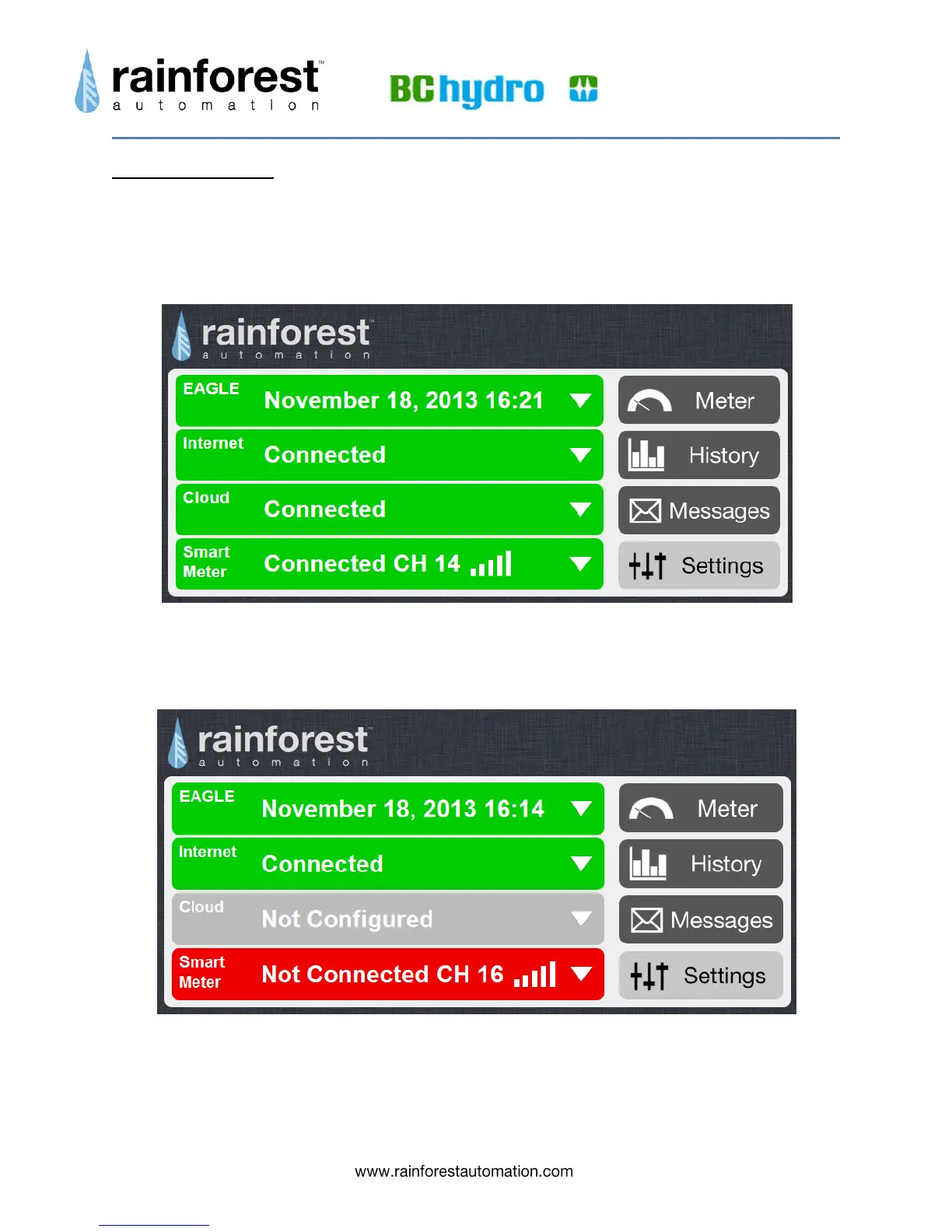
Clicking the Settings button takes you to the main “Settings” page. This page contains
several “collapsed” bars representing sub-pages. Each bar contains summary status
information about that sub-page, and will expand to a full separate screen when
selected.
The status bars on the Settings page are color-coded to indicate status. Bars are green
for normal operation, while a red color indicates an error condition and a grey bar
indicates an inactive function.
Status bars can be expanded by clicking the white triangle on the far right of the bar.
This will expand the corresponding sub-page to fill the page.



 To Next Page