EAGLE™
User Manual
Quick Setup
Step 1: Prerequisite software and hardware
1) A free Ethernet port on a router directly connected to the Internet.
2) A PC or other device with a web browser.
Step 2: Power up the EAGLE™
1) Plug the Ethernet cable into a port on your router, and the other end into the
Ethernet port on your EAGLE™.
2) Plug the AC adapter into a nearby wall outlet, and plug the other end into the
power socket on your EAGLE™.
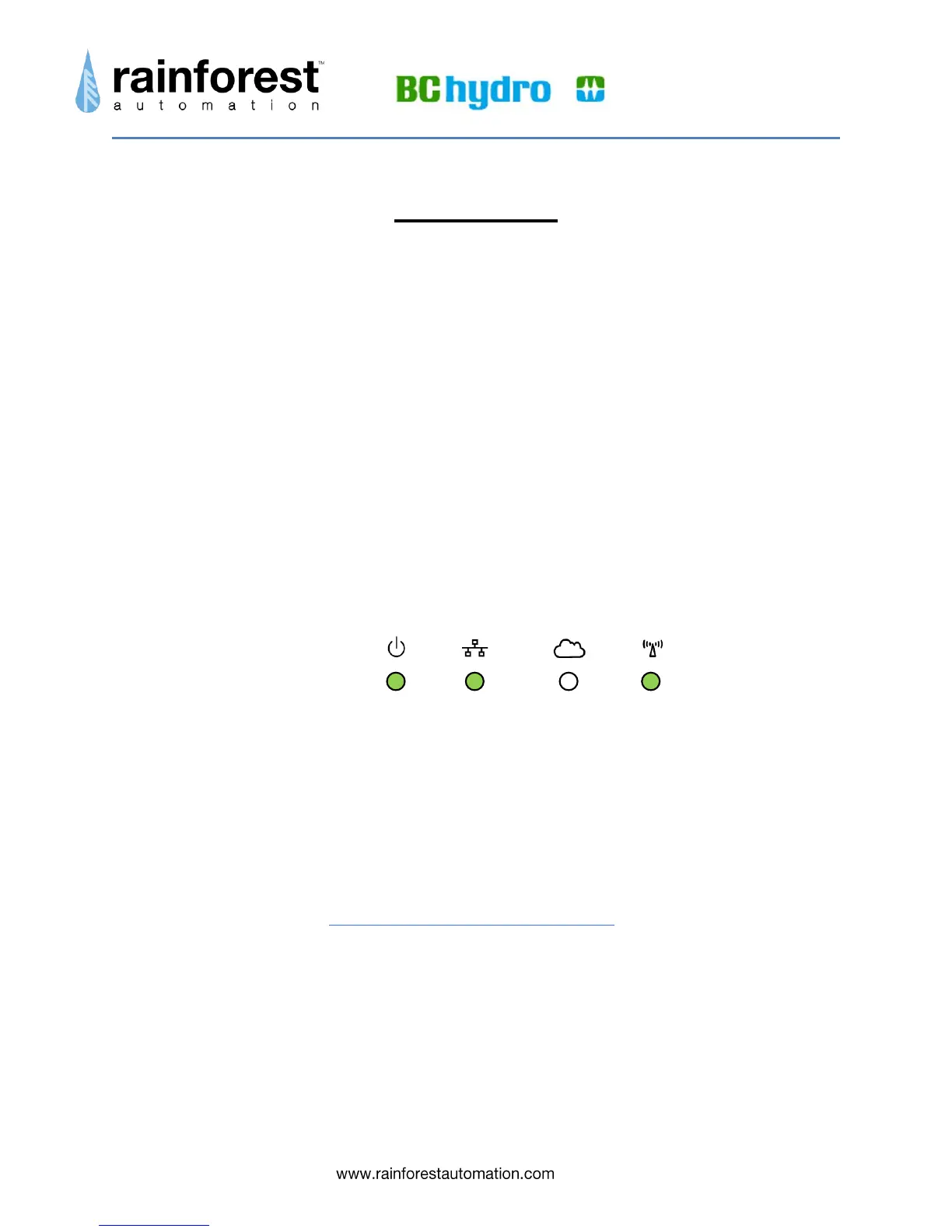
3) Allow three minutes for the device to boot up. You should see that 3 of the 4
status LED lights (not the Cloud) are all on continuously. This indicates that
the unit is functioning normally.
Step 3: Connect to the EAGLE™
You should now be able to connect to your EAGLE™ using a web browser. The
computer running the web browser must be connected to the same router as the
EAGLE™, and the computer must also be running multicast Domain Name
System (mDNS), which is known as Bonjour on Apple computers. mDNS may be
already installed on your computer, as many printers and Apple’s iTunes use this
protocol. If you need to manually install mDNS on your Windows PC, you can
find instructions at: http://support.apple.com/kb/DL999


 To Next Page