Raise3D Pro3 HS Series Printer User Manual Hardware Installation
17
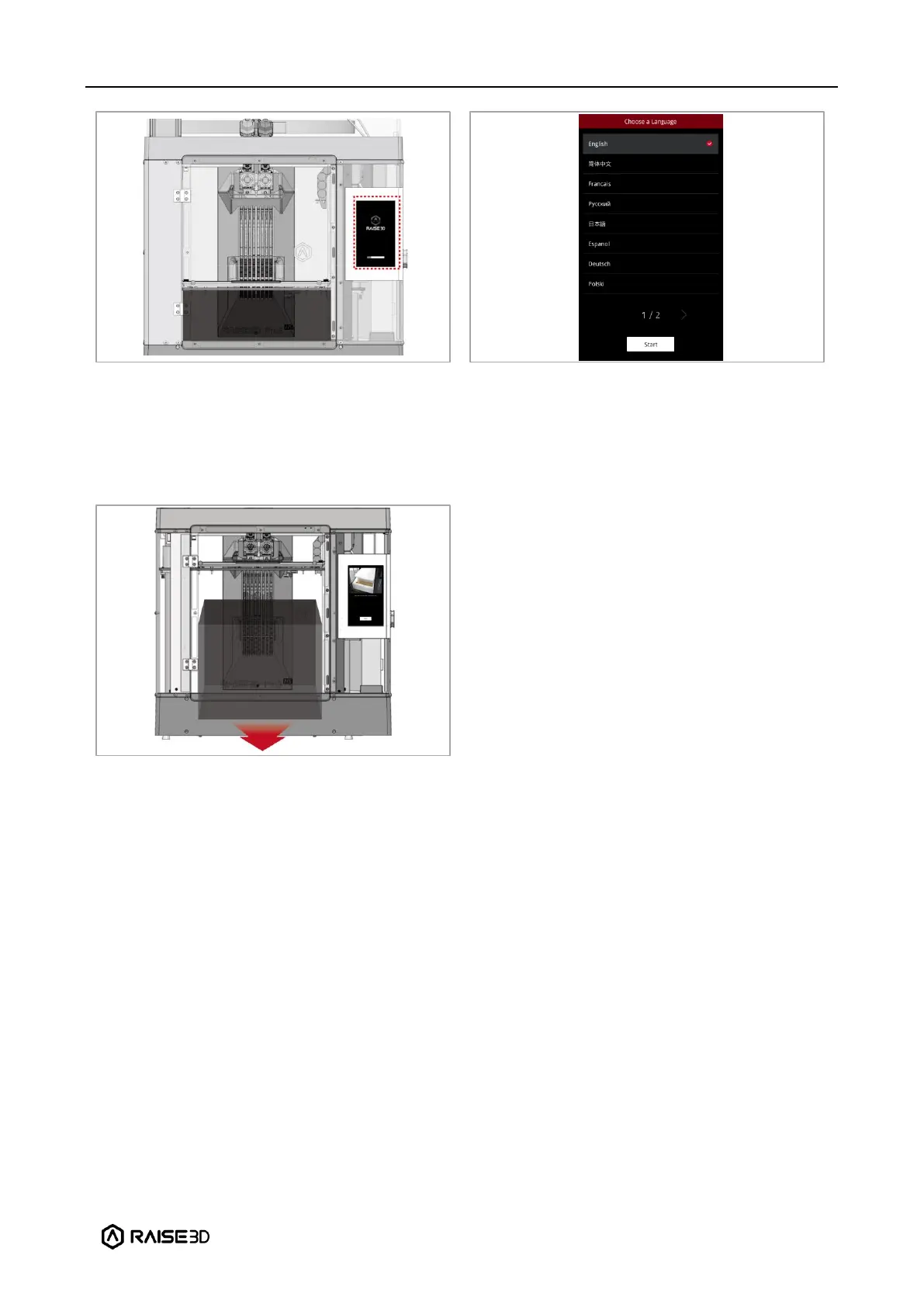
After the printer is powered on, the printer
will enter the boot process. It takes about 60
seconds for the printer to enter the Start-up
Wizard.
As shown in the left figure, the printer has
entered the Start-up Wizard. You can refer
to the prompts on the screen for further
operations, such as selecting the language
for the printer.
After confirming that all the safety spacers
and screws are removed according to the
screen prompts, click “Next”. Open the front
door, and take out the accessory box and
filament box from the printer. Open these
boxes and compare all accessories with the
following list.
8. After taking out the accessory box, keep
following the Start-up Wizard to complete
the basic settings such as printer’s name,
network, and RaiseCloud. After completing
these basic settings, the printer will carry
out the offset calibration (See chapter E for
details). The whole process takes about 1
hour.



 To Next Page