Raise3D Pro3 HS Series Printer User Manual Dual Extruder Printing
38
G.2 Slice Model
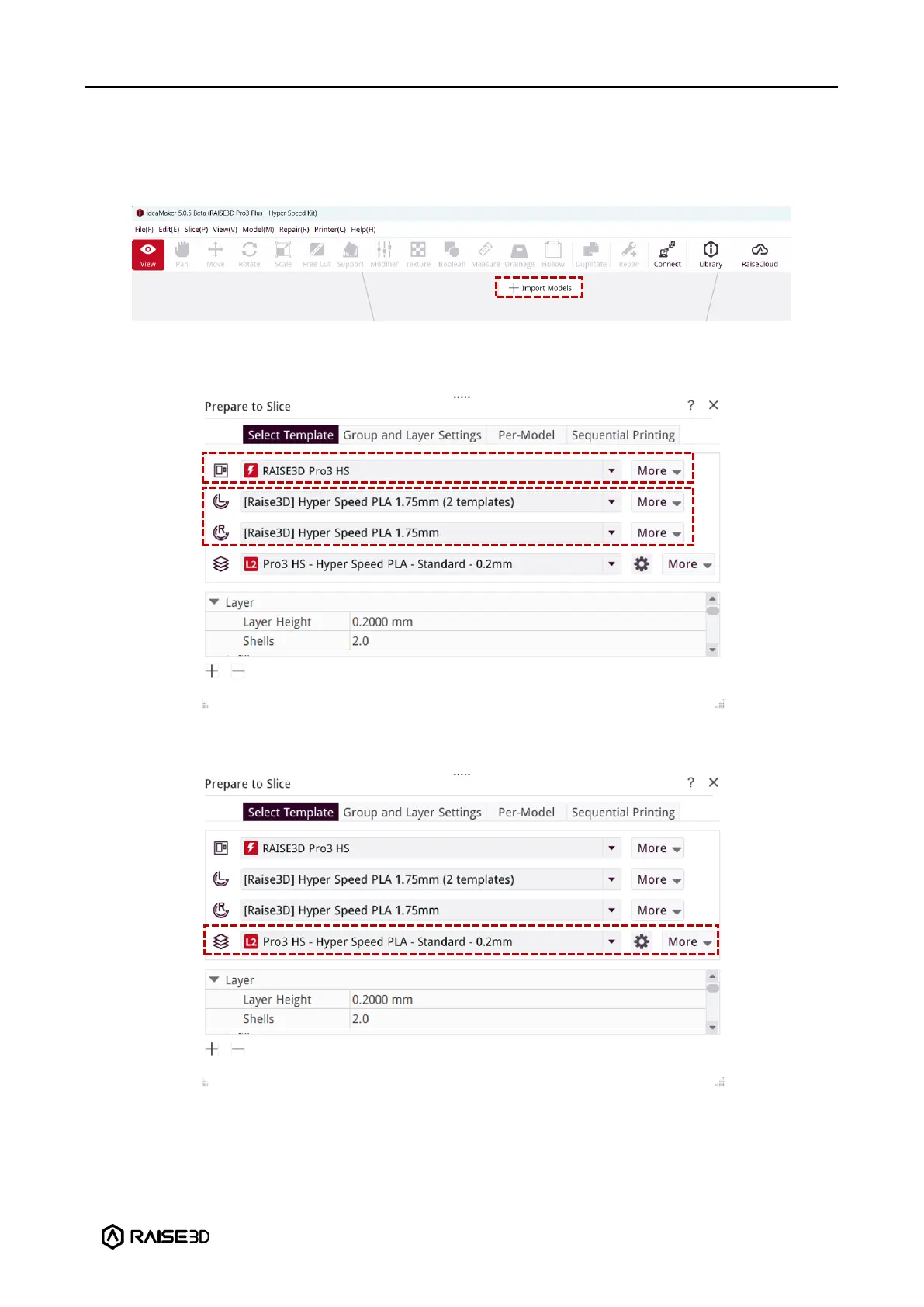
1. After downloading and installing ideaMaker onto your computer, import a model into
ideaMaker.
2. Select the appropriate Raise3D Pro3 HS or Pro3 Plus HS printer. Select extruder filament
templates.
3. Select a desired slicing template for the filament.
1) The templates will be marked L1/L2 according to their values of velocity, acceleration, and
volumetric flow rate within their settings.



 To Next Page