Raise3D Pro3 HS Series Printer User Manual Run the Offset Calibration
29
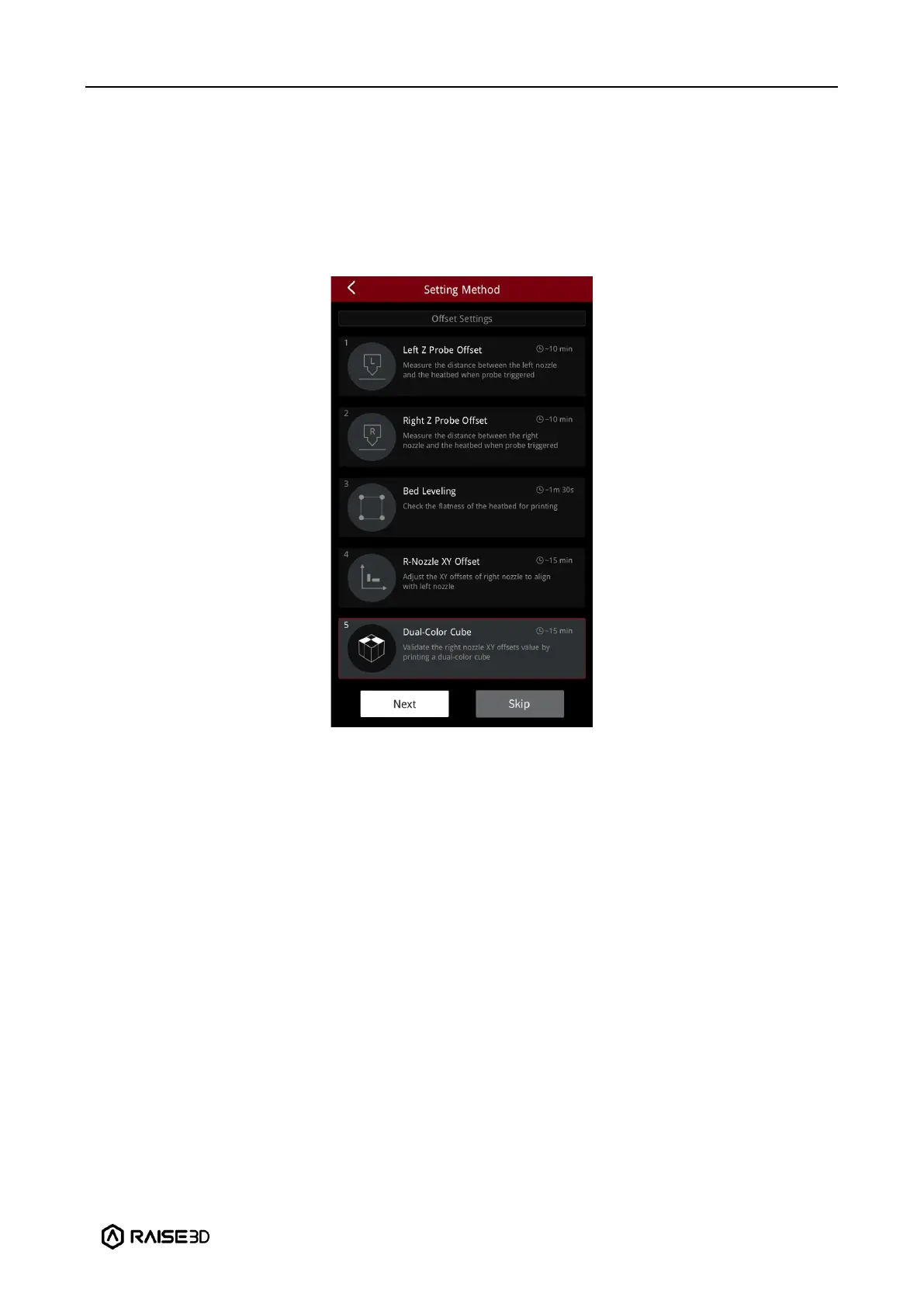
E.5 Dual-Color Cube
1. This step aims to validate the XY offset value of the right nozzle by printing dual-color
cubes.
Note: This calibration can only be performed if both the left extruder and the right extruder
are loaded with PLA filaments, otherwise this step cannot be performed. In this tutorial, the
left and right extruders are loaded with Raise3D Hyper Speed PLA filaments.
2. After printing, please compare the printed dual-color cube with the sample graphic on the
screen, and check whether there is an obvious gap between the color blocks.



 To Next Page