Raise3D Pro3 HS Series Printer User Manual Run the Offset Calibration
19
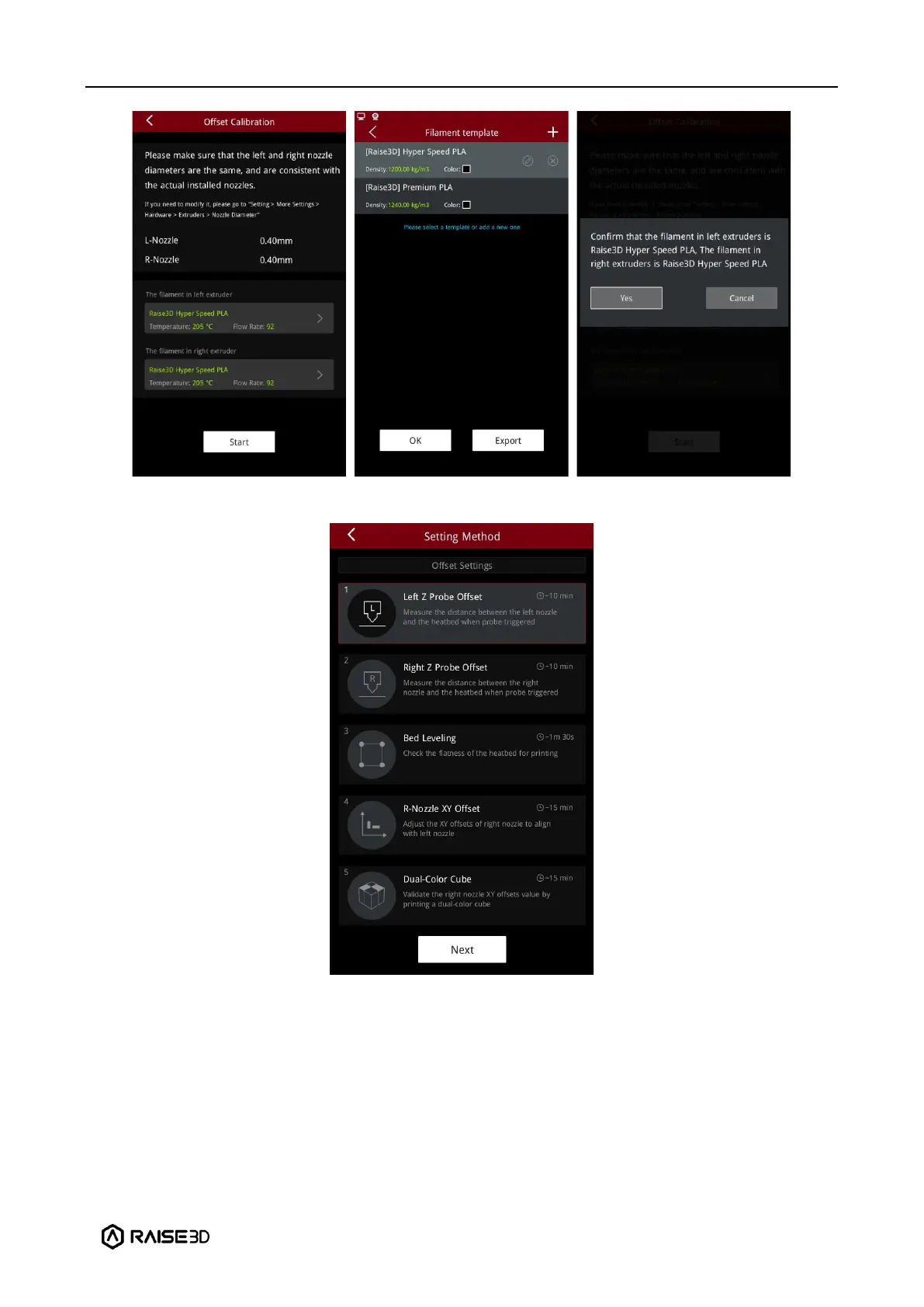
4. Run the 5-step Offset Calibration sequentially according to the prompts on the screen.
Important: The Pro3 HS series printer come with a roll of Raise3D Hyper Speed PLA that
supports the offset calibration for a single nozzle. Therefore, you can complete the first step
of "Calibrate Left Z Offset" in the Start-up Wizard, and then click "Skip" for the subsequent
calibration steps. The full 5-step Offset Calibration can be re-run by clicking Settings >
Maintenance > Offset Calibration.



 To Next Page