Raise3D Pro3 HS Series Printer User Manual Dual Extruder Printing
42
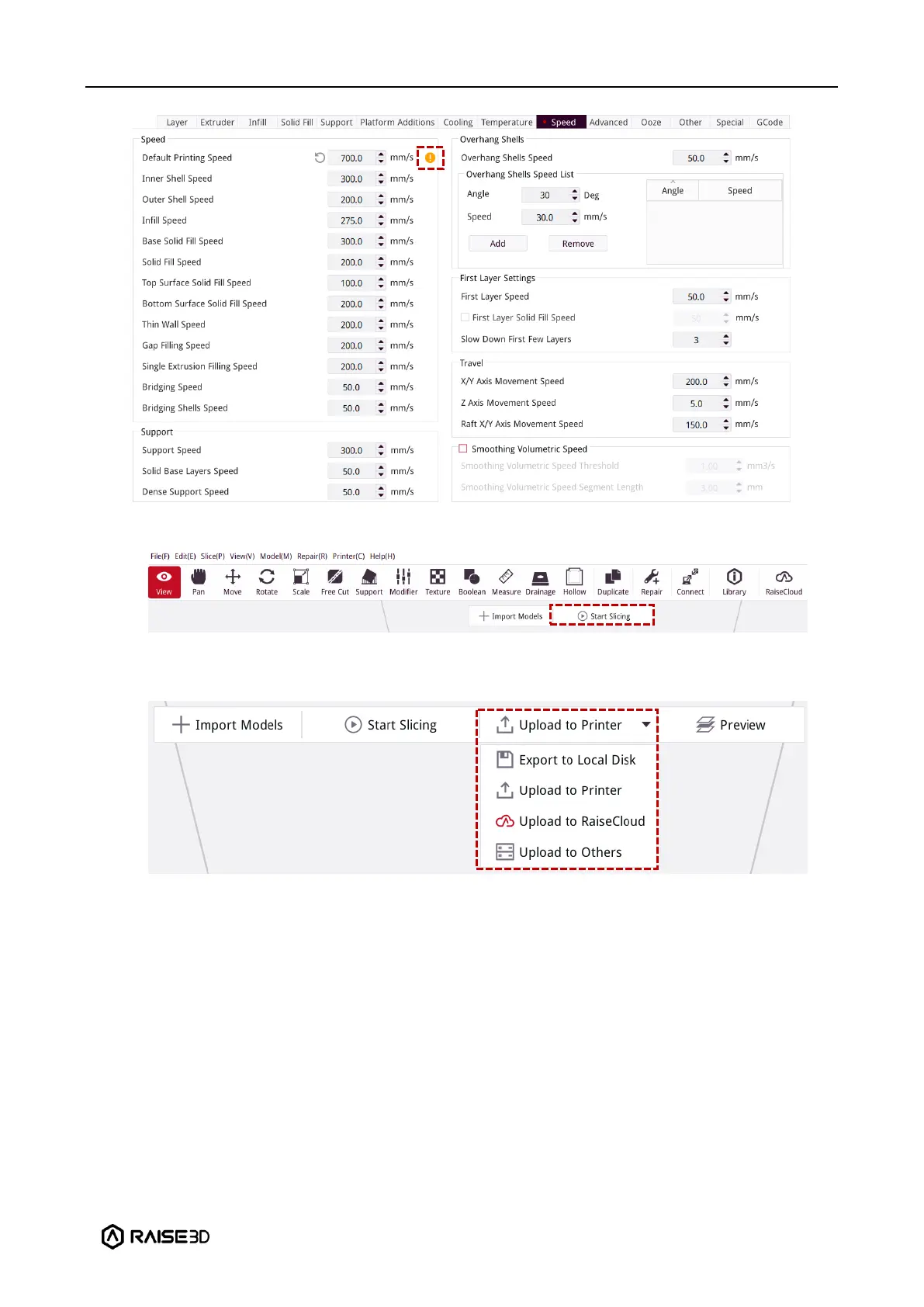
4. After reviewing the parameters, click "Start Slicing" to slice the model.
5. After slicing, you can save the file locally and import it to the printer, or you can upload
it directly to the Pro3 HS series printer to start your Hyper Speed printing.



 To Next Page