40 GETTING TO KNOW YOUR VEHICLE
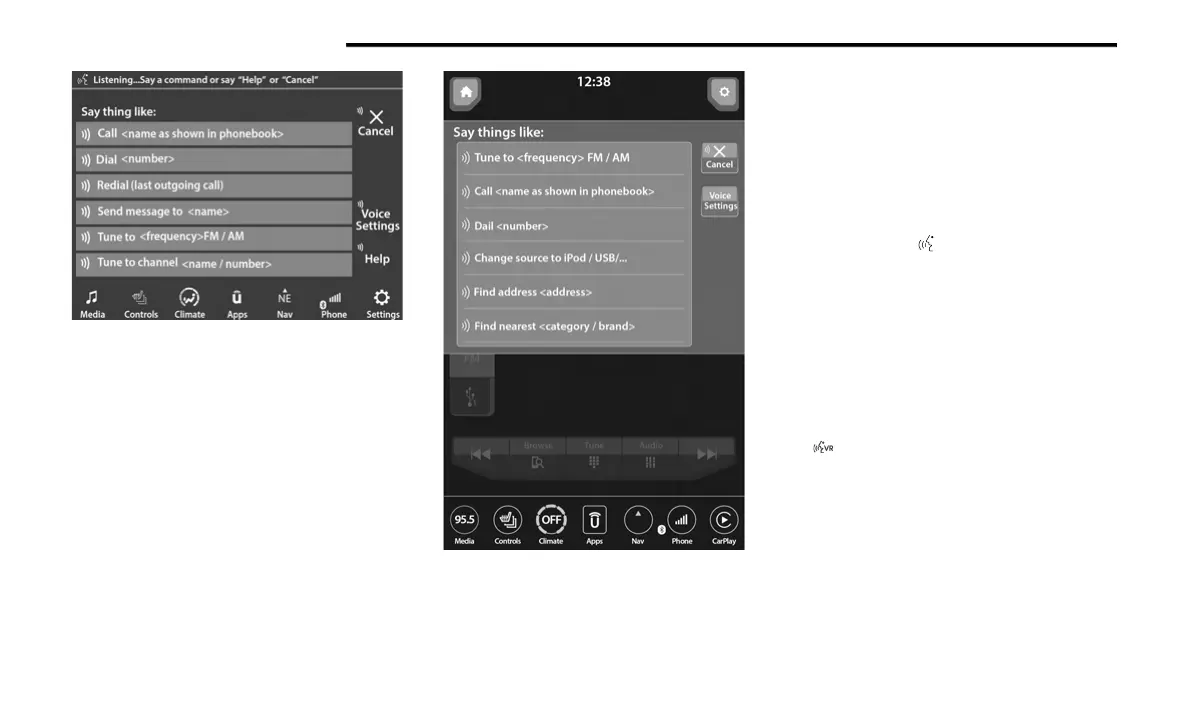
Uconnect 4C/4C NAV With 8.4-inch Display
Uconnect 4C NAV With 12-inch Display
If you see the NAV icon on the bottom bar or in the
A
pps
menus of your 8.4-inch touchscreen, you
have the Uconnect 4C NAV system. If not, you have
a Uconnect 4C with 8.4-inch display system.
BASIC VOICE COMMANDS
The basic Voice Commands below can be given at
any point while using your Uconnect system.
Push the VR button . After the beep, say:
“Cancel” to stop a current voice session.
“Help” to hear a list of suggested Voice
Commands.
“Repeat” to listen to the system prompts again.
Notice the visual cues that inform you of your Voice
R
e
c
og
nition system’s status.
GET STARTED
The VR button is used to activate/deactivate
your Voice Recognition system.
Helpful hints for using Voice Recognition:
Reduce background noise. Wind noise and
passenger conversations are examples of noise
that may impact recognition.
Speak clearly at a normal pace and volume
while facing straight ahead.



 To Next Page