RAVEN MTX/MTi CUBASE/NUENDO ADVANCED LAYOUT 8 of 8
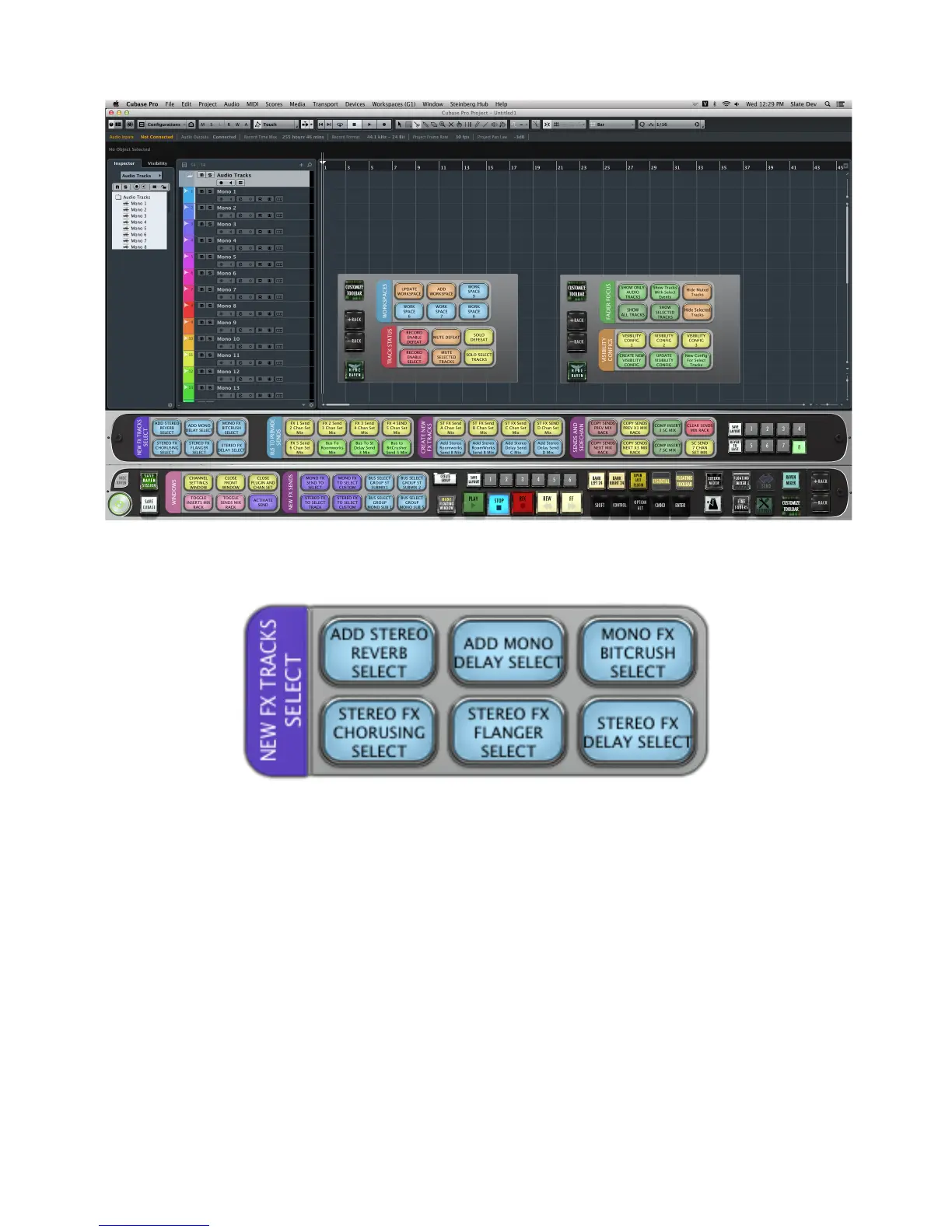
LAYOUT 8.1 “NEW FX TRACKS SELECT”
ADD STEREO REVERB SELECT
In any window, with a track (or tracks) selected, press
ADD STEREO REVERB SELECT
to add a new stereo FX track with
RoomWorks preloaded on to an insert of your selected track(s). This Batch Command operates in the following order:
- Adds a new FX send
- Send a mouse-click to Configuration and selects “stereo”
- Mouse-clicks the Effect dropdown menu
- Searches for and selects “RoomWorks”



 To Next Page