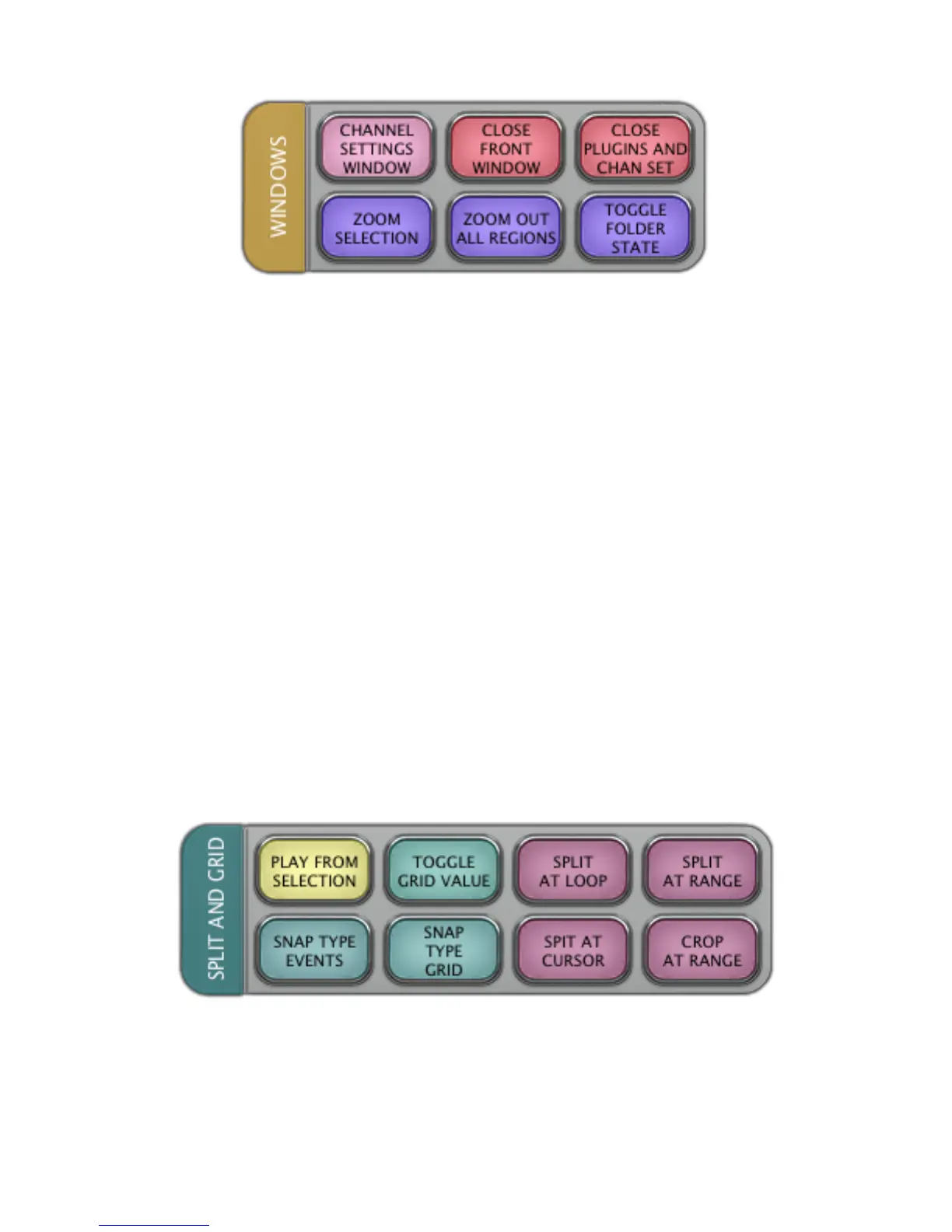
LAYOUT 1.3 “WINDOWS”
CHANNEL SETTINGS WINDOW
In the Project window, press
CHANNEL SETTINGS WINDOW
to open the Channel Settings window.
CLOSE FRONT WINDOW
In any window, press
CLOSE FRONT WINDOW
to close the front window.
CLOSE PLUGINS AND CHAN SET
In the current window, press
CLOSE PLUGIN AND CHAN SET
to close the open plugin and the Channel Settings window.
ZOOM SELECTION
In the Project window, press
ZOOM SELECTION
to zoom the screen in on the selected events.
ZOOM OUT ALL REGIONS
In the Project window, press
ZOOM OUT ALL REGIONS
to zoom the screen out and show all events.
TOGGLE FOLDER STATE
In the Project window, press
TOGGLE FOLDER STATE
to toggle all the current folders open or closed.
LAYOUT 1.4 “SPLIT AND GRID”
PLAY FROM SELECTION
With an event or the timeline selected, press
PLAY FROM SELECTION
to start playback from the current selection.



 To Next Page