RAVEN MTX/MTi CUBASE/NUENDO BASIC LAYOUT 4 of 8
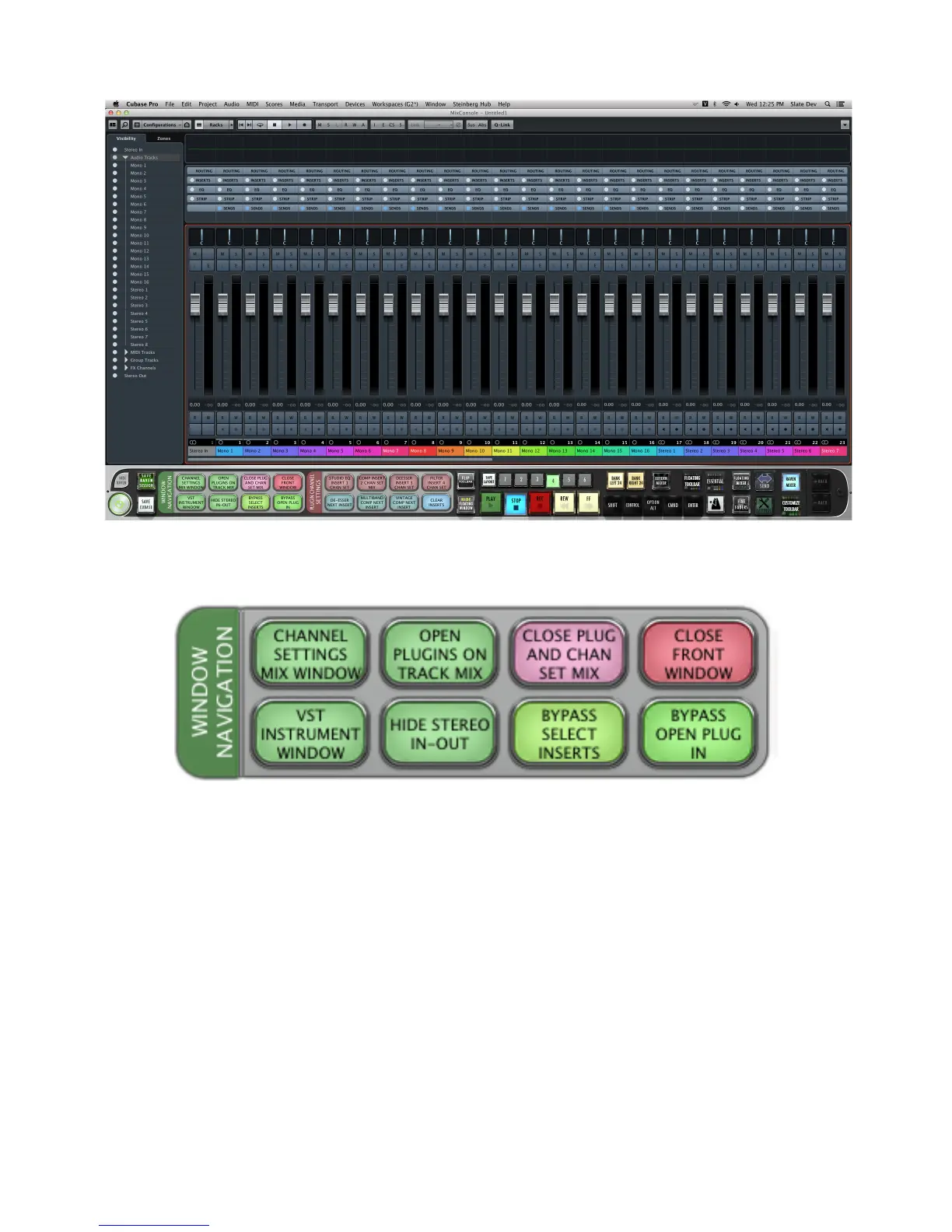
LAYOUT 4.1 “WINDOW NAVIGATION”
CHANNEL SETTINGS MIX WINDOW
In the Mix/Console window, press
CHANNEL SETTINGS MIX WINDOW
to open the Channel Settings window for the Mix
window.
Note
1
: This key command is different from the “open the Channel Settings window” key command in the Project
window.
Note
2
: To close this Channel Settings window, press ”Close Front window”.
OPEN PLUGINS ON TRACK MIX
In the Mix/Console window, press
OPEN PLUGINS ON TRACK MIX
to open all the plugins on the selected track.
Note: This is the same key command as opening the Channel Settings window in the Project window.



 To Next Page