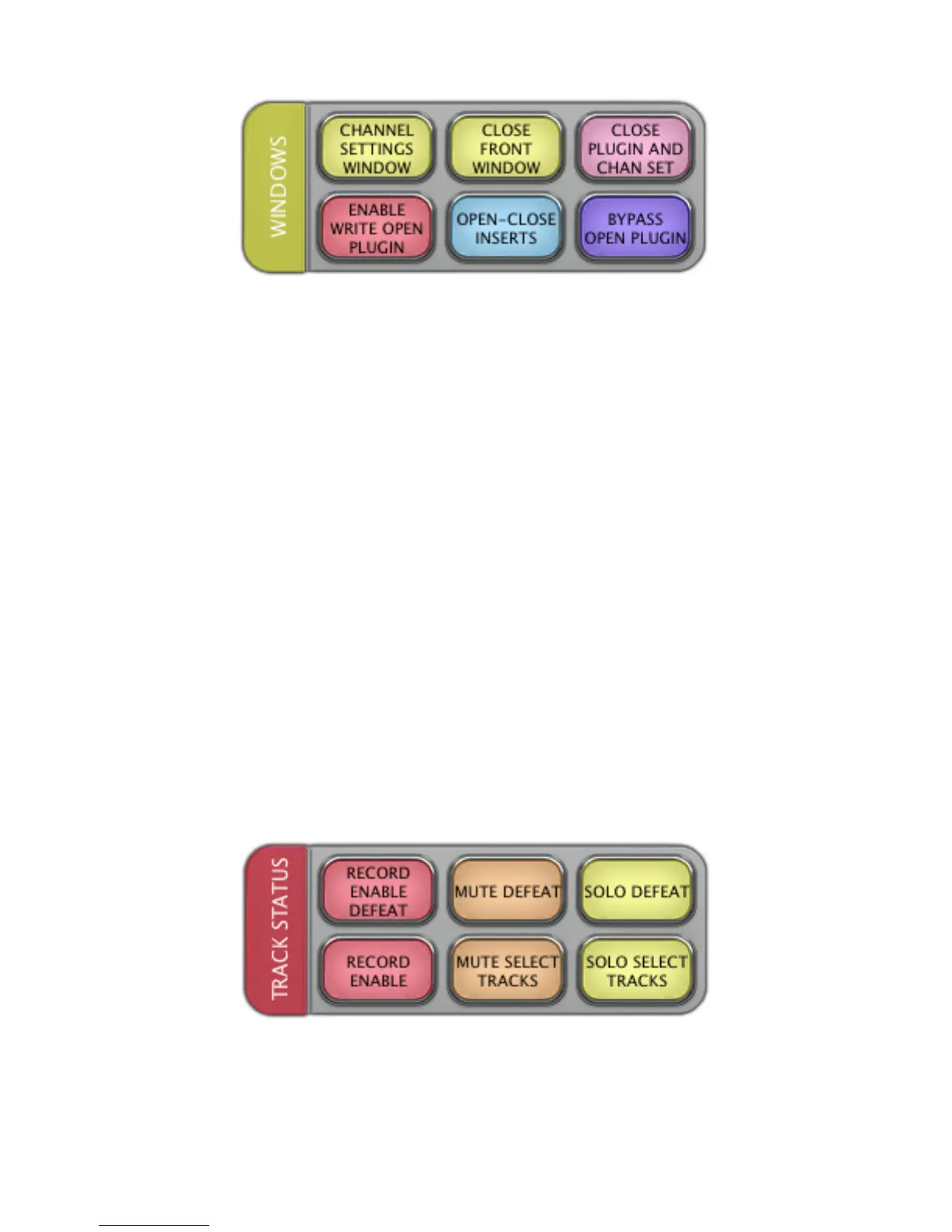
LAYOUT 3.5 “WINDOWS”
CHANNEL SETTINGS WINDOW
In the Project window, press
CHANNEL SETTINGS WINDOW
to open the Channel Settings window.
CLOSE FRONT WINDOW
In any window, press
CLOSE FRONT WINDOW
to close the most front window.
CLOSE PLUGIN AND CHAN SET
In the current window, press
CLOSE PLUGIN AND CHAN SET
to close the open plugin and the Channel Settings window.
ENABLE WRITE OPEN PLUGIN
With a plugin open, press
ENABLE WRITE OPEN PLUGIN
to send a mouse-click to enable write automation of the
plugin.
OPEN-CLOSE INSERTS
In the Project window, press
OPEN-CLOSE INSERTS
to toggle the Insert Tab in the Inspector either open or closed.
BYPASS OPEN PLUGIN
Press
BYPASS OPEN PLUGIN
to bypass the plugin that is currently open.
LAYOUT 3.6 “TRACK STATUS”
RECORD ENABLE DEFEAT
With a track selected, press
RECORD ENABLE DEFEAT
to disable the “record” function for the selected track.
RECORD ENABLE SELECT



 To Next Page