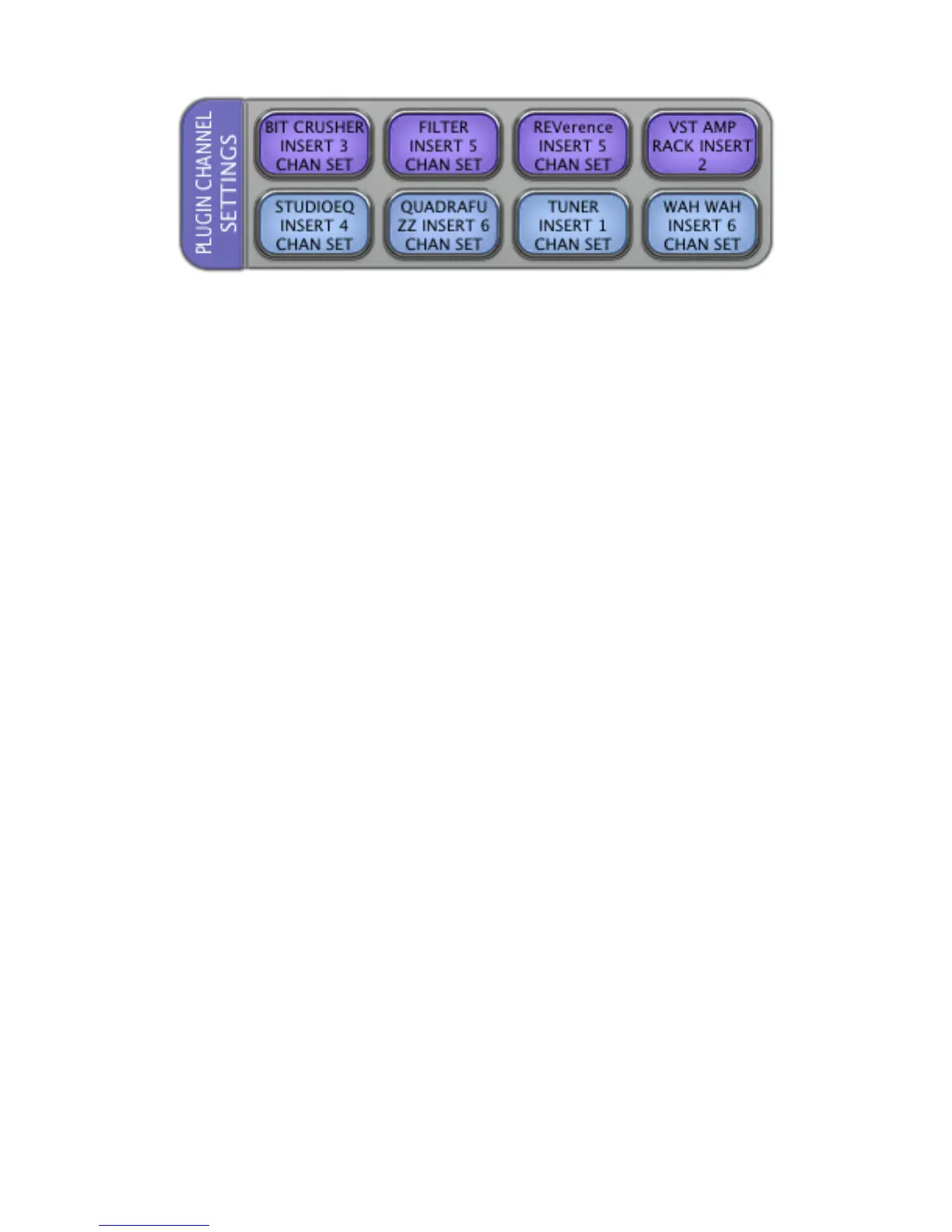
LAYOUT 3.2 “PLUGIN CHANNEL SETTINGS”
BIT CRUSHER INSERT 3 CHAN SET
Press
BIT CRUSHER INSERT 3 CHAN SET
to add “bit crusher” plugin to insert 3 of the selected track by opening the
Channel Settings window and “tabbing” to 3
rd
insert and searching for “bit crusher” in and selecting it from the
plugin menu.
Note: The Channel Settings window should be closed for this to work properly.
FILTER INSERT 5 CHAN SET
Press
FILTER INSERT 5 CHAN SET
to add “filter” plugin to insert 5 of the selected track by opening the Channel
Settings window and “tabbing” to 5
th
insert and searching for “filter” in and selecting it from the plugin menu.
Note: The Channel Settings window should be closed for this to work properly.
REVERENCE INSERT 5 CHAN SET
Press
REVERENCE INSERT 5 CHAN SET
to add “Reverence” plugin to insert 5 of the selected track by opening the
Channel Settings window and “tabbing” to 5
th
insert and searching for “Reverence” in and selecting it from the
plugin menu.
Note: The Channel Settings window should be closed for this to work properly.
VST AMP RACK INSERT 2
Press
VST AMP RACK INSERT 2 CHAN SET
to add “AMP RACK” plugin to insert 2 of the selected track by opening the
Channel Settings window and “tabbing” to 2nd insert and searching for “AMP RACK” in and selecting it from the
plugin menu.
Note: The Channel Settings window should be closed for this to work properly.
STUDIOEQ INSERT 4 CHAN SET
Press
STUDIOEQ INSERT 4 CHAN SET
to add “STUDIOEQ” plugin to insert 4 of the selected track by opening the
Channel Settings window and “tabbing” to 4th insert and searching for “STUDIOEQ” in and selecting it from the
plugin menu.
Note: The Channel Settings window should be closed for this to work properly.
QUADRAFUZZ INSERT 6 CHAN SET
Press
QUADRAFUZZ INSERT 6 CHAN SET
to add “QUADRAFUZZ” plugin to insert 6 of the selected track by opening the
Channel Settings window and “tabbing” to 6th insert and searching for “QUADRAFUZZ” in and selecting it from the
plugin menu.
Note: The Channel Settings window should be closed for this to work properly.



 To Next Page