1. Launch MultiTouchPlatform. This can be found in your application folder. (We
recommend moving this to your dock.)
2. Press the Calibration button on the home screen.
3. Follow the prompts on the screen and touch the center of each “+” as it
appears.
4. Repeat steps 2-3 until an accurate calibration is achieved.
IMPORTANT NOTES ABOUT SCREEN CALIBRATION:
● Calibration should be done sitting in the center position of the console.
Failure to do so will result in an inaccurate calibration point.
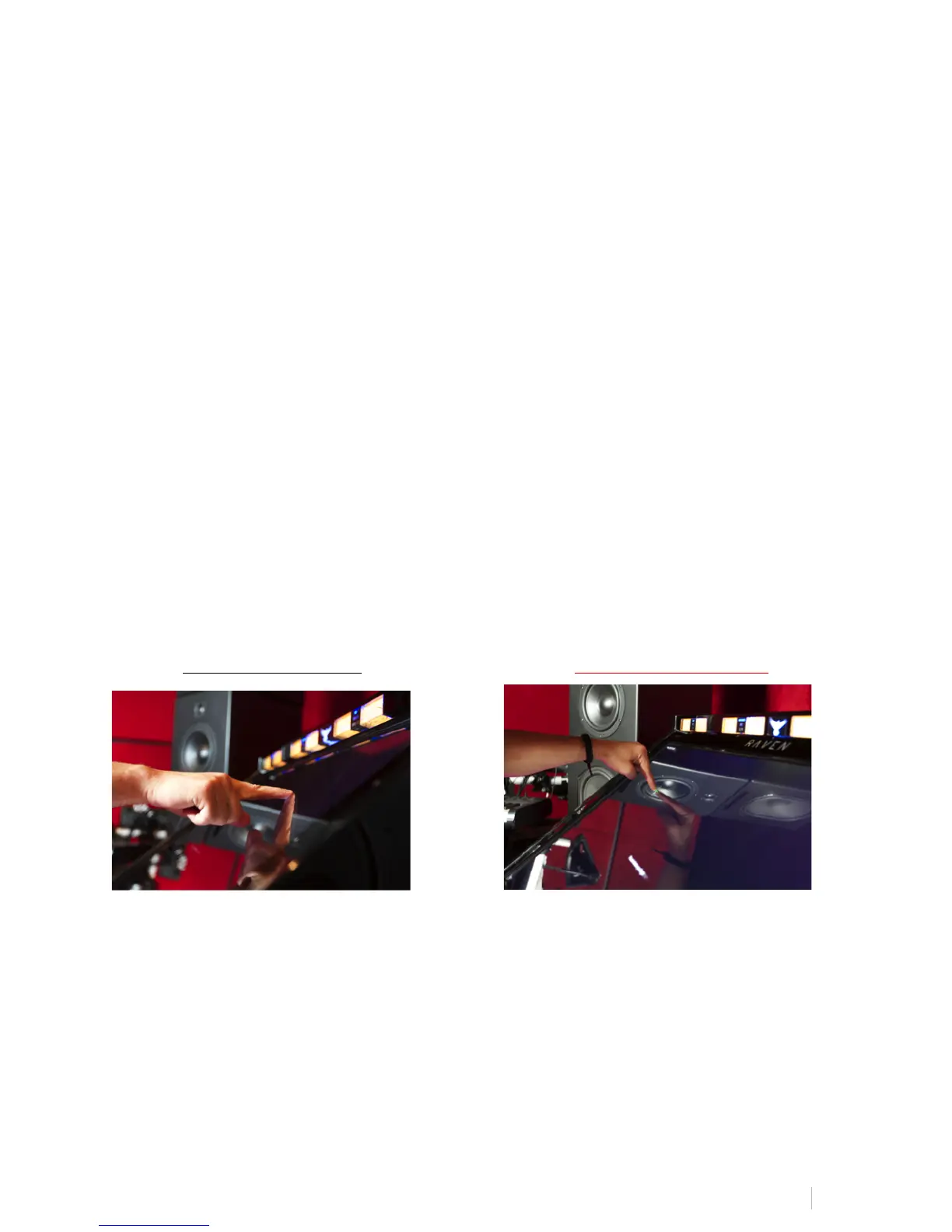
● Calibration must be done using a direct and natural touch angle. DO NOT
CALIBRATE WITH A BEND IN YOUR WRIST OR FROM AN EXTREME ANGLE.
Failure to do so will result in an inaccurate calibration.
Correct Touch Angle Incorrect Touch Angle
● Do not use a stylus or other object to calibrate the screen.
● After calibration is achieved, test on desktop applications and software. The
user should be able to open and close windows with ease.
● RAVEN MTi should not be used without confirmation of proper calibration.
To confirm proper calibration, simply go to the Finder and touch random points on
the desktop evaluating the mouse cursor and confirm that the cursor is hidden



 To Next Page