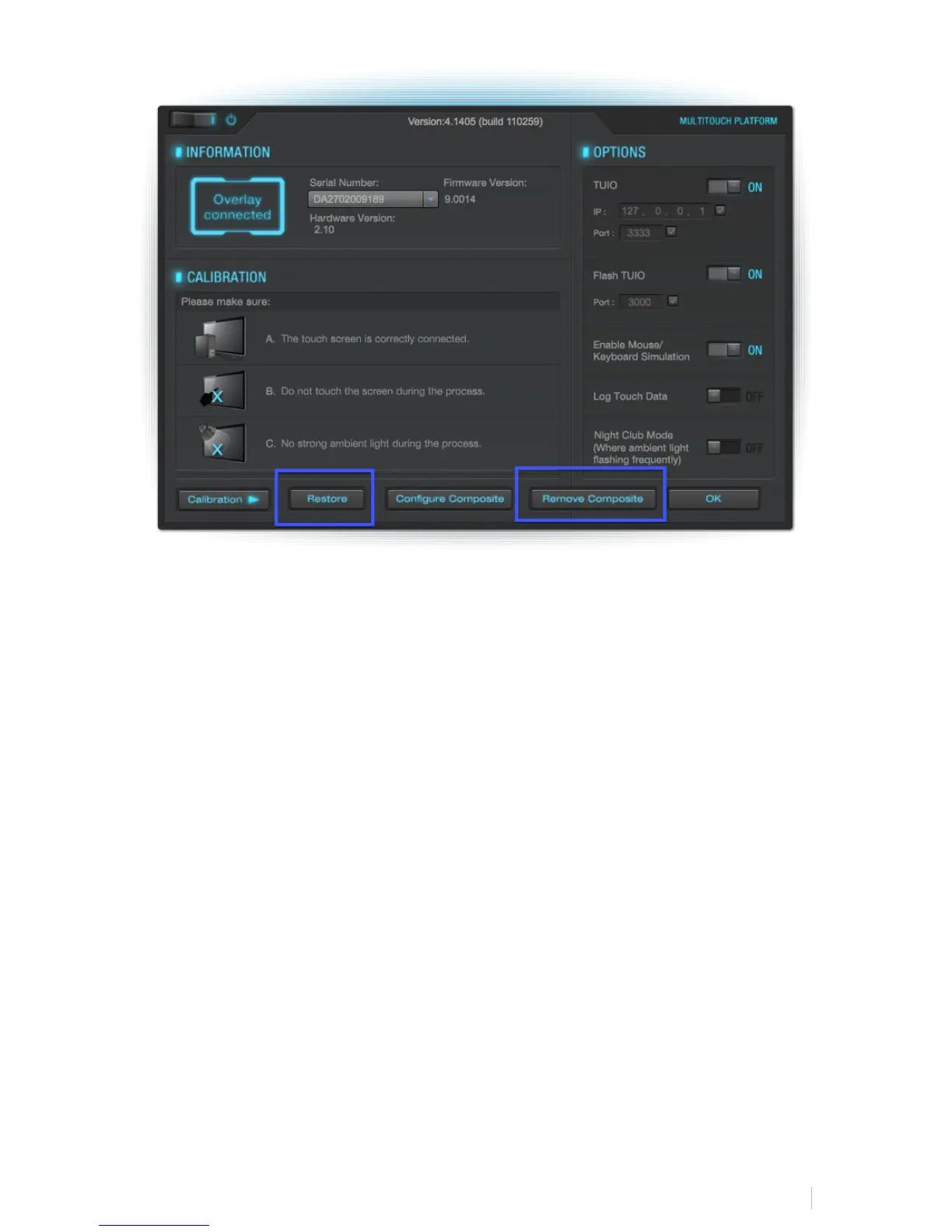
Now, you will need to configure Multi-Touch for two RAVEN’s. Hit, “Configure
Composite.” Follow the instructions on the white screens being:
Press and hold the left display and then release. Then repeat the press, hold and
release for the right display.
Now calibrate each screen. Use the drop-down menu as displayed below on the
MultiTouchPlatform application to select each display and hit “Calibration.”



 To Next Page