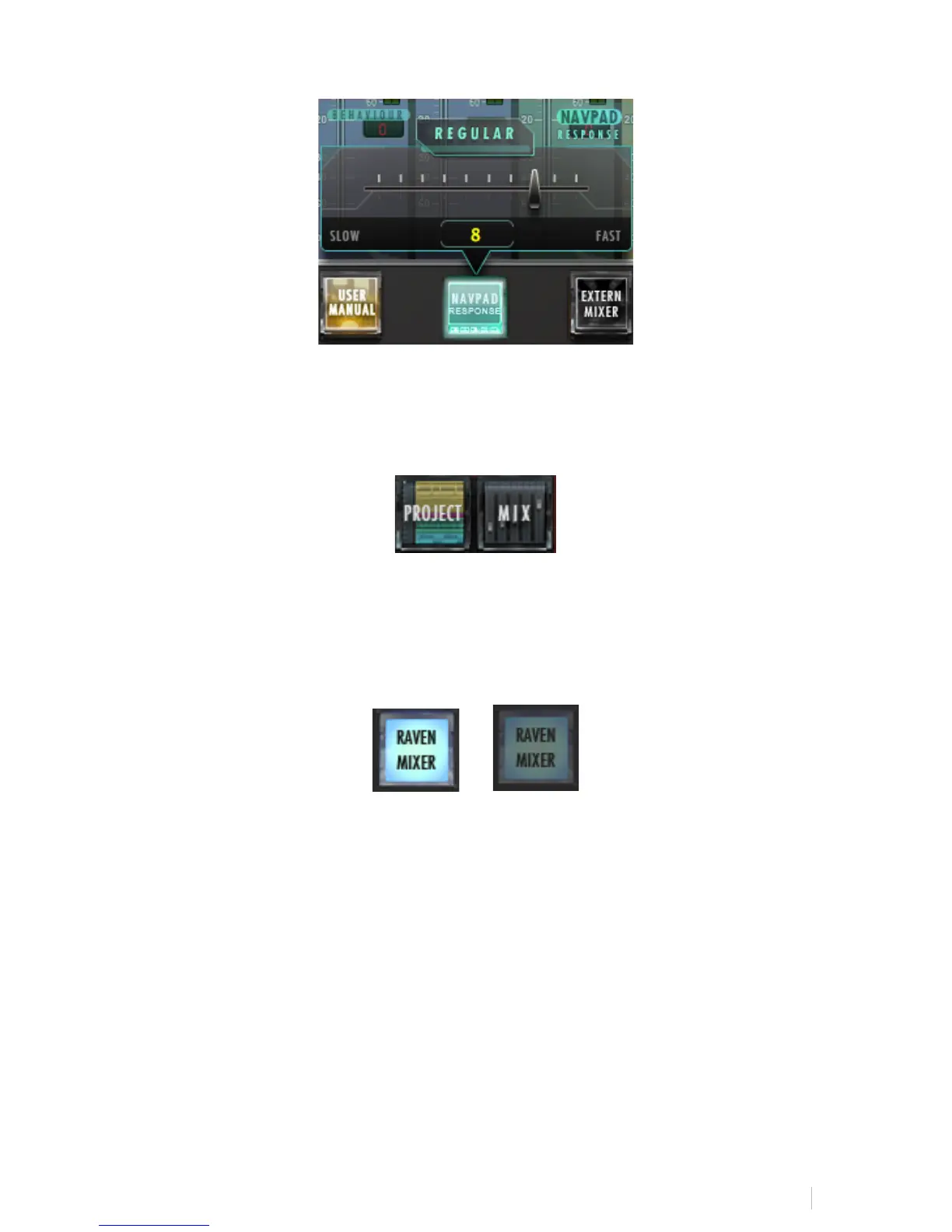
10. Project/Mix:
Use each button to switch between the Edit and RAVEN Mixer window.
NOTE: You can remove the RAVEN Mixer by touching the RAVEN Mixer button
and see the actual Pro Tools mixer. Please note, the Pro Tools mixer will not
be multi-touch.
11. Fine Faders:
Tap this button to put faders into “FINE” mode, where finger movements are
slowed to tenths of a DB. Use the “FINE FADERS” button to put all faders into
fine mode. Tap the DB display window to put single channels into fine mode.



 To Next Page