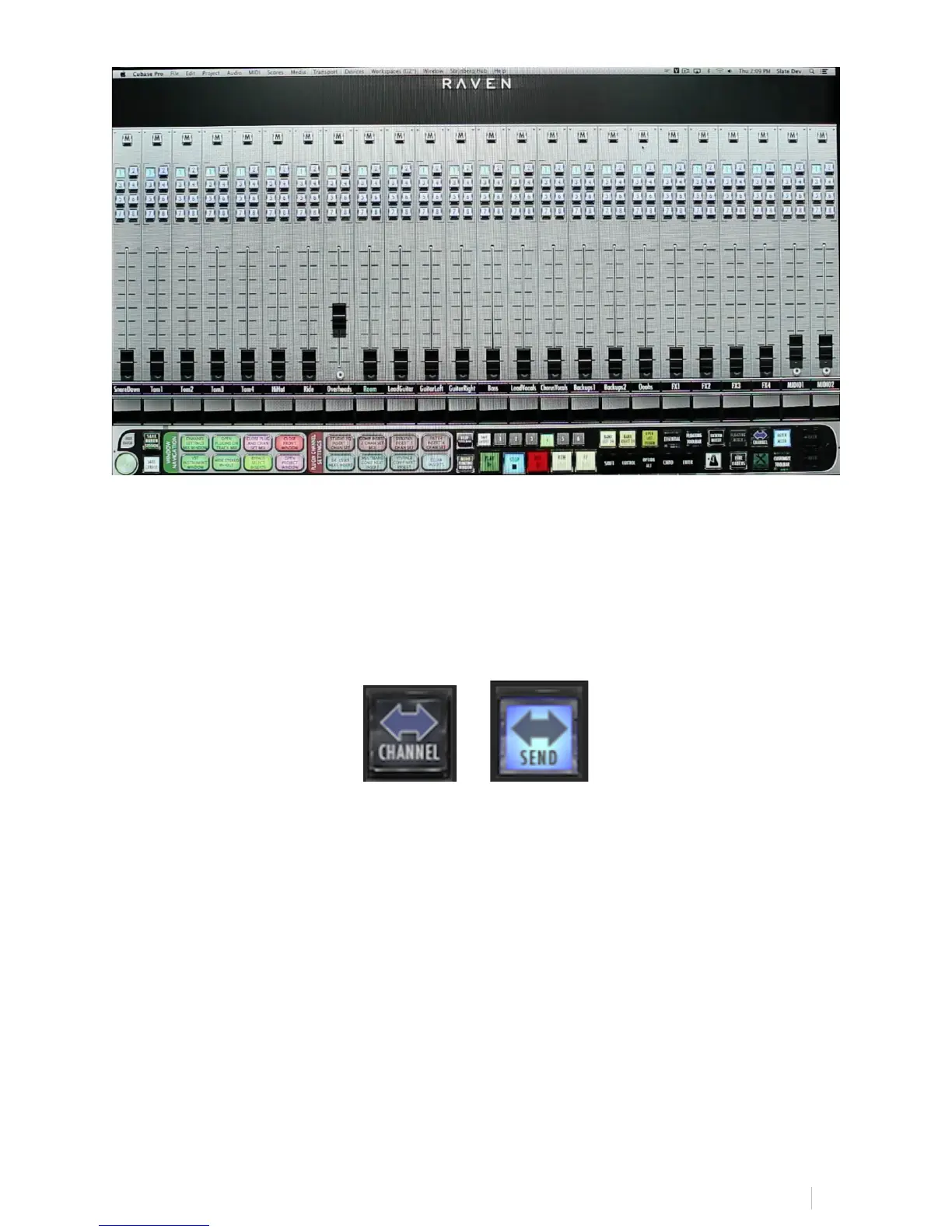
9. Channel/Sends Button:
The Channel/Sends button is only accessible in the External Mixer mode,
and if active users can touch the Channel button to flip the screens as
explained above to see their SENDS A-E Racks and corresponding faders.
10. NAVPAD Response:
Within RAVEN Settings is the NAVPAD Response Button included to allow
users to adjust the NAVPAD Sensitivity from 1 to 20, 1 being slow and
precise and 20 being quick and forceful.
Note: Easily flip between “REGULAR” direction and “INVERSE” direction for
all navigation with the NAVPAD. Touch the text, “REGULAR” or “INVERSE”
to toggle and select.



 To Next Page