RAYFace 4. Operating Software
55
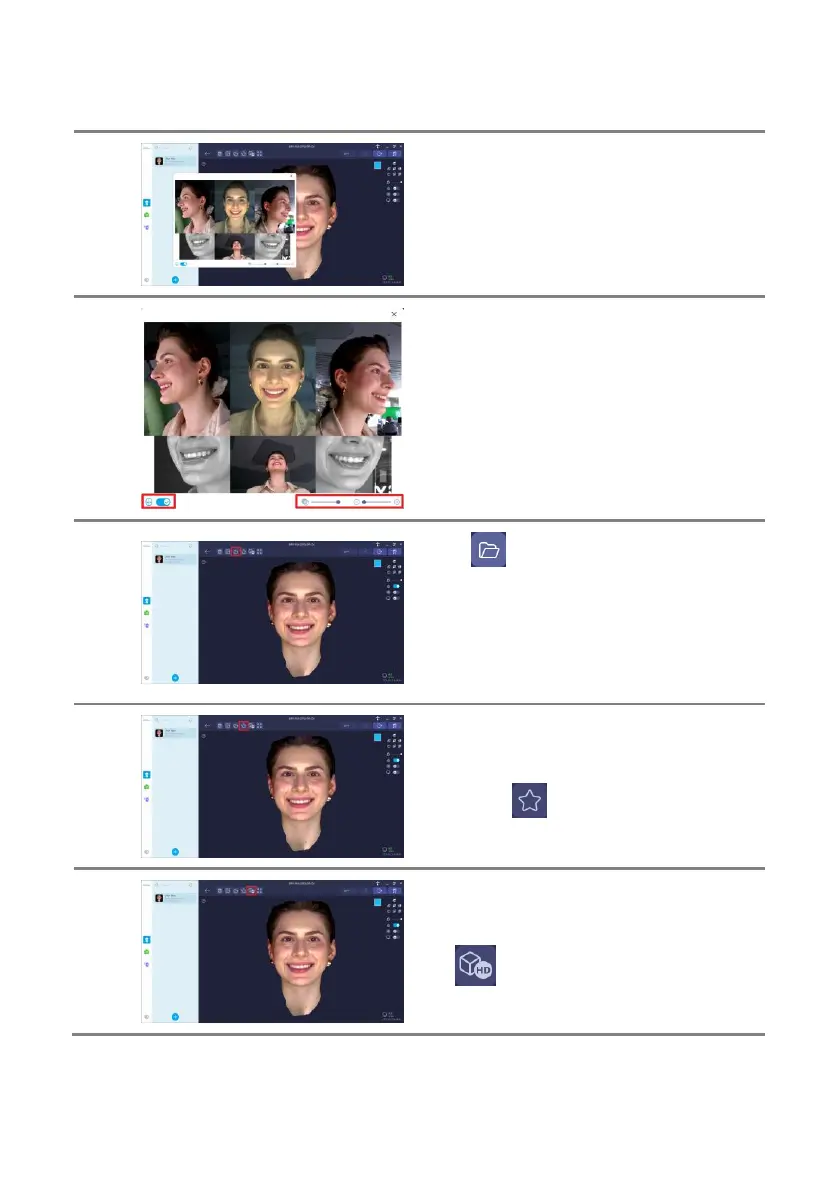
If there is a problem with the 3D reconstructed
data, open the image and check the subject's
posture and position.
You can adjust the overall size and
transperency of the acquisition window, and
hide and show the positioning guide.
You can check the image by zooming in/out by
using the [Mouse Scroll Wheel] and move the
image by dragging it while holding the [Left
Mouse Button].
Click [ ] button to open the path that the
original data is stored. The original data is used
to import the captured data from another
computer.
Refer to ‘4.3.6 Import Captured Data’ for details
about capture options.
You can bookmark the scanned data by
clicking the [ ] button.
You can redo the 3D reconstruction by clicking
the [ ] button.



 To Next Page