RAYFace 4. Operating Software
62
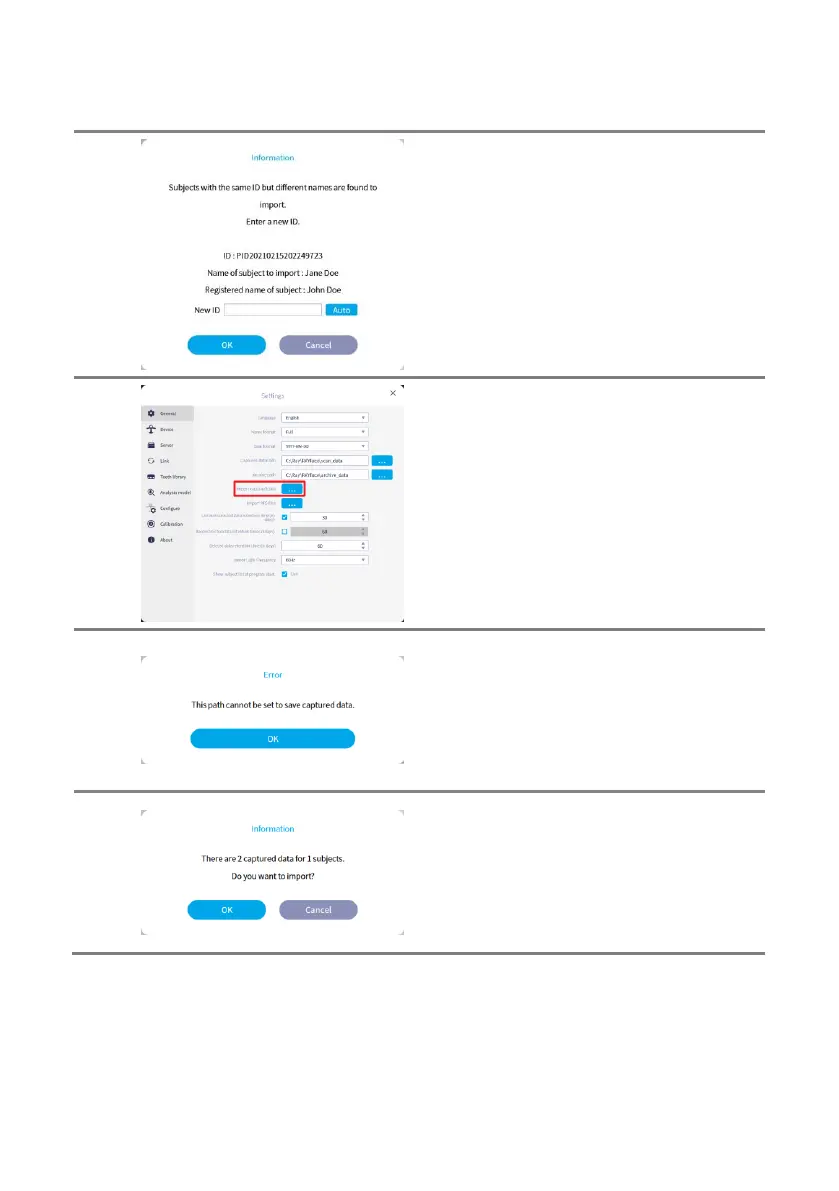
If a subject with the same ID but a different
name is imported, the ID of the subject will be
changed during the process.
The ID can be automatically generated or
entered manually.
You can import captured data from another
computer in the [Import captured data].
You can run in to this error where captured data
cannot be imported from the selected path.
If you specifiy a folder that captured data is
included, the data will be searched in the
specified folder.
Click [OK] to import the captured data.



 To Next Page