In order to import captured data, alll files are
required in the original save path.
In the original save path, the pre-reconstructed
data (captured data) and post-reconstructed
data exist.
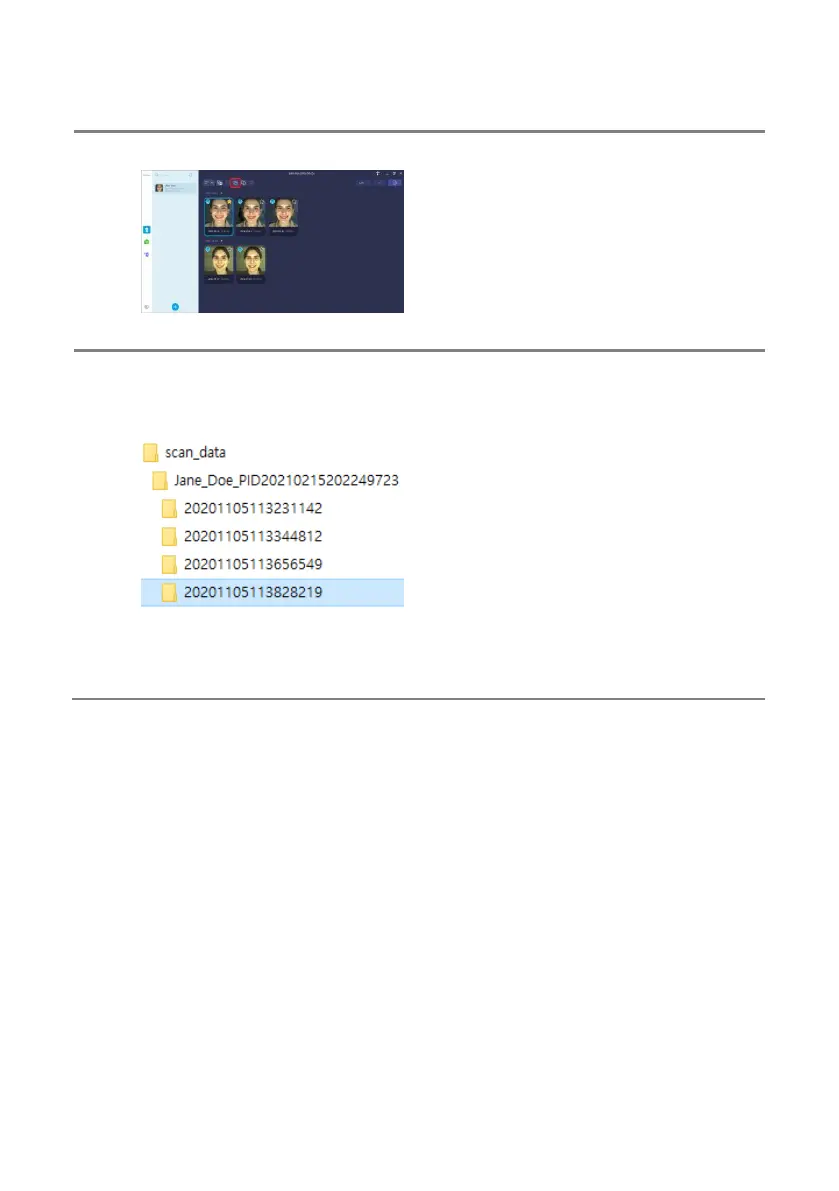
In order to access the original save path, select
the subject and click [Open captured data
folder].
Captured data is saved under Scan_Data >
path by subject > path by captured time.
To import only specific captured data, copy and
import the path by acquisition date/time.
To import the entire captured data of a specific
subject, copy and import the path by each
subject.
To import the entire captured data, copy and
import the data path.
Exported data that has been processed in
subject’s menu cannot be used for import.
Make sure to go to [Open captured data folder]
and copy the data path.



 To Next Page