RAYFace 4. Operating Software
68
You can specify from 14 to 60 days (Default: 30
days). If the check box is left unchecked, any
unreconstructed data will not be deleted.
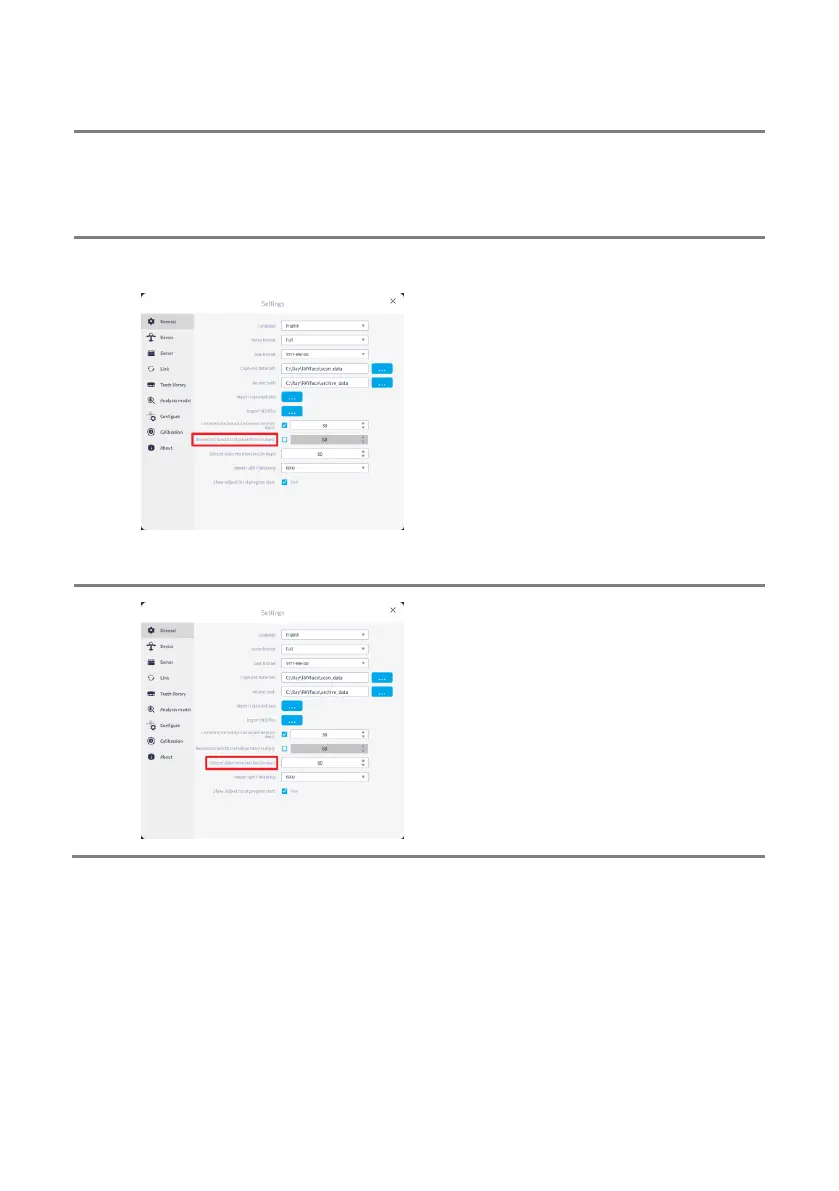
Go to [Reconstructed data retention time] and
set the retention period of data that has been
reconstructed into a 3D model among the
captured data.
Data that has been reconstructed as a 3D
model among the captured data will be
permanently deleted after a specified period to
reduce disk usage.
You can specify from 30 to 90 days (Default: 60
days). If the check box is left unchecked, any
reconstructed data will not be deleted.
Go to [Deleted data retention time] and set the
retention period of data that has been deleted.
The deleted captured data is not permanently
deleted and moved to the recycle bin. After the
specified time as set, the data will be deleted
permanently.
You can specify from 30 to 90 days (Default: 60
days).



 To Next Page