Appendix 1
Specification Sheets
RBH Access Technologies Inc. Integra32
™
Hardware Guide
45
DSC Alarm Panel Interface
It is recommended that the user be familiar with the DSC alarm panel and has the ability to program PIN codes and
parameters into the panel.
The PC100 interface has been designed to connect the Integra network to the DSC alarm panel through the keypad
bus. It will emulate a keypad when a link has been provided and report status to the Integra network when included
in the list of keypads.
Keypad States
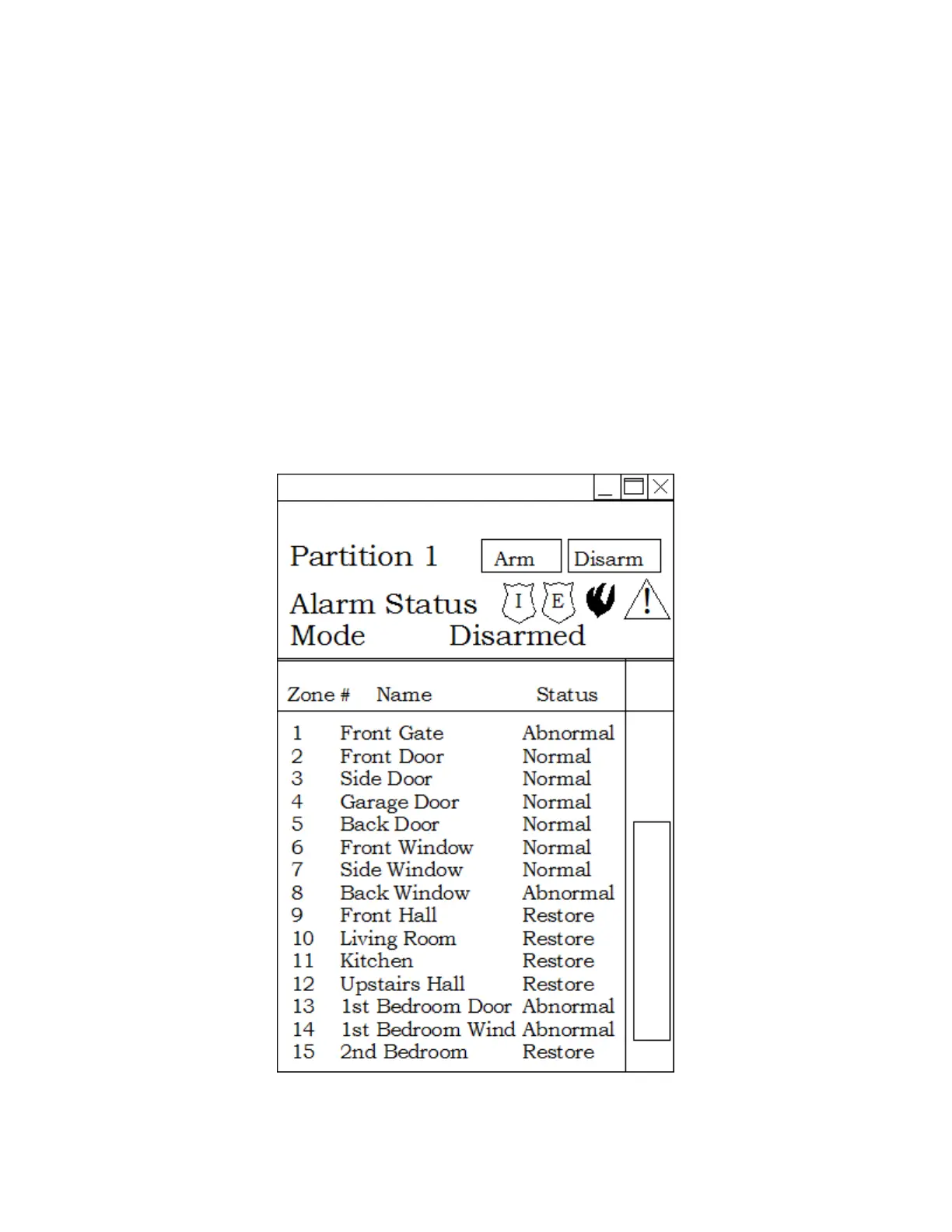
The emulated keypads in this case are representations of partition states. A partition can be armed, disarmed or in
alarm. Panic, Emergency, and Fire alarms initiated by the alarm panel will be reflected on the first keypad.
Input States
In addition to the keypads the PC100 will also emulate 256 inputs. Each input address will be mapped directly from
the DSC alarm panel interface. When an input changes state on the alarm panel the PC100 will report the change of
state as if it happened on its own panel.
Status Display



 To Next Page