Appendix 1
Specification Sheets
RBH Access Technologies Inc. Integra32
™
Hardware Guide
52
Server (Host) Site Modem:
Install modem in Windows
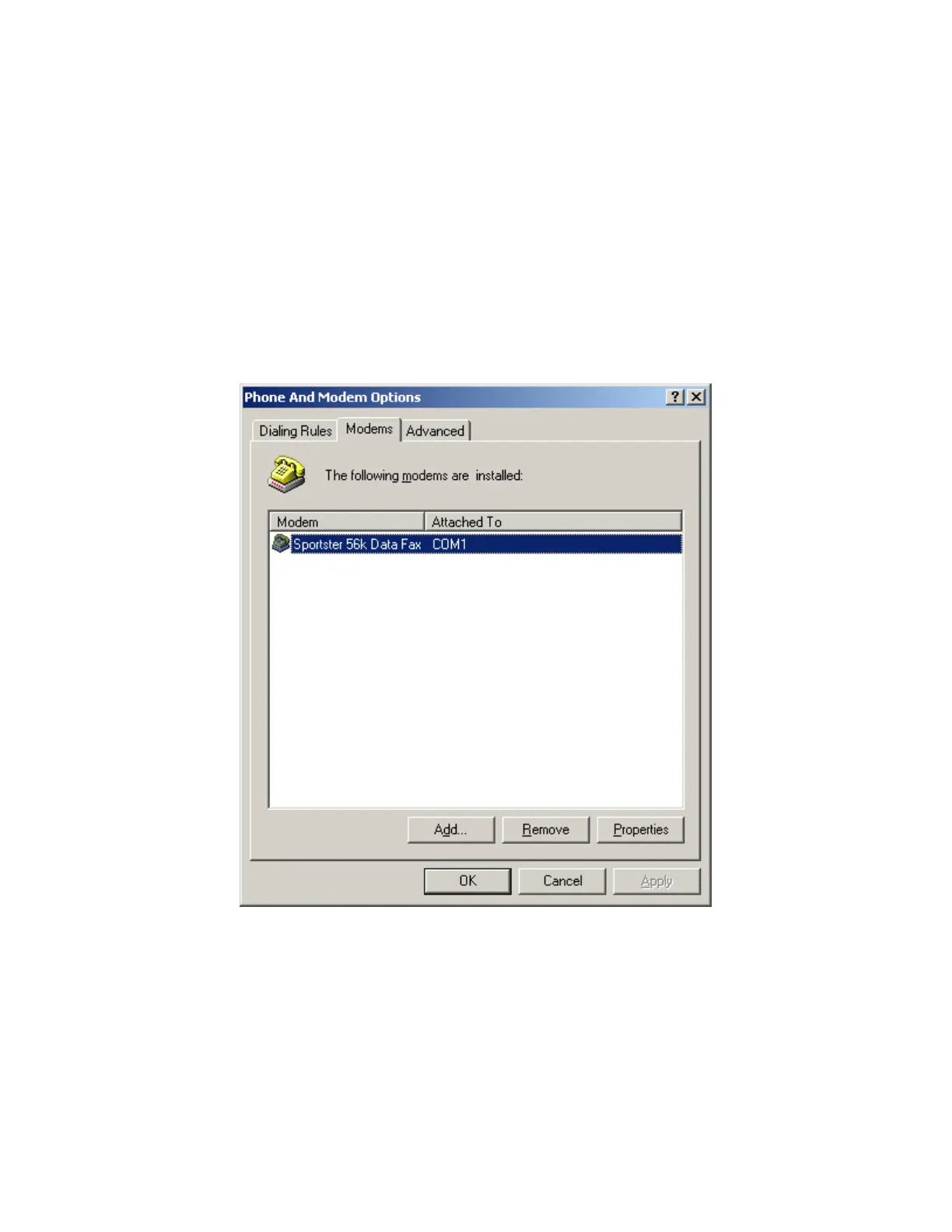
1. Use the modem setup (TAPI) screen in Windows Control Panel to install a modem for any available COM
port on the Server.
2. From the Modem Properties window you can add a modem, remove a modem, or edit modem properties
(You can access modem properties from Control Panel). Click the Add button.
Figure1: Phone and modem Options window.
3. You may choose to let the Install New Modem wizard auto detect your modem or select it yourself. You
will have to specify the COM port that you will use for that modem.
4. Once the modem has been installed, you may edit the settings to correspond with the remote site(s) settings.
5. In Figure 2, right click on modem and select properties to open modem properties window.



 To Next Page