Chapter 2
Intelligent Field Panel
RBH Access Technologies Inc. Integra32
™
Hardware Guide
5
DIP Switch Settings
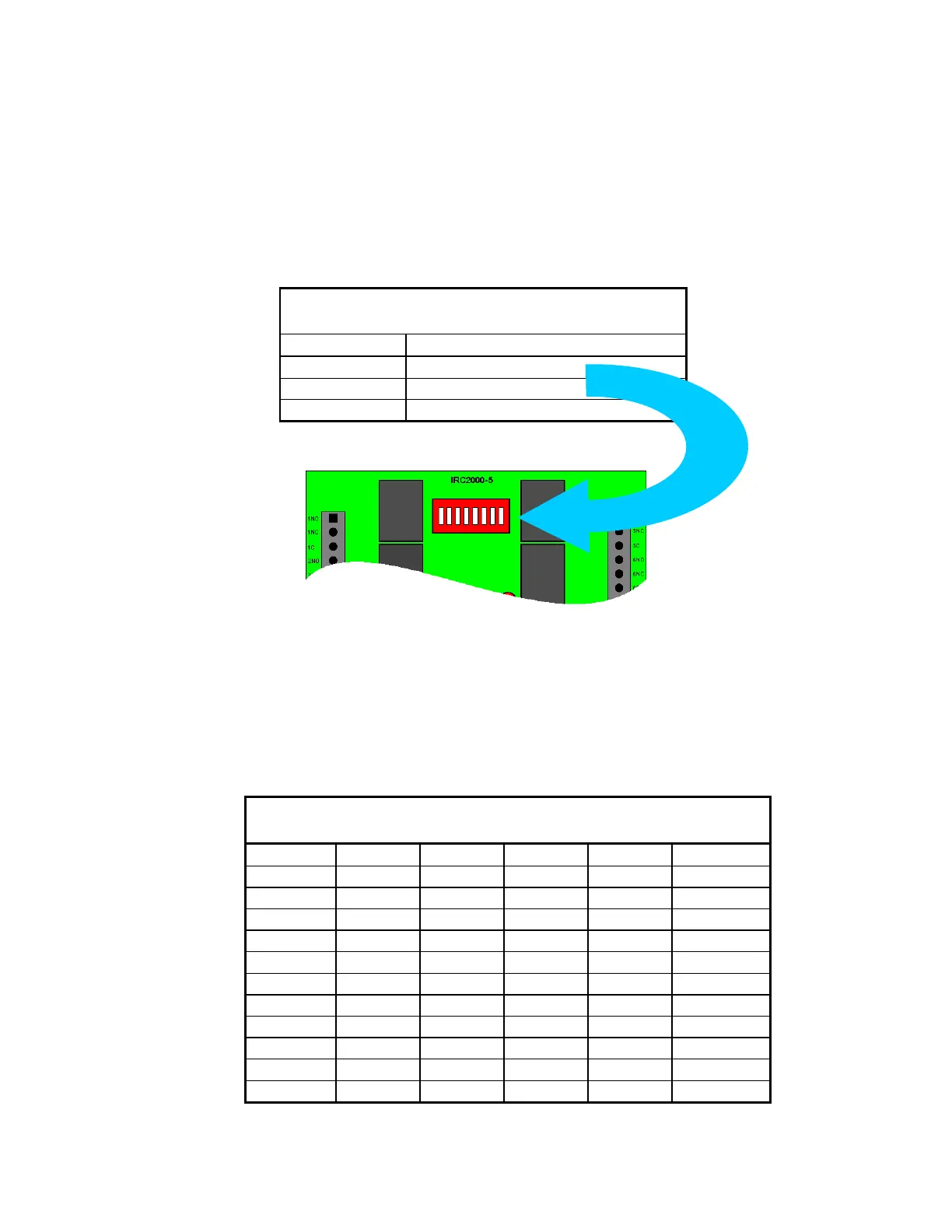
The IRC-2000‟s DIP switches control a number of operating parameters including the
device address and serial port baud rate. The controller must be powered down to accept
any changes in the DIP switch settings. Use DIP switches one through five to set the
controller address. Switches six and seven set the communication baud rate, and switch
eight is used to set the connection type (modem or direct).
Modem/Direct PC Connection
Controller Addressing
Use DIP switches 1, 2, 3, 4, and 5 to select the controller address. The address is binary
coded and the switch settings for all sixteen possible addresses are given below.



 To Next Page