EasyManua.ls Logo

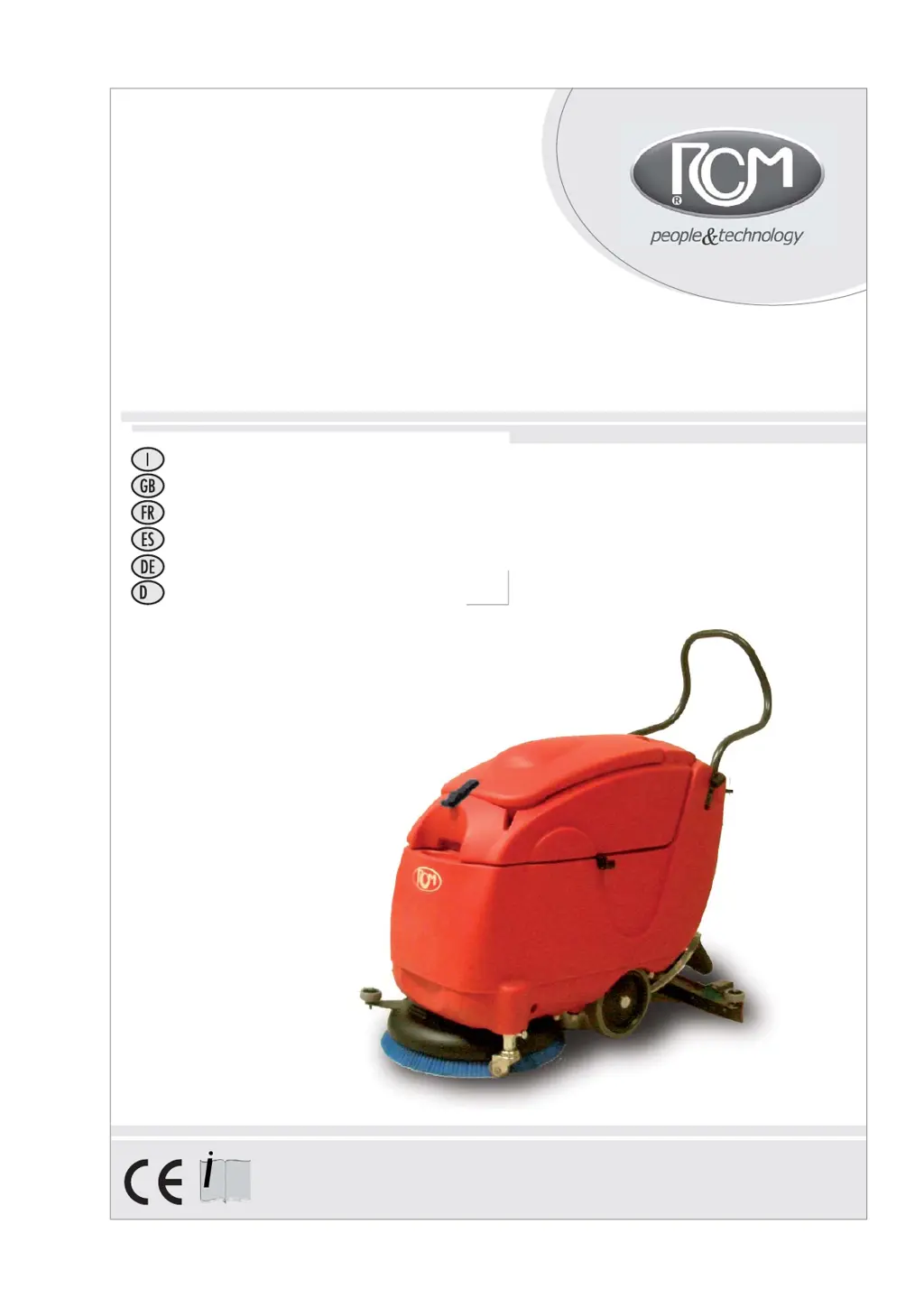
RCm BYTE - User Manual

RCm BYTE
94 pages
Go to English
Print Icon
To Next Page IconTo Next Page
Loading...
RCM S.p.A.
via Tiraboschi, 4 - 41043 Casinalbo - Modena - Italia
Tel. +39 059 515 311 - Fax +39 059 510 783
www.rcm.it - info@rcm.it
A19.2181
01/2010
33.BY.001 BYTE 461 C
33.BY.002 BYTE 461 CB
BYTE
BYTE
Manuale d’uso e manutenzione
Instruction and maintenance handbook
Notice d’utilisation et entretien
Manual de uso y mantenimiento
Handbuch für Gebrauch und Wartung
Bruger- og vedligeholdelsesmanual
A

Table of Contents

Questions and Answers

  • M
    Michael AndersonJul 27, 2025
    Why won't my RCm BYTE Blower switch on?
    • P
      Paul RussellJul 27, 2025
      The RCm Blower may not switch on due to several reasons: the battery charge might be low, so check the charge status and recharge if needed; the batteries might not be connected properly, so connect the batteries as shown in the battery connection diagram; the 230V AC cable might be disconnected (for AC-powered machines), so connect the cable to the electrical network; the 3A electronic control fuse might be blown, so check and replace it if necessary; or the start-up switch key might not be turned to position “1”, so turn the key to that position.
  • J
    John MartinezJul 31, 2025
    What to do if my RCm BYTE Blower squeegee doesn't dry the floor completely?
    • A
      Angela LewisJul 31, 2025
      If the squeegee on your RCm Blower isn't drying the floor completely, there could be a few reasons. The squeegee drainage tube might be disconnected, so reconnect it. Also, the suction tube could be clogged, so dismantle and clean it. Debris might be caught in the squeegee, so remove any debris. There could be suction loss, so fix any leaks. The tube and suction motor gaskets located under the recovery tank might be damaged, so replace the gasket(s). Finally, the squeegee blades might be worn, so turn or replace the blades.
  • S
    Steven FlemingAug 4, 2025
    Why is my RCm BYTE not cleaning well?
    • C
      chandlersamanthaAug 4, 2025
      If your RCm Blower isn't cleaning well, it could be due to a worn brush, which should be replaced. The cleaning solution might be unsuitable, so replace it with a more appropriate one. The brush might not be suitable for the floor type, so use suitable brushes. Lastly, the work speed might be too high, so reduce it.
  • D
    Dennis HallAug 9, 2025
    What to do if suction motor does not switch on in RCm BYTE Blower?
    • A
      Alyssa WhitneyAug 9, 2025
      If the suction motor on your RCm Blower does not switch on, first check if the batteries are connected and connect them if they are not. Next, inspect the suction motor carbon brushes for wear and replace them if necessary. Also, check if the suction motor is disconnected or damaged; check the connection or replace the motor if needed. Finally, see if the fuse is blown and replace it if it is.
  • J
    John HallAug 13, 2025
    Why does RCm BYTE Blower spray water in the joint space between tiles?
    • S
      Steven TaylorAug 13, 2025
      The squeegee has not been assembled and regulated correctly, so you need to properly assemble and regulate squeegee.
  • C
    Catherine JohnsonAug 17, 2025
    What to do if cleaning solution doesn't come down on the brushes of RCm BYTE?
    • N
      Nicholas MartinAug 18, 2025
      If the cleaning solution isn't coming down or only a small amount is coming down on the brushes of your RCm Blower, the brush water hose may be clogged, so clean the tube. The electrovalve may be damaged or dirty, so clean and/or replace the electrovalve. The filter may be clogged or faulty, so clean or replace the filter.
  • L
    lori99Aug 22, 2025
    What to do if the brush does not rotate in RCm BYTE?
    • K
      Kellie GarciaAug 22, 2025
      If the brush does not rotate in your RCm Blower, ensure the batteries are connected. If not, connect them. Also, check the motor carbon brushes for wear and replace them if necessary. Finally, inspect the motor for disconnections or damage; check the connection or replace the motor if needed.

Summary

Preliminary Information

General Safety Alerts

Highlights behavioral norms and residual risks for safe operation.

General Safety Regulations

Operator Safety & Machine Stability

Stresses qualified operator use, preventing modifications, and ensuring machine stability during operation and transport.

Washer-Dryer Start-Up and Use

System Activation and Operation Modes

Details how to start the machine, control brush, suction, and adjust traction for different dirt levels.

230 V.AC Cable-Operated Machine Precautions

Power Cable Safety and Integrity Checks

Emphasizes safe handling of the power cable, including inspection for damage and proper replacement.

Washer-Dryer Cleaning

Washer-Dryer Maintenance

Brush and Squeegee Blade Replacement

Guides on how to replace worn-out brush or squeegee blades for optimal cleaning performance.

Maintenance and Control Programme

Troubleshooting Common Machine Issues

Provides a guide to diagnose and resolve common defects, causes, and their remedies.

RCm BYTE Specifications

General IconGeneral
BrandRCm
ModelBYTE
CategoryBlower
LanguageEnglish

Related product manuals