reachrobotics.com
info@reachrobotics.com | +61 (2) 9519 7651
22
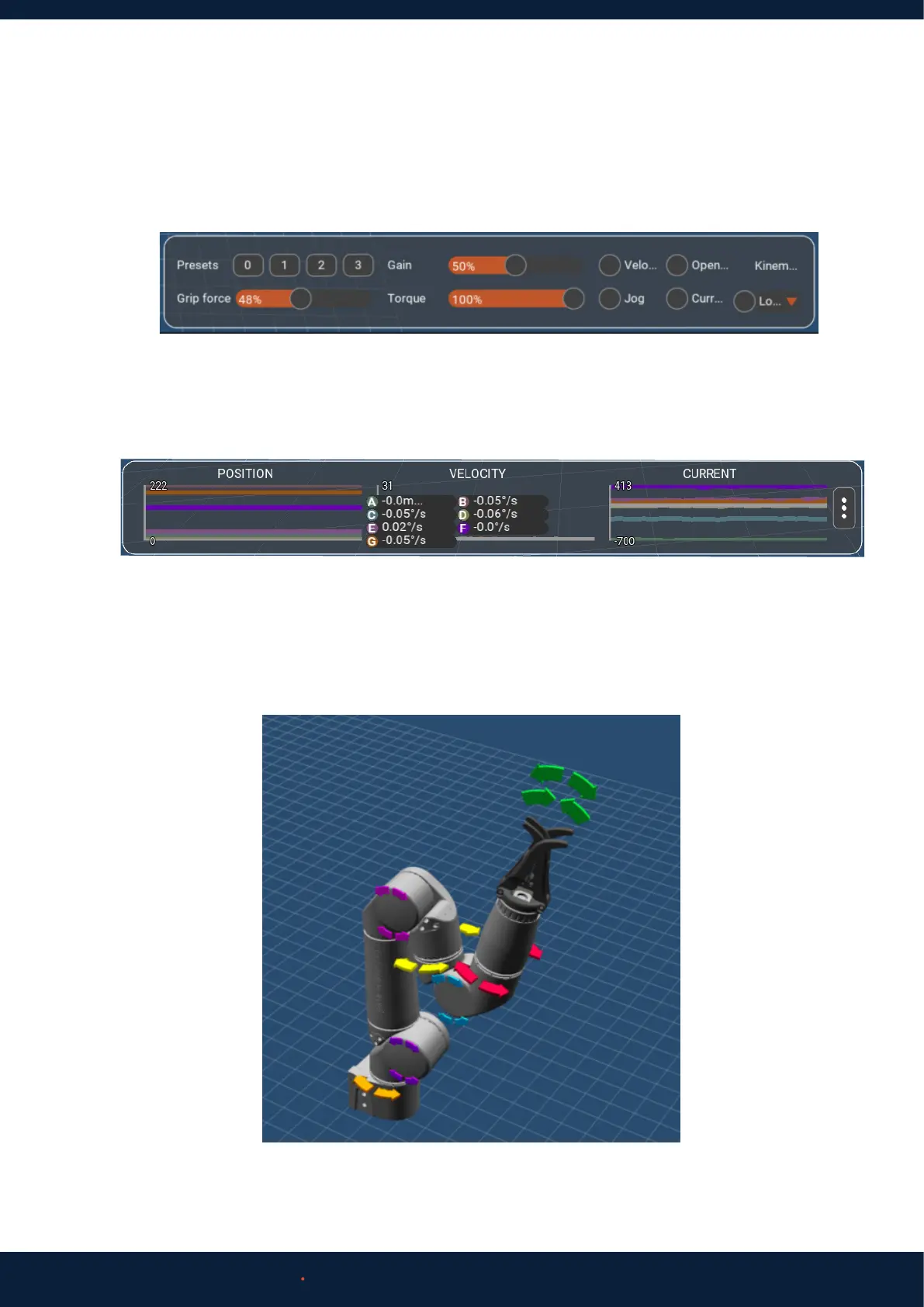
1. On the control panel in the bottom right of Reach Control, click the velocity button. Directional arrows will appear on the
3D model.
6.2 ACCEPTANCE TEST
6.2.1 Range of Motion Test
2. Click Settings (Cog Icon) > Display > Feedback. The monitoring panel will open at the bottom of the screen. Clicking on
any of the graphs will bring up the numeric values for each joint.
3. Making sure it is safe to do so, use the directional arrows in the 3D model of the arm to rotate each joint.
4. Move each joint for a few seconds in each direction. Ensure movement is as expected and corresponds with control
input.



 To Next Page