Operation 5
BAL_K21_EN_3V3_BLA_121-006423019 29 / 44
5.5 Key operated switch BDE-V
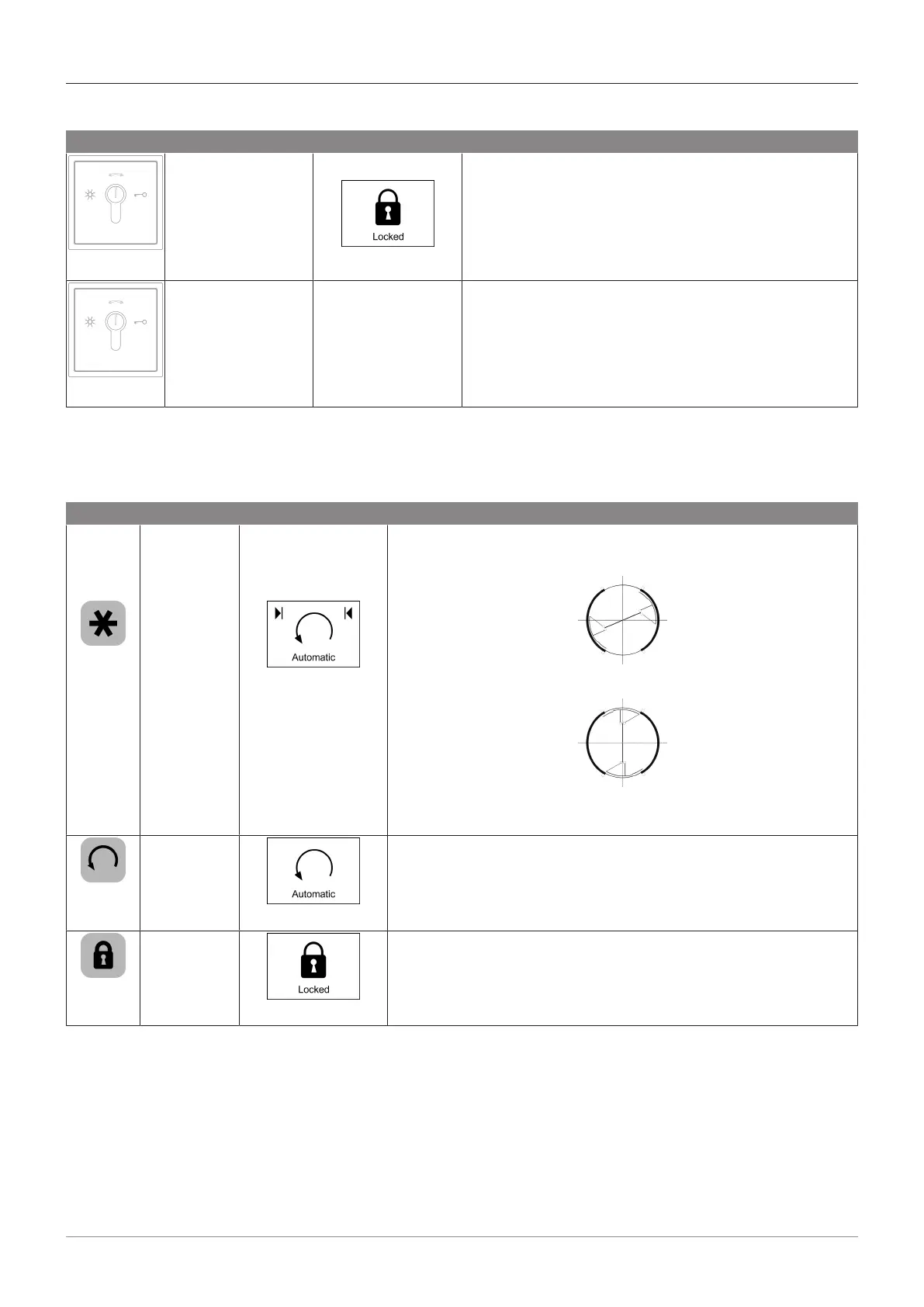
Key Function Symbol Description
Locked
Locked
– By turning the key switch to the right until it stops,
the operating mode "Locked" is selected.
Unlocked
Varies, depending
on the preset mode
Varies, depending
on the preset mode
– By turning the key switch to the left until it stops, the
operating mode is changed from "Locked" to the ori-
ginal preset mode on the BDE-D-KTA.
5.6 Revolving door mode
5.6.1 Special functions selection
The special functions can be selected on the control unit BDE-D-KTA by pressing the respective key.
Key Function Symbol Description
Change the
start posi-
tion
– Change the start position from
– the normal position
– to the special position
– The start position can also be changed in the "One Way" oper-
ating mode
press
again
One rotation
– Pressing the key once activates a rotation in the "Automatic"
operating mode.
press
again
Open once
– Pressing once unlocks the revolving door and activates a rota-
tion (if locking is available).
– Then it will lock again, once the closed position is reached
again.







 To Next Page