5 Operation
30 / 44 BAL_K21_EN_3V3_BLA_121-006423019
5.7 Sliding door mode
5.7.1 Selecting special functions
Key Function Symbol Description
Manual op-
eration
– Press key approx. 2 seconds or 2 x briefly in a row.
– Sliding door can be used manually.
– Back to a different operating mode
– Press the desired key (i.e. Automatic).
Open one
time
– Sliding door is closed.
– Press the key 1 time, the sliding door will activate an opening /
closing motion.
– The sliding door will then close again.
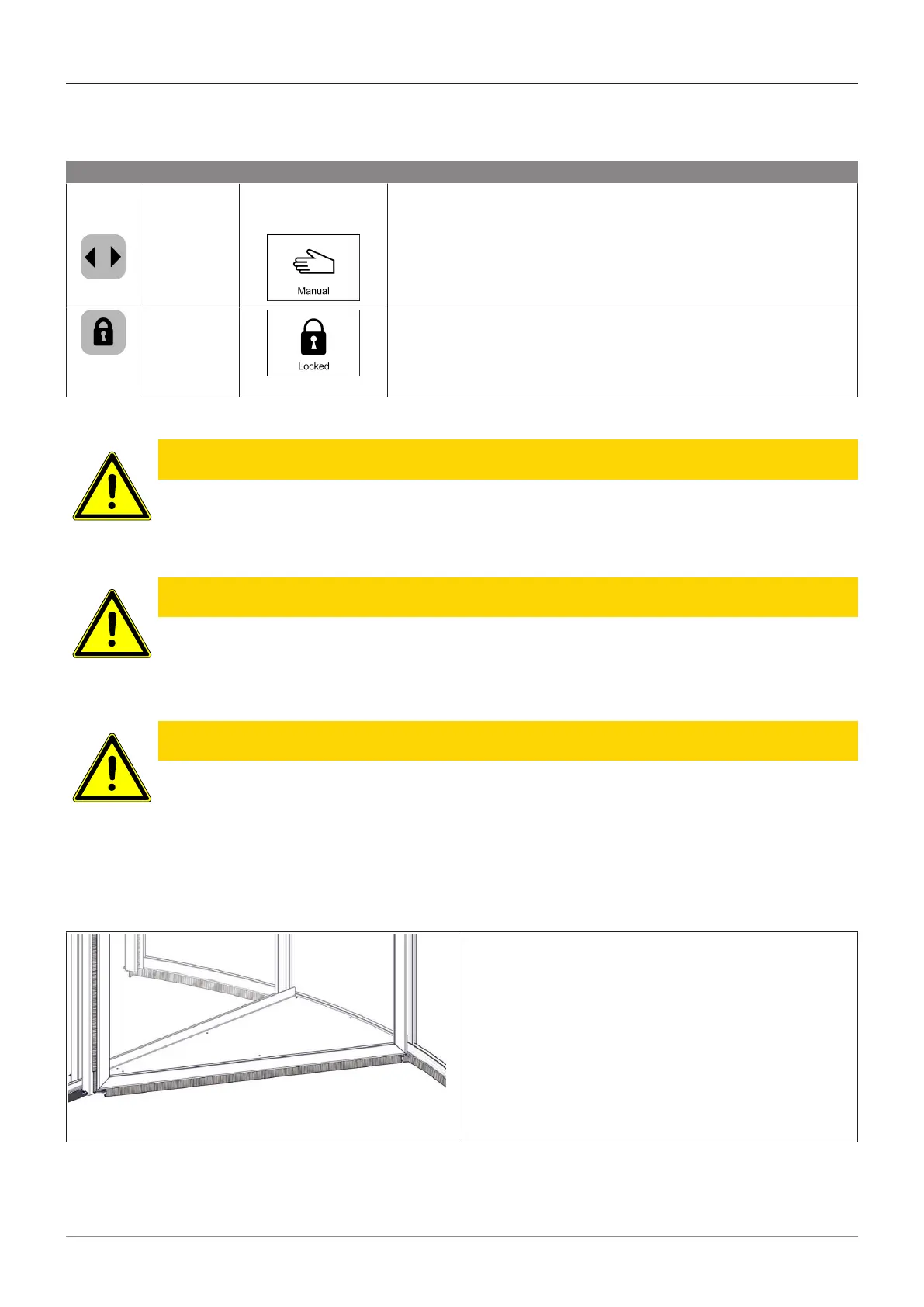
5.8 Display show cases
CAUTION
Risk of crushing due to rotation unit
a) Squeezing, shearing or retracting fingers/hands and feet
ð Before opening the display case door, make sure that the revolving door (rotation unit) no
longer rotates.
CAUTION
Pinching the fingers
a) Squeezing, shearing or retracting fingers/hands and feet
ð Do not drop any objects into the sliding door clearance.
ð Do not reach into the driving gap or rest on the glass panes.
CAUTION
Damage to persons or property caused by display cases
a) Personal injury or damage to property
ð The maximum permissible payload per display case is 15kg. This weight must not be exceeded.
ð The stay of persons in the showcase is forbidden.
ð There must be an even weight distribution per display case.
ð The load items must be secured against slipping. The sliding leaf of the automatic sliding door
must not be obstructed or blocked in its opening movement.
– Press the CONTINUOUS ROTATE mode on the
BDE-D control unit.
– As soon as the rotation unit has reached the desired
position, press the CONTINUOUS ROTATE button
again.
– The revolving door stops and changes to the
MANUAL OPERATION mode.
– Activate operating lock on the BDE-D (see chapter:
Operating lock via keyboard).
– Showcase door can be opened.







 To Next Page