Troubleshooting 7
BAL_K21_EN_3V3_BLA_121-006423019 37 / 44
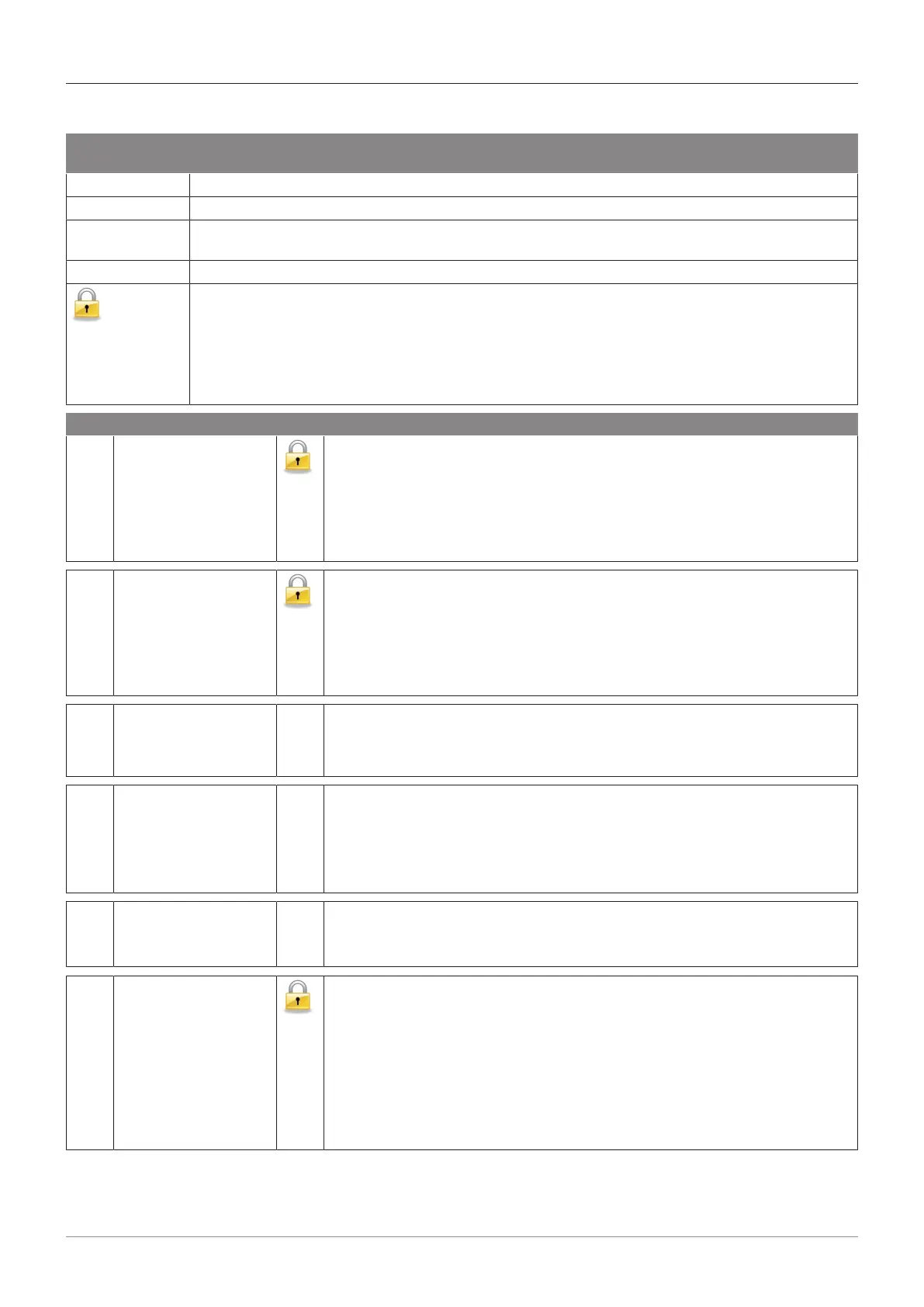
7.1.3 General BDE-D status messages and potential troubleshooting
Abbreviation /
Symbol
Meaning
Nr. Status or error number
H General instructions
R A service technician is required for resetting the error display. After removing an error, no auto-
matic reset happens.
W No serious malfunction but only a warning message.
Despite an active error the door can be provisionally locked as follows:
– Set BDE-D on MANUAL operating mode
– Slide door leaves by hand into closed position (STA)
– Set BDE-D on LOCKED operating mode
– Door remains closed and locked
No. Display text H Comments and possible troubleshooting
3 AKI active An opening signal is permanently activated on the inner side of the door (e.g.
permanent movements in front of the interior motion detector).
– Remove objects moving within the detection area of AKI sensors.
– The reaction time for the error can be configured or the error message
can be disabled (see Parameter → Miscellaneous → Alarm display →
Time activation).
5 AKA active An opening signal is permamently activated on the outer side of the door
(e.g. permanent movements in front of the exterior motion detector).
– Remove objects moving within the detection area of AKI sensors.
– The reaction time for the error can be configured or the error message
can be disabled (see Parameter → Miscellaneous → Alarm display →
Time activation).
48 NSK or SÖK activated STA: Emergency closing or safety opening is active.
– Reset switch / button
– Control wiring and external components
54 Calibration run W A door run is performed to learn the door parameters (travel distance, door
mass, friction, ...).
– STA: Trigger several door openings (normally 2) until the message dis-
appears.
– DFA: Trigger calibration run.
55 Power failure STA: No power supply. Depending on equipment, configuration and door
type, the door continues to function in battery operation mode.
– Connect to mains
59 SIS enabled A safety signal in closing direction is permanently active.
STA/DFA: Depending on configuration, the door reverses, stops or creeps
(see Parameter → Input/output → SIS).
– Remove objects moving within the detection field of SIS sensors.
– Check wiring, settings and function of the SIS sensor.
– The reaction time for the error can be configured or the error message
can be disabled (see Parameter → Miscellaneous → Alarm display →
Time safety).







 To Next Page